
Construction project overview
The overview modules answer the first question of any working day: what needs attention right now.
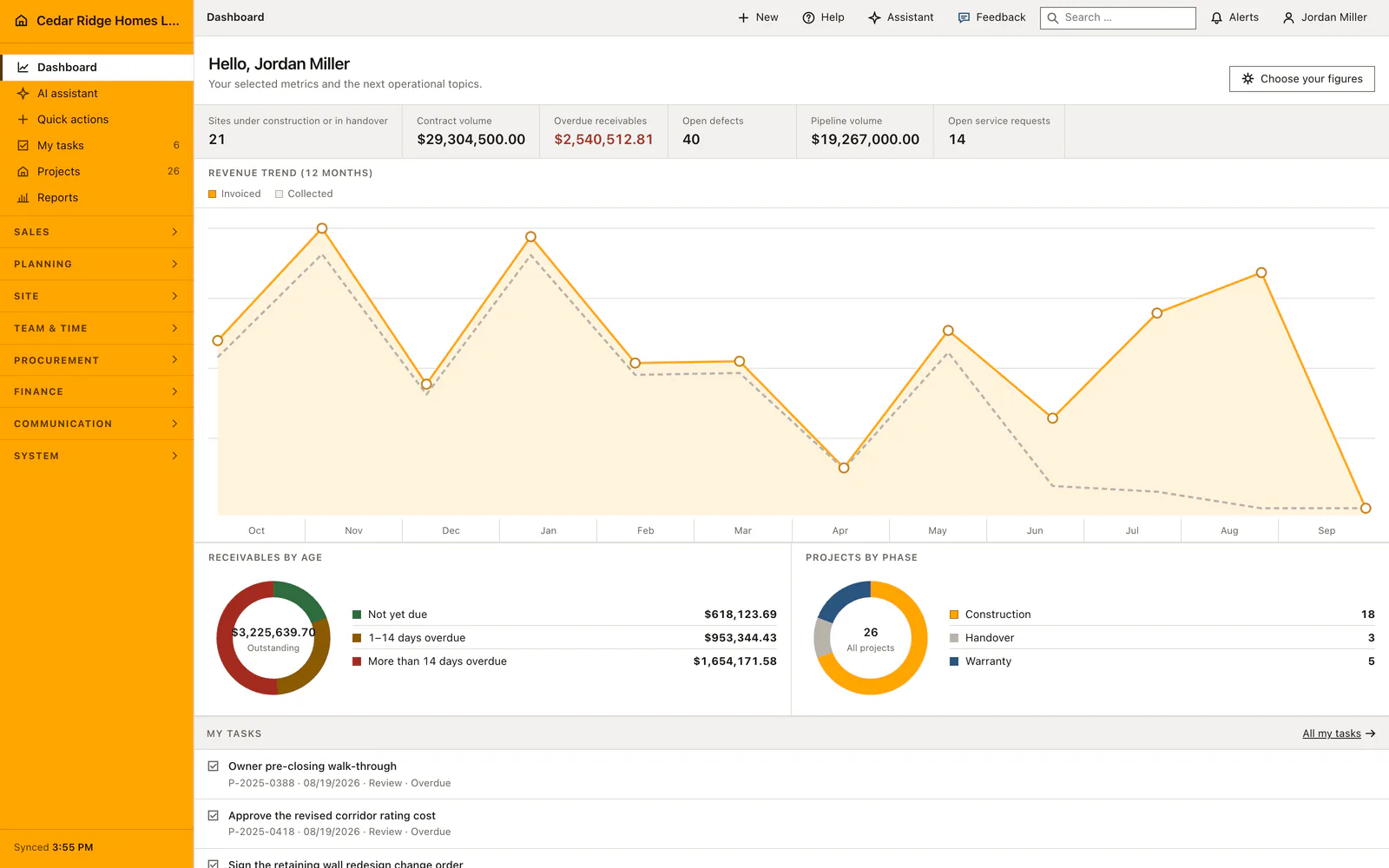
Owners, project managers and site staff open a configurable dashboard, their own task list, the project file and the reports built on the same records. Nothing here is a separate reporting layer that somebody has to feed. Every figure is read from the projects, invoices and field entries the team already maintains, and each one opens the record behind it.
Overview modules in Home Builder Software
Construction dashboard
Configure a practical home builder dashboard for active projects, contract volume, overdue invoices, open defects, pipeline value, service requests and current workforce figures.
AI assistant for construction data
Ask Home Builder Software about permitted company and project data, see the sources used, and review proposed write actions before anything changes.
Permission-aware quick actions
Start the construction records you are allowed to create from one grouped page while keeping the currently selected project in context.
My construction tasks
Give every employee a focused view of assigned and available work, including phase, due date, checklist status and progress.
Home building project management
Manage every home-building project with contract value, billing, schedule status, progress, customer record, cost groups and current decisions in one project file.
Construction business reports
Review live revenue, receivables, backlog, pipeline, project ownership and receivable age without rebuilding the same construction report in spreadsheets.