
Construction budget control
Compare planned, committed, invoiced and forecast cost by project and DIN 276 cost group to identify overruns before reviewing the underlying records.
Construction budget control: how it works in Home Builder Software
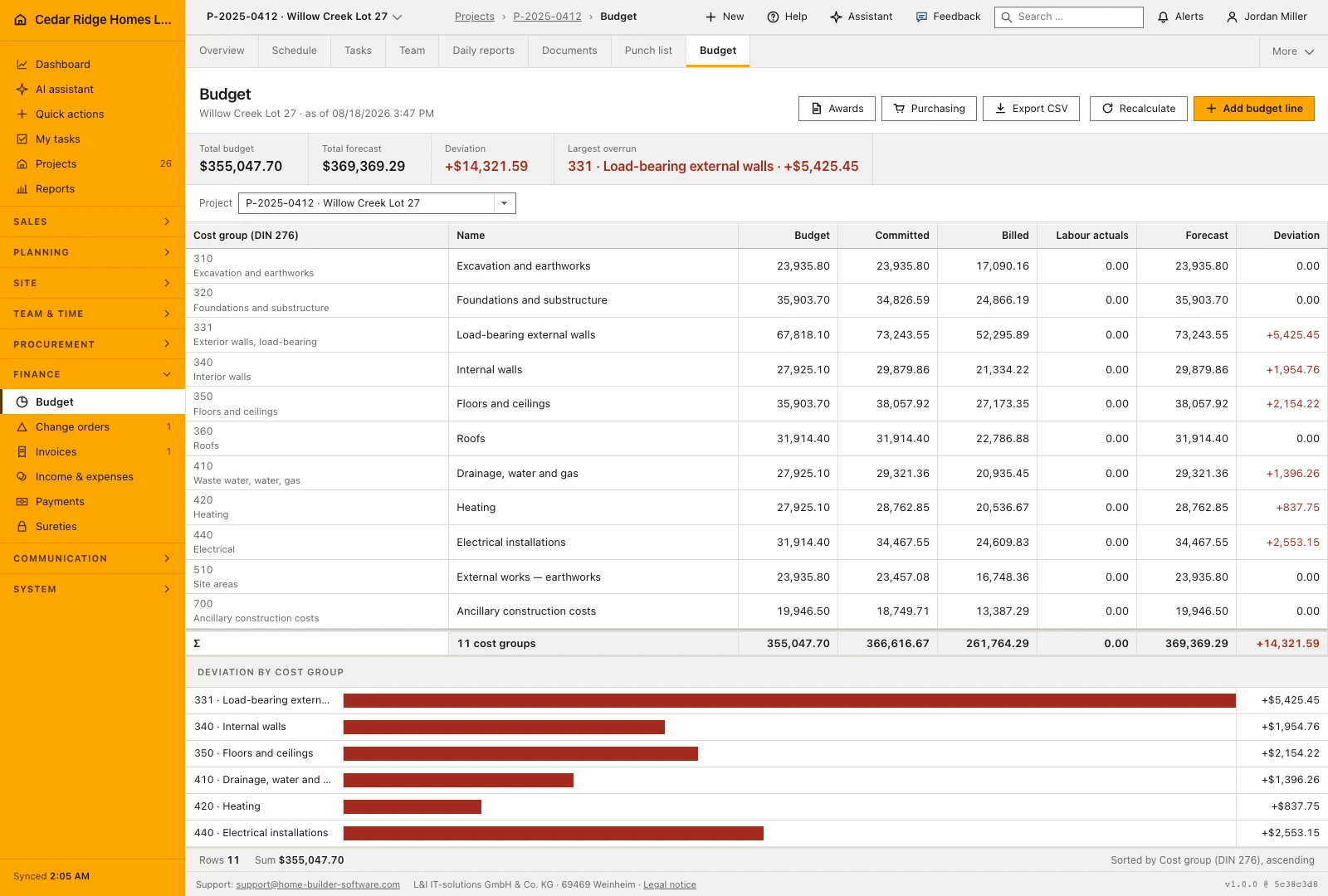
Budget answers the question a site meeting cannot: will this project still land where it was planned. Every figure sits on a DIN 276 cost group, and four columns run beside each other — budget, committed, invoiced and forecast — so a commitment signed three weeks ago already shows up as future cost instead of surfacing at final billing.
The rollup reads commitments from purchase orders that are sent, confirmed, partially or fully delivered, plus the award amount of every let package. Invoiced cost comes from expense and purchase entries once they are booked or paid. Forecast follows the commitment: as soon as something is ordered it becomes the higher of committed and invoiced, otherwise the plan value holds. Cost groups the plan never mentioned appear as their own unbudgeted line rather than staying invisible.
Recalculation runs after every purchase order, receipt or budget line that could move a column, and the as-of timestamp in the heading tells you when that last happened rather than when you opened the page. Variance per cost group drives the bar chart and the largest overrun headline, the header links straight to the award and purchasing records behind the committed column, and a line carrying commitments cannot be deleted.
Adding a budget line or taking the estimate over
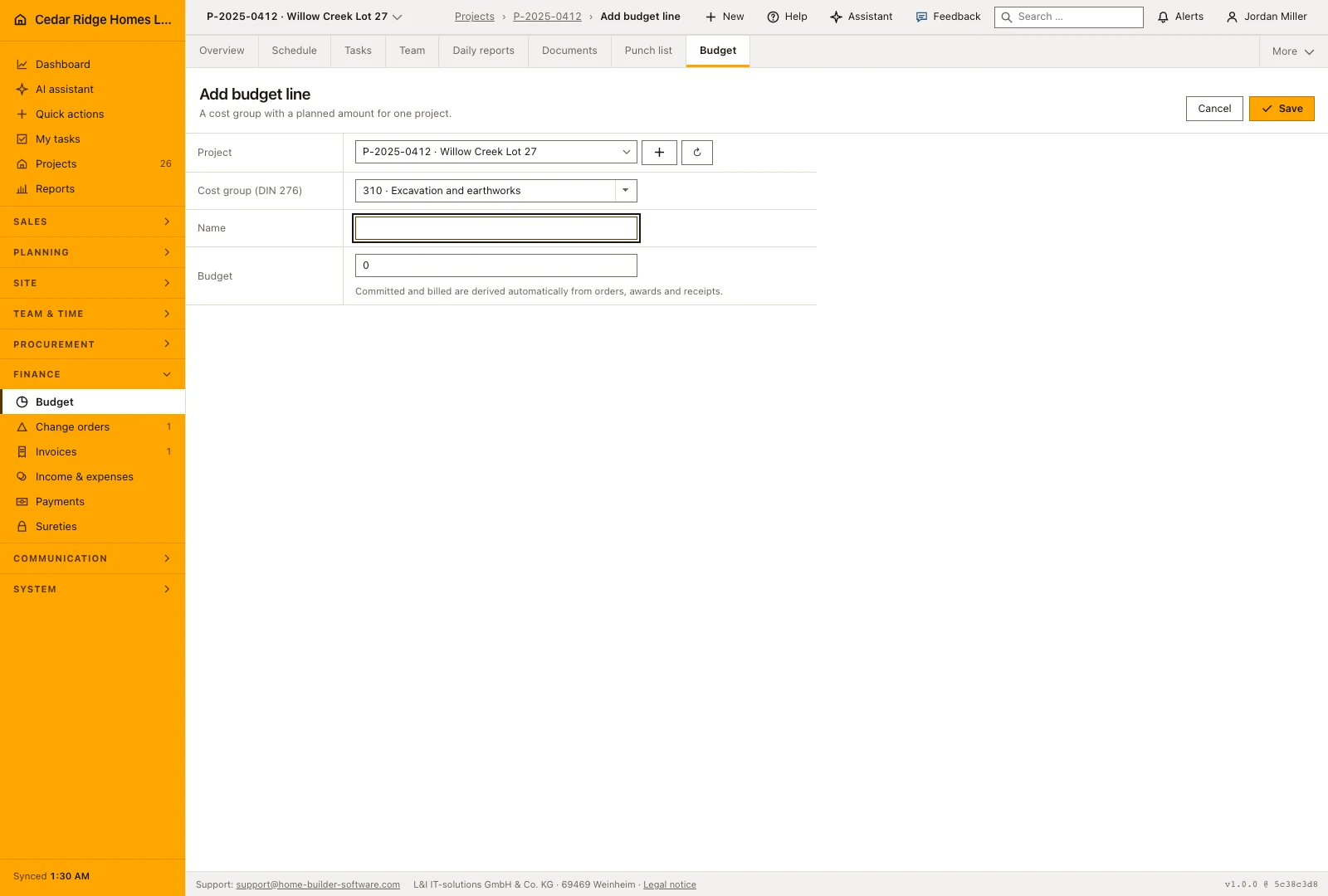
The form asks for the job, the cost group, a name and a planned amount. A job and a cost group together are unique, so saving the same pair again updates the line that exists instead of creating a twin. Only the name and the planned amount stay editable afterwards; committed, invoiced and forecast belong to the documents behind them and are not typed in by hand.
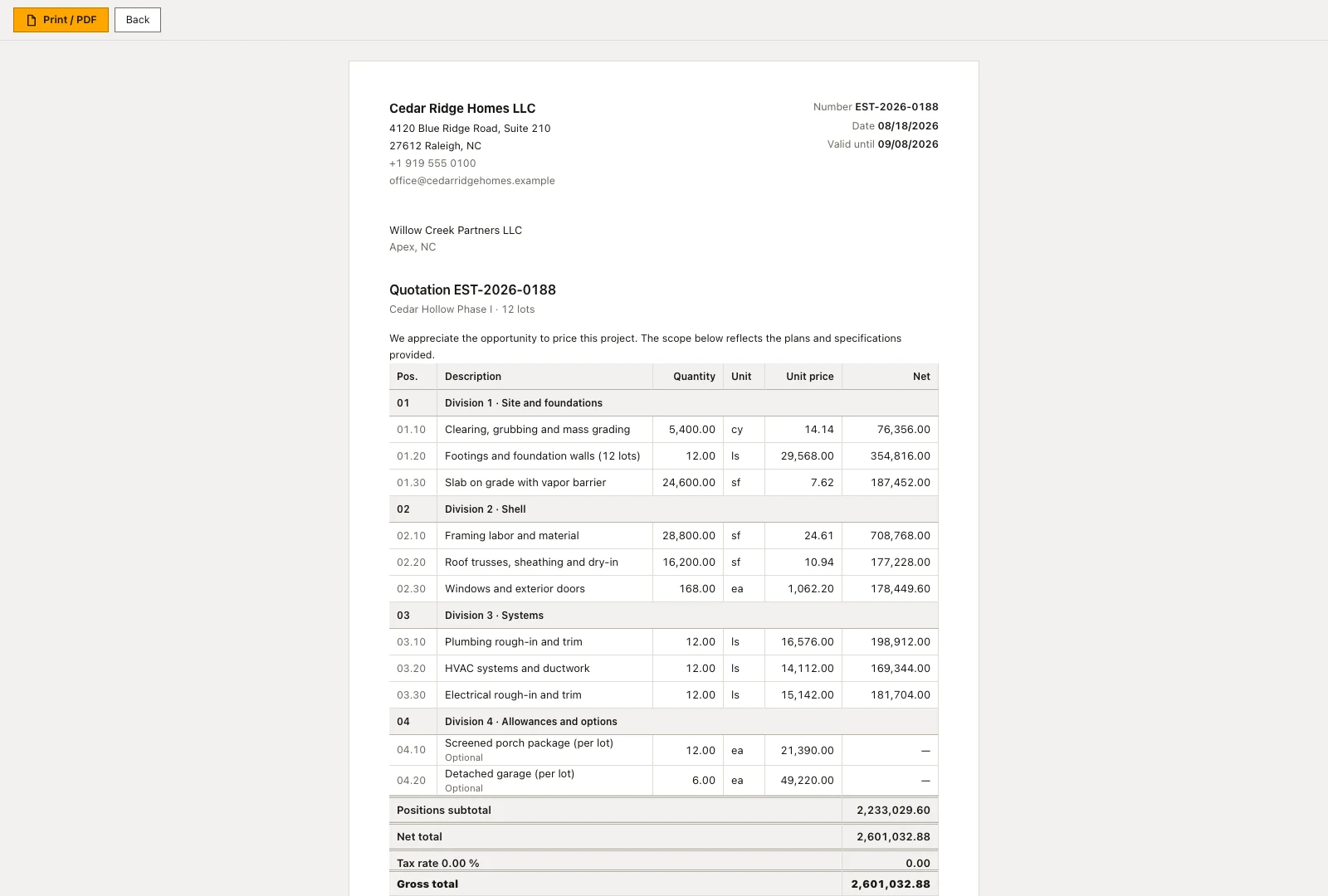
Where a site was priced, the fastest budget is that pricing: the empty state offers the newest costed estimate for transfer beside the manual route. Deletion works only while a line is still untouched. As soon as it carries a committed or an invoiced amount the software refuses, because the line then records something that has happened.
 Open full-size screenshot
Reading variance per cost group and the largest overrun
The table runs cost group, name, budget, committed, invoiced, labor actuals, forecast and signed variance, closed by a total row across every group. Sorting follows the cost group number upward. Red marks an overrun, green an underrun, and the sign is printed alongside the color. The metric band adds total budget, total forecast, the summed variance and the largest overrun named by code, group name and amount.
Below the table, one bar per cost group with a variance other than zero shows how the overruns compare; groups sitting exactly on plan stay out rather than being drawn empty. The CSV export writes the same columns plus labor actuals per group into a file named after the project number and the export date, ready to leave the application for a controller.
Where committed, invoiced and labor actuals come from
The budget brings together the plan and the records that turn it into actual commitments and costs. Purchase orders and awards explain committed amounts, booked finance entries explain invoiced costs, and approved time entries contribute labor actuals under their assigned cost groups. If a figure is unexpected, open the underlying register and check the project, cost group and status of the record that contributes to it.
The forecast deliberately follows reality: as soon as anything is committed or invoiced it takes the higher of the two, and below that the planned amount stands. Cost on a group the plan never mentioned gets its own line marked as not budgeted with a plan of zero. The page head links to the award register and the purchasing list, because the committed column is made of exactly those two.
 Open full-size screenshot
Construction budget control in the daily routine
Commercial management opens Budget with a project selected, reads the largest overrun straight from the metric band, then walks down the cost group that carries the red variance and compares forecast with plan. The committed column links to the awards and purchase orders behind it, so the next click lands on the document that caused the jump. After a new order or a booked supplier receipt, Recalculate refreshes committed and invoiced, and the corrected figure travels back into the project file.
Read the documentationConstruction budget control: what it covers
See total budget, forecast, variance and largest overrun
Review cost-group values with positive and negative variance
Switch between projects that contain budget data
Construction budget control: questions and answers
What does the budget timestamp mean?
It shows when a budget line was last changed, not when the page was opened.
How is an overrun identified?
Forecast cost is compared with budget by cost group; overruns are highlighted and the largest one is named.
Use Construction budget control on your own projects
Request a trial period for the workflow around this module. We agree the roles, permissions and useful scope with you before preparing access.