
Construction budget control: setup and daily use
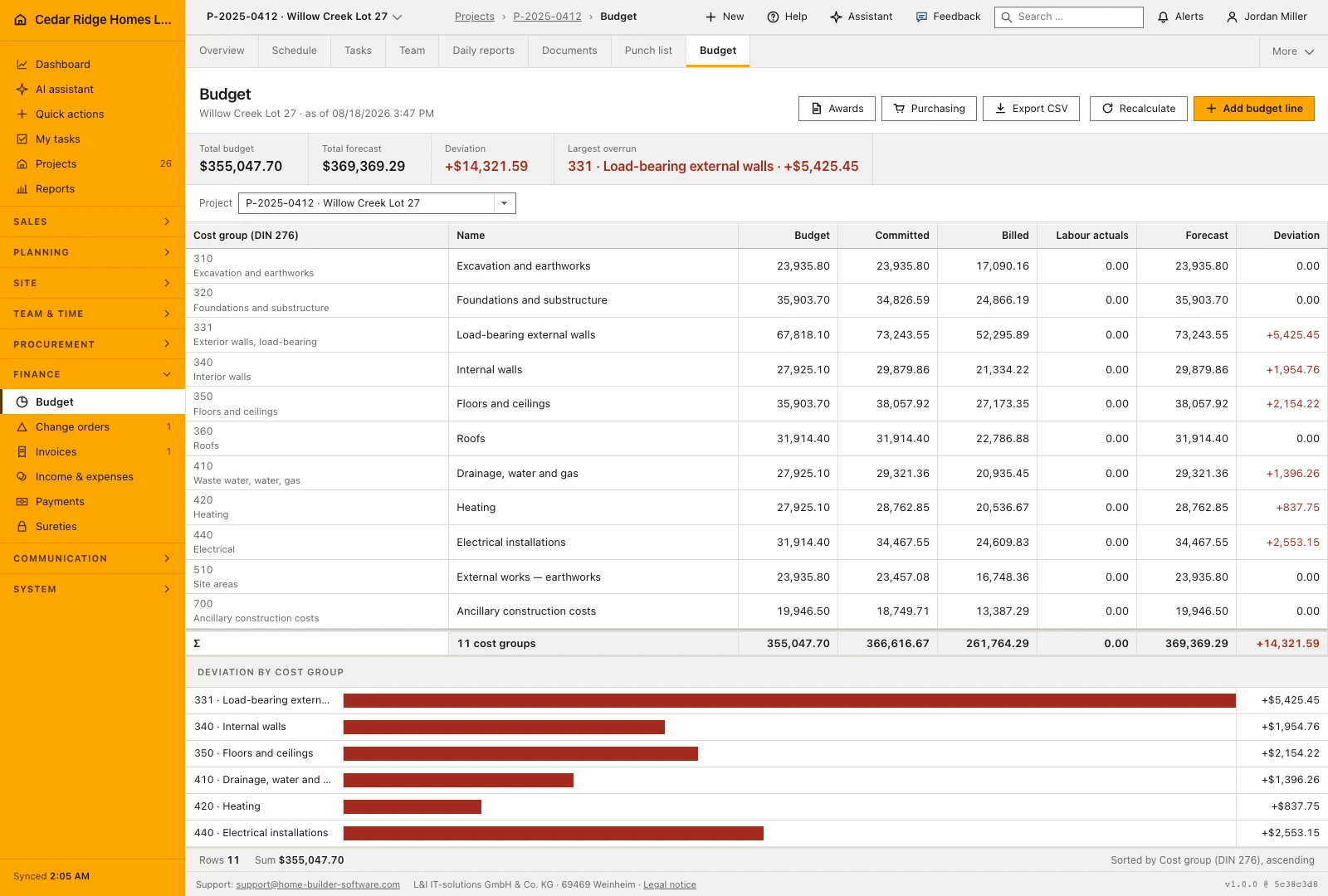
Budget lines up the DIN 276 cost groups of one job: planned, committed, invoiced, labor actuals, forecast and variance. On /budget the selector picks the site, and the metric band names the largest overrun with its group and amount. Reading asks for finance.view; adding, editing, deleting a line or running the recalculation asks for finance.manage. Committed and invoiced come from documents, never from typing.
Cost group catalog, job selection and the finance.manage right
The selector carries every job of the company, including one that has no budget line yet, because that is usually the site you came here to give a budget to. An unknown or foreign id in the address falls back to a project of your own instead of showing somebody else's figures. The page opens with finance.view, while every writing control asks for finance.manage.
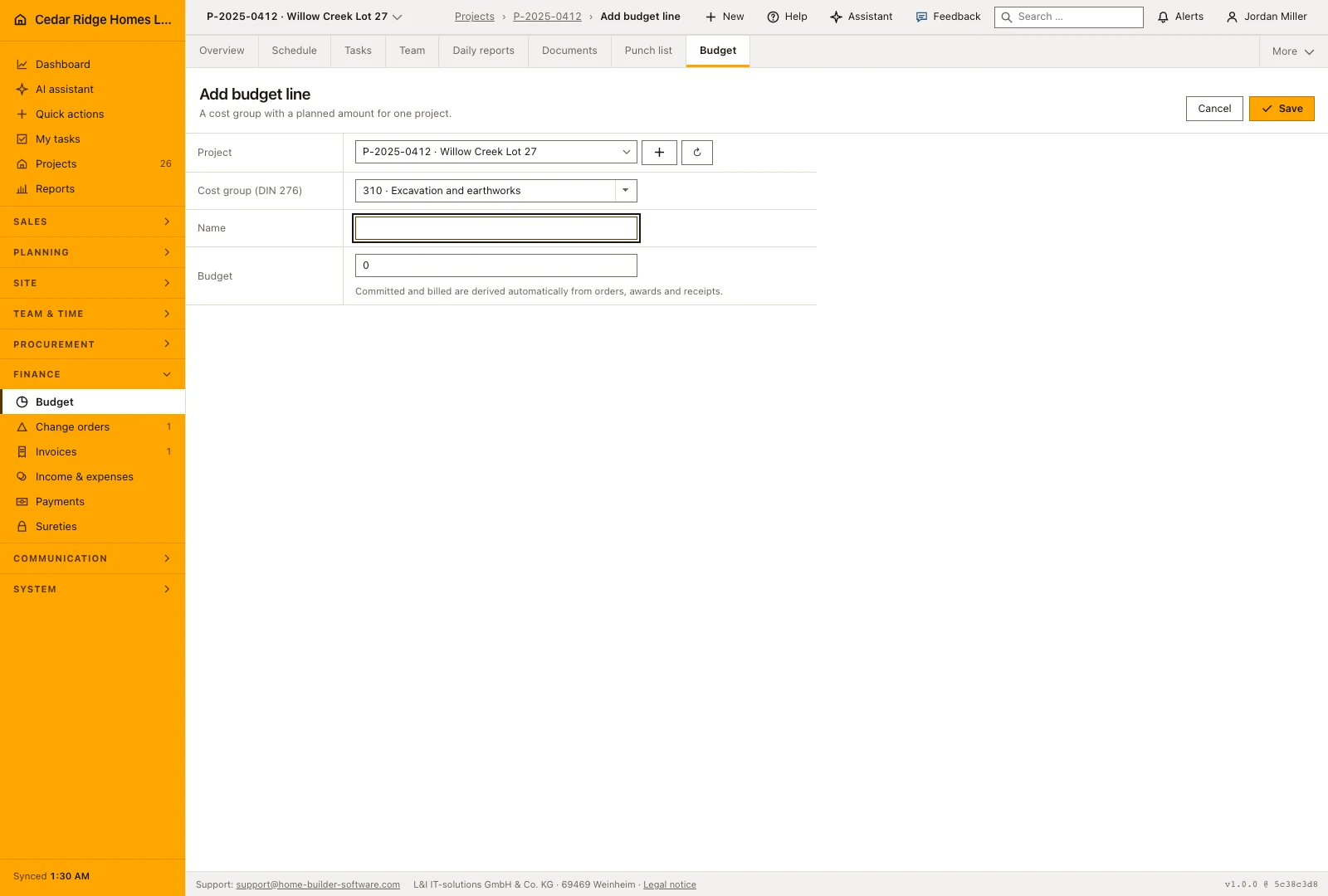
Cost groups come from a fixed catalog of fourteen DIN 276 codes, from 310 for excavation and earthworks to 700 for ancillary construction costs, each printed with its name in the current language. The same labels appear in the purchase order form and in invoice line items, so a code chosen elsewhere reads identically here. A site without lines shows an empty state with a way out rather than a broken table.
Adding a budget line or taking the estimate over
The form asks for the job, the cost group, a name and a planned amount. A job and a cost group together are unique, so saving the same pair again updates the line that exists instead of creating a twin. Only the name and the planned amount stay editable afterwards; committed, invoiced and forecast belong to the documents behind them and are not typed in by hand.
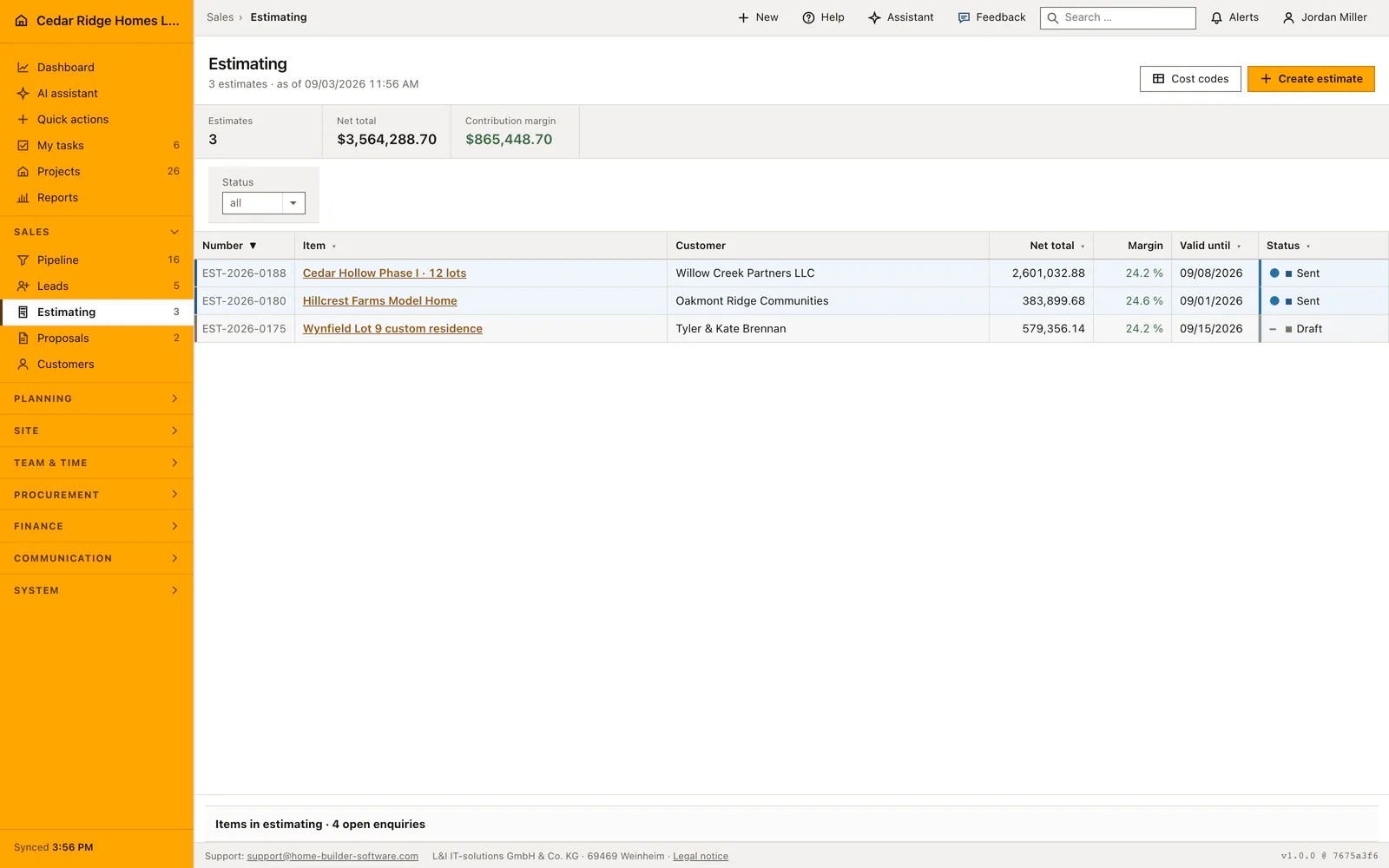
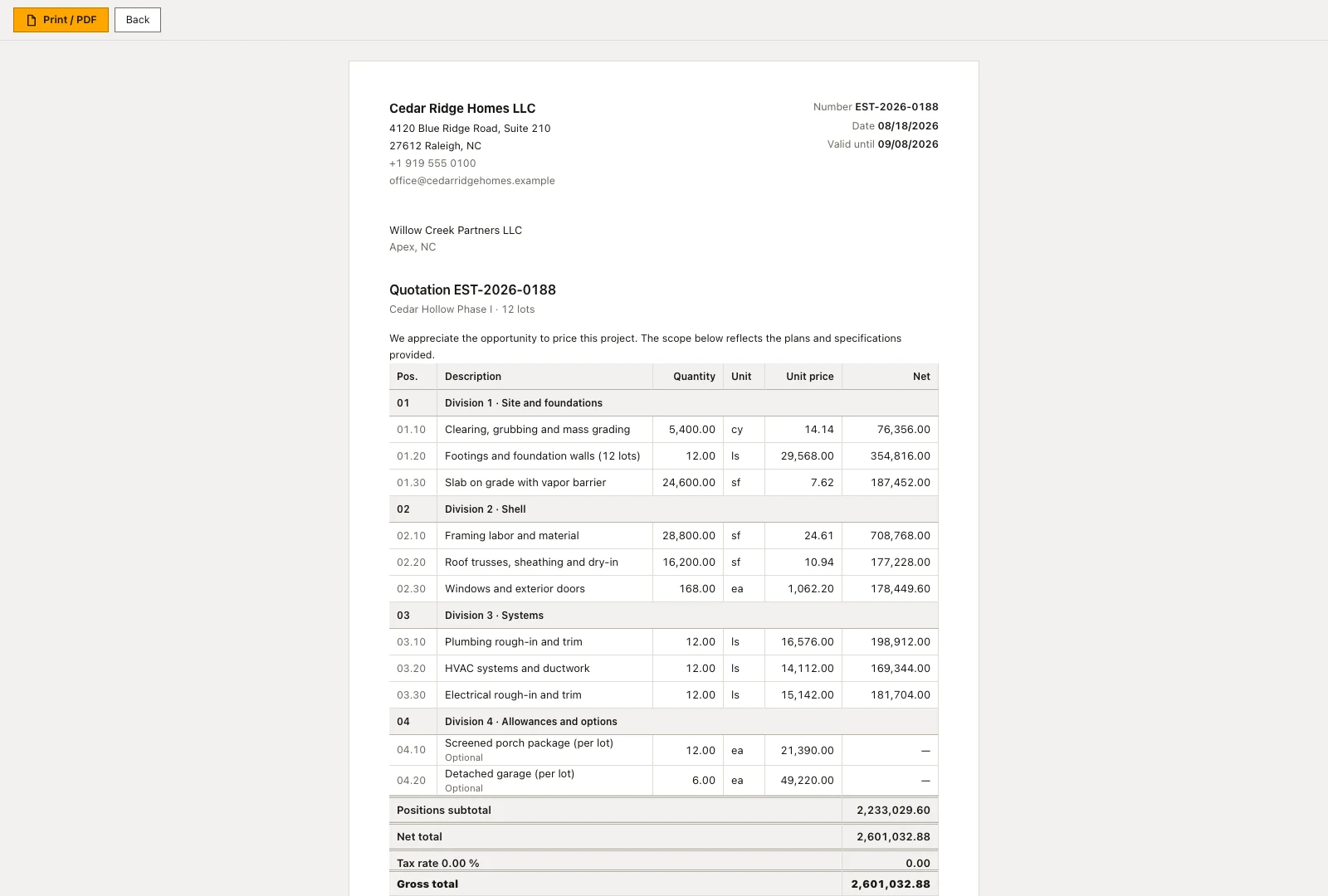
Where a site was priced, the fastest budget is that pricing: the empty state offers the newest costed estimate for transfer beside the manual route. Deletion works only while a line is still untouched. As soon as it carries a committed or an invoiced amount the software refuses, because the line then records something that has happened.
Reading variance per cost group and the largest overrun
The table runs cost group, name, budget, committed, invoiced, labor actuals, forecast and signed variance, closed by a total row across every group. Sorting follows the cost group number upward. Red marks an overrun, green an underrun, and the sign is printed alongside the color. The metric band adds total budget, total forecast, the summed variance and the largest overrun named by code, group name and amount.
Below the table, one bar per cost group with a variance other than zero shows how the overruns compare; groups sitting exactly on plan stay out rather than being drawn empty. The CSV export writes the same columns plus labor actuals per group into a file named after the project number and the export date, ready to leave the application for a controller.
The as-of timestamp, recalculation and who may change a line
The date in the heading names the last change to a budget line, not the moment the page was opened. An old entry there is a statement: committed and invoiced have not moved since. Recalculation pulls both in again on demand and asks first, because it overwrites every derived figure from the documents that exist and sets to zero any amount with nothing behind it.
Every budget event leaves an audit record: a created line, an edited line, a deleted line, and a recalculation with the number of lines it touched. Together with the timestamp that answers the question of why a value moved between two meetings. Accounts without the write right see the same table and none of the controls, so nothing on screen ends in a refusal.
Where committed, invoiced and labor actuals come from
Committed adds up purchase orders in the sent, confirmed, part delivered and delivered states plus the award amount of every let package, spread over the cost groups on the order positions. Invoiced follows finance entries once they are booked, paid or reimbursed. Labor actuals come from approved time entries carrying a cost group, summed over their labor cost, which is why an unapproved timesheet is missing from that column.
The forecast deliberately follows reality: as soon as anything is committed or invoiced it takes the higher of the two, and below that the planned amount stands. Cost on a group the plan never mentioned gets its own line marked as not budgeted with a plan of zero. The page head links to the award register and the purchasing list, because the committed column is made of exactly those two.
Example of a job budget with committed cost and variance
For Willow Creek Lot 27 the office takes the newest costed estimate over instead of typing lines: the transfer writes eleven budget lines with $386,000 of planned cost, among them $48,000 on cost group 360 for the roof. Two weeks later the roofing package goes to Summit Roofing Partners for $51,200, and the award lands in the committed column of exactly that line. The forecast follows the higher figure, so the table now shows 360 with a budget of $48,000, a forecast of $51,200 and a red variance of $3,200, while the metric band names the group as the largest overrun and puts the total forecast at $389,200.
As the roof progresses the derived columns fill in. Summit's first supplier invoice over $25,600 is booked and appears under invoiced; the forecast stays at $51,200 because the commitment is still the higher of the two. Ninety-six approved hours at a $38 labor cost add $3,648 to the labor actuals of cost group 330. Deleting the roof line is refused now that documents stand behind it, and a recalculation confirms the state by reporting the lines it touched. The controller ends the month with the CSV export, whose columns match the table and whose file name carries the project number and the date.
Construction budget control: checks before saving
A job and a cost group form one line; saving that pair again updates the existing line instead of adding a second one.
A line carrying a committed or invoiced amount cannot be deleted, because a figure with a document behind it records a fact.
Recalculation is repeatable: a second pass reports no further change, since only values that genuinely differ are written.
A project id in the address that belongs to another company falls back to a job of your own.
Construction budget control: common mistakes
The timestamp in the heading reads like a clock. When committed and invoiced look stale, compare it with the date of the last order before deciding the figures are wrong.
Recalculation replaces every derived amount with what the documents say. Values carried over by hand from an older system have none and drop to zero, which is why the control asks before it runs.
A cost group created in the budget with no order behind it keeps its planned amount as the forecast. The arithmetic is right and still means nothing has been committed there yet.
The product page describes the same module from the business side, with the decisions it supports and the modules it connects to.
See the product pageFrequently asked questions
What does the budget timestamp mean?
It shows when a budget line was last changed, not when the page was opened.
How is an overrun identified?
Forecast cost is compared with budget by cost group; overruns are highlighted and the largest one is named.
Configuring this part for your own company?
Describe the sequence you follow today and the result you need at the end of it. We can walk through the settings that produce it.