
Construction project templates: setup and daily use
A project template is the plan every new site starts from. It holds phases and tasks with their start offset, duration, kind of step, checkpoints and photo duty, and the creation wizard turns the chosen template into a real schedule. Opening the module makes sure a company default exists. Reading the list needs projects.view; creating a template, editing its steps and running the wizard need projects.manage.
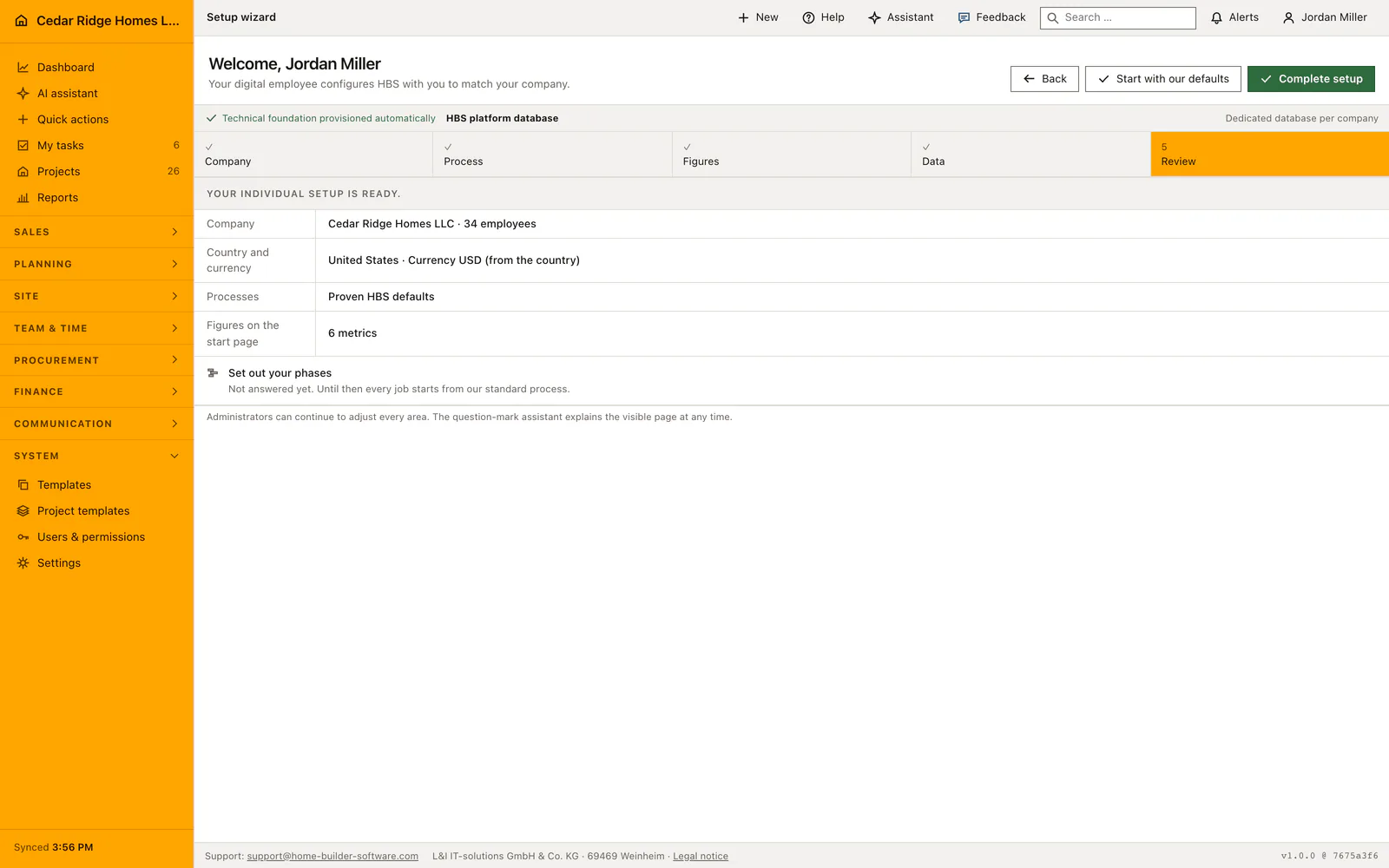
Company default, country profile and currency before the first site
Opening the list guarantees a default. If the company has none, the standard is created and filled with preparation, safety induction, structure, building envelope, interior and handover, each carrying real activities such as checking the permit, setting out, erecting the scaffolding, the air-tightness test and the snagging walk-through. Exactly one template carries the default mark, and setting it on another removes it everywhere else in the same save.
The create form asks for a name of up to 160 characters, a country profile from the European Union, the United States, Canada, Australia or New Zealand, a currency, a description of up to 5,000 characters, and whether this template becomes the company default. Underneath sits the box for company questions, one per line, which the wizard asks for every project built on this template and stores with the project's answers.
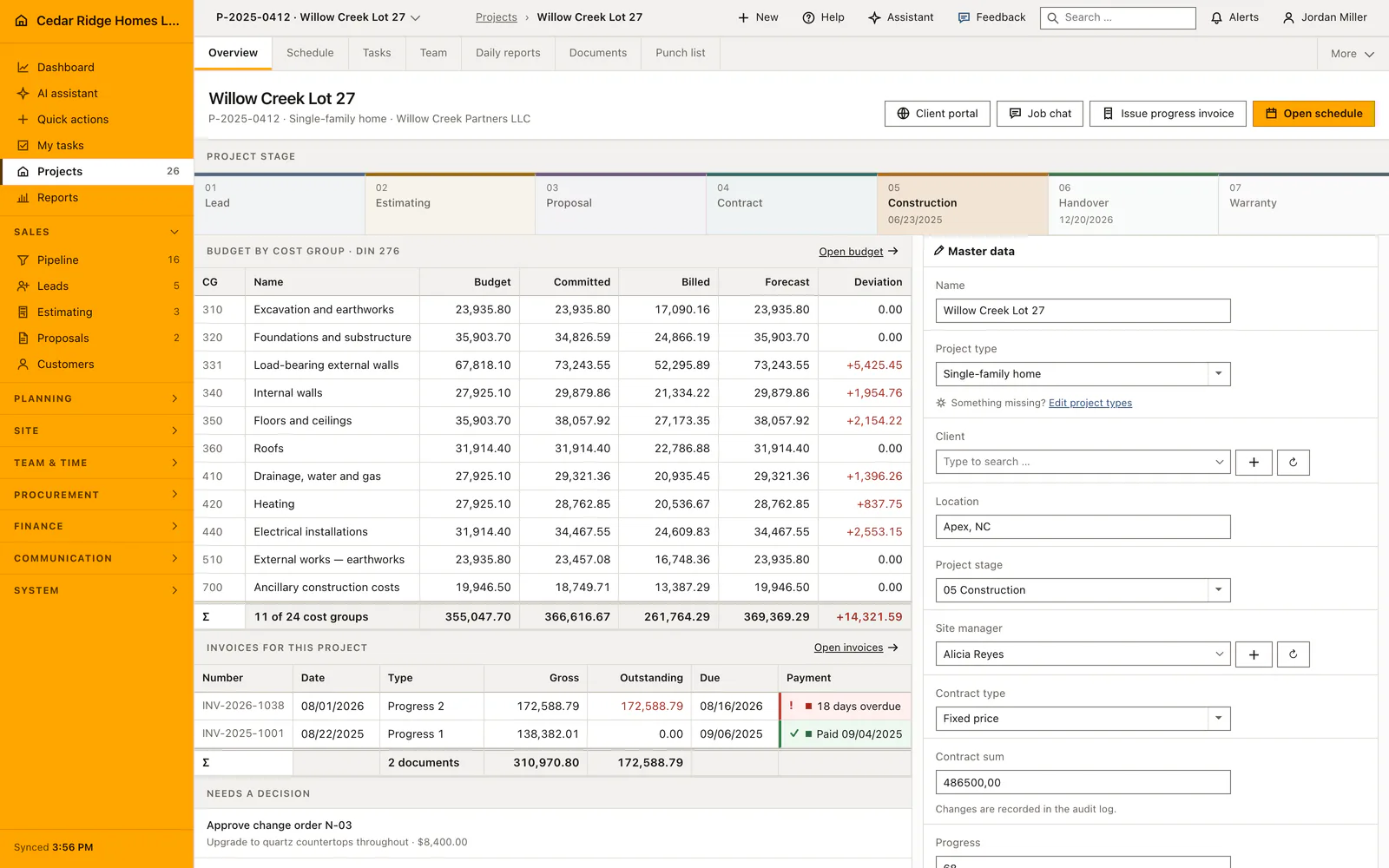
Adding phases and tasks with duration, checkpoints and photo evidence
A phase is added through a dialog rather than a folded panel, so the plan stays on screen while you write. It takes a name, the kind of step out of planning, training, execution, quality inspection and handover, a start offset between zero and five thousand days, a duration between one and five thousand, a checklist and, if the work has to be photographed, the inspection instruction that photo is judged against. New phases receive a generated key and a sort order that steps in tens.
A task opened from the foot of a phase already knows which phase it belongs to and does not ask again. It takes a title of up to 180 characters, the item type task or milestone, the process type, offset and duration, a checklist of at most sixty checkpoints trimmed to two hundred characters each, and the same photo duty. Tasks without a phase still run, but the plan reads better with one, and deleting a phase deletes its tasks in the same transaction.
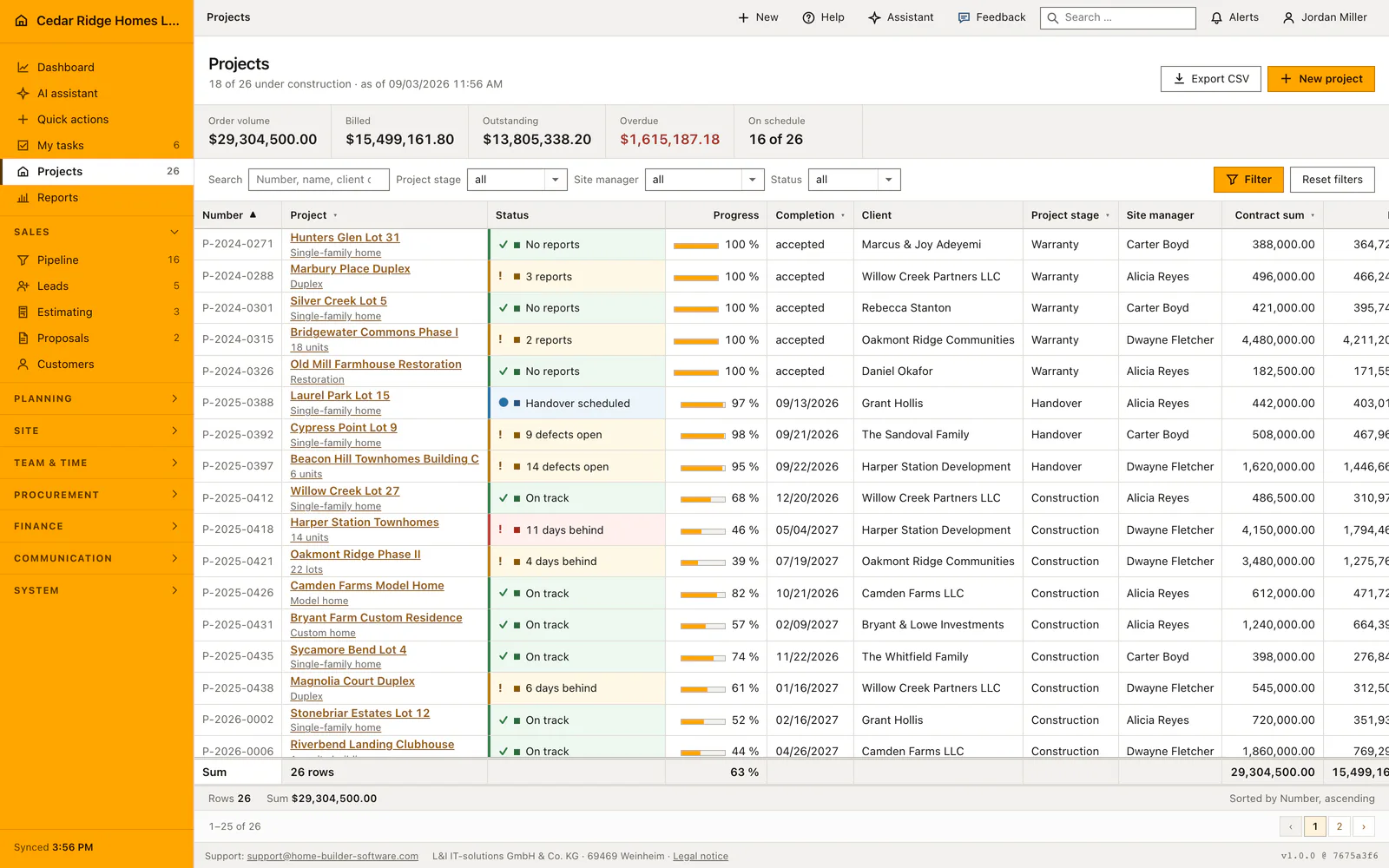
Running the creation wizard and reading the schedule preview
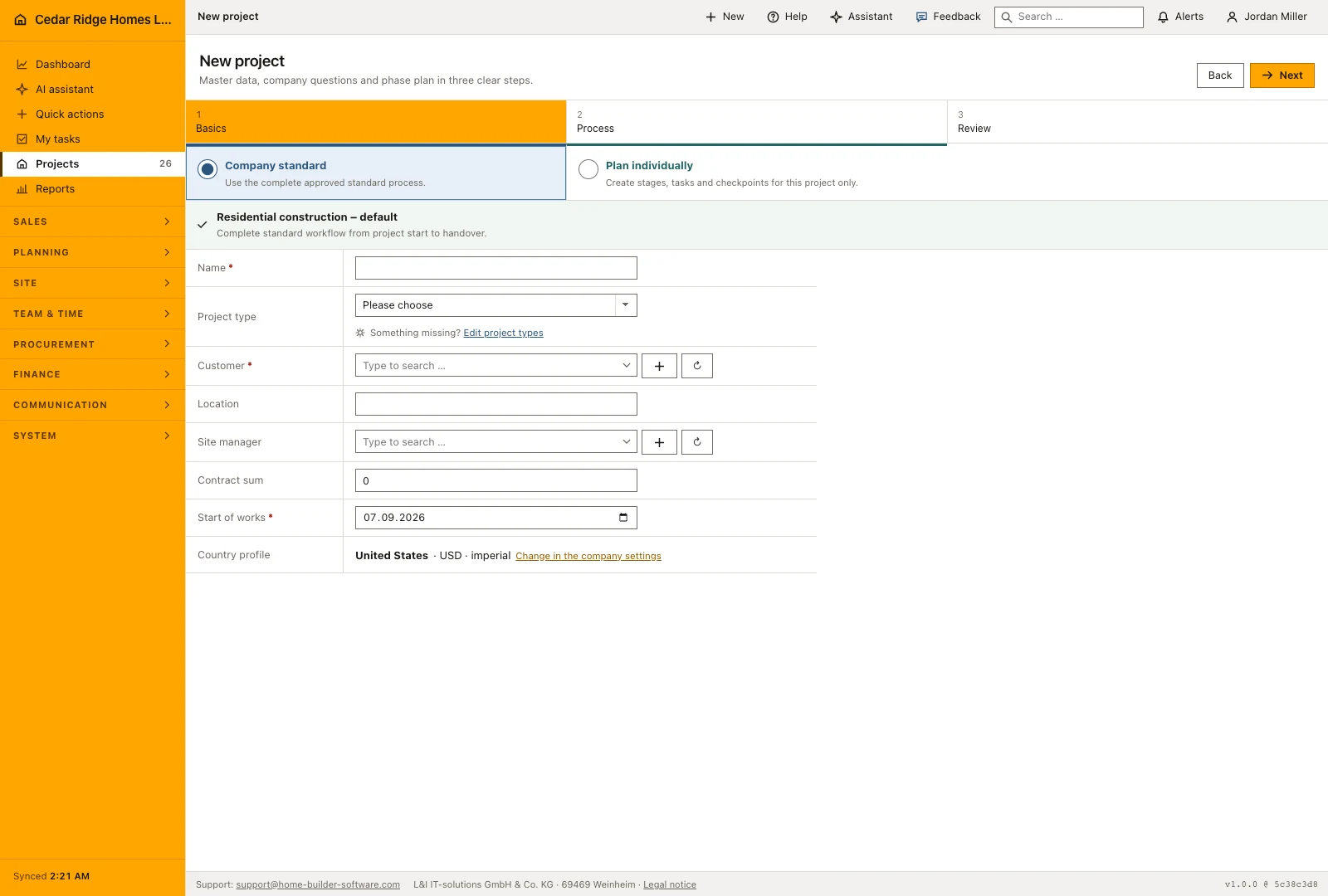
The wizard has three steps: basics, company questions, review. The first one decides where the plan comes from. Take the company default as it stands, pick another template, or type an individual sequence in which each line names the phase, the task, the duration and the kind of step; a faulty line is rejected with its own line number rather than the whole form. Master data, start date, responsible person, contract value, country profile and currency belong to the same step.
The review step is the one that saves arguments later. It lists every generated step with real dates, calculated with the same working-day arithmetic the schedule itself uses, so a stage that runs into February is shortened before anybody commits to it. Duration proposals from finished work or from the assistant stand beside the planned days and change nothing until they are accepted. Saving writes project, schedule chain and, if asked for, a new company template in one transaction.
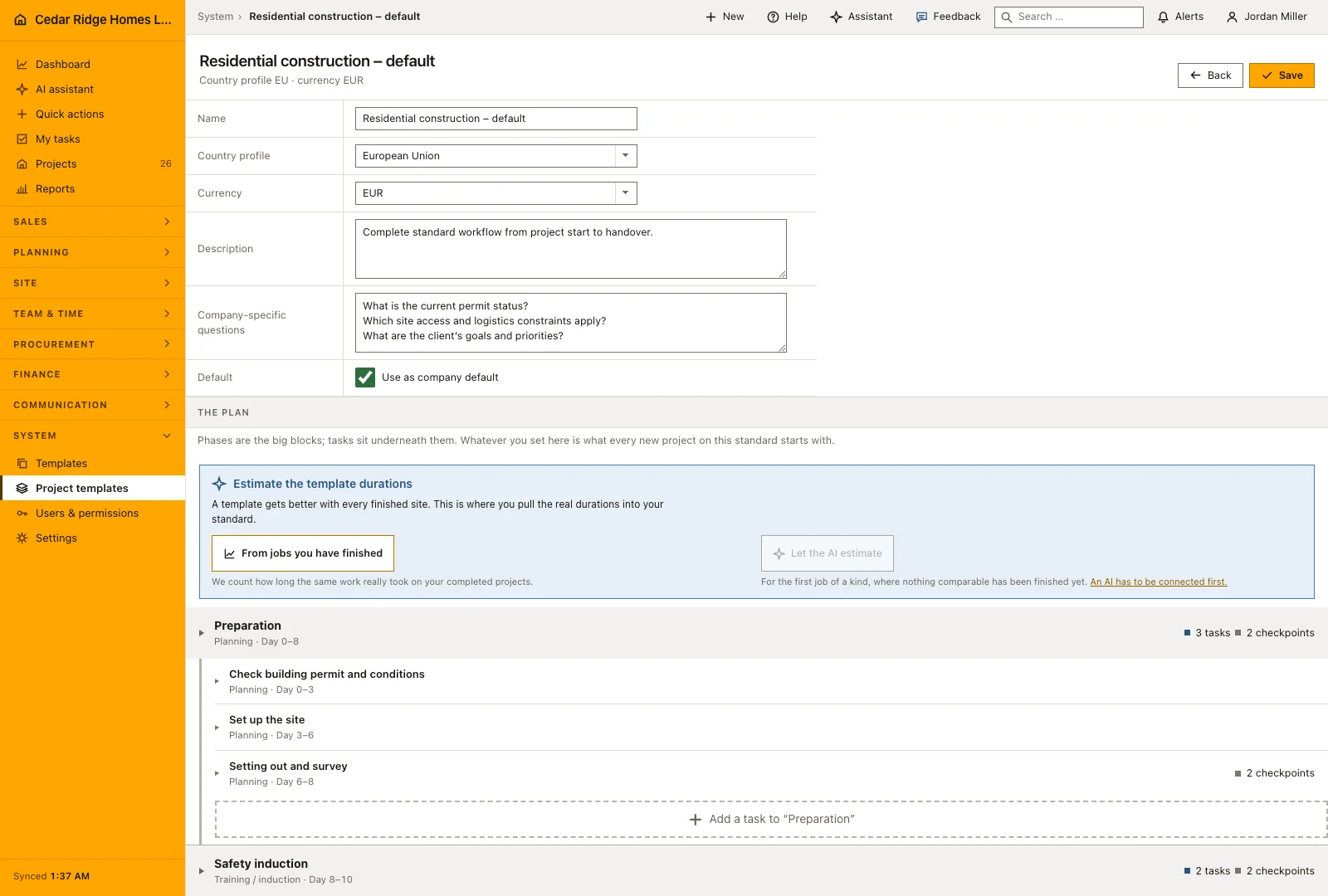
The projects.manage right, reviewed AI drafts and audit entries
Every writing route of the module maps to projects.manage, and each controller action checks the tenant again before it touches a record, so a template, a responsible person or a country profile from another company ends the request with 422 rather than a half-written plan. Site management holds this permission in the shipped roles; the field role does not, which keeps the standard out of reach of a phone on a scaffold.
An AI-prepared template starts as a proposal, not as data. The brief names the project type and the intended sequence in up to 5,000 characters, the planner returns a strictly normalized payload, and it is stored as an action with the status pending, a medium risk level and the permission it would need. A person accepts or rejects it under AI actions. Only an administrator can put the company into the logged bypass mode, in which the action runs at once; both routes write audit entries.
From template to schedule, work tasks and service requests
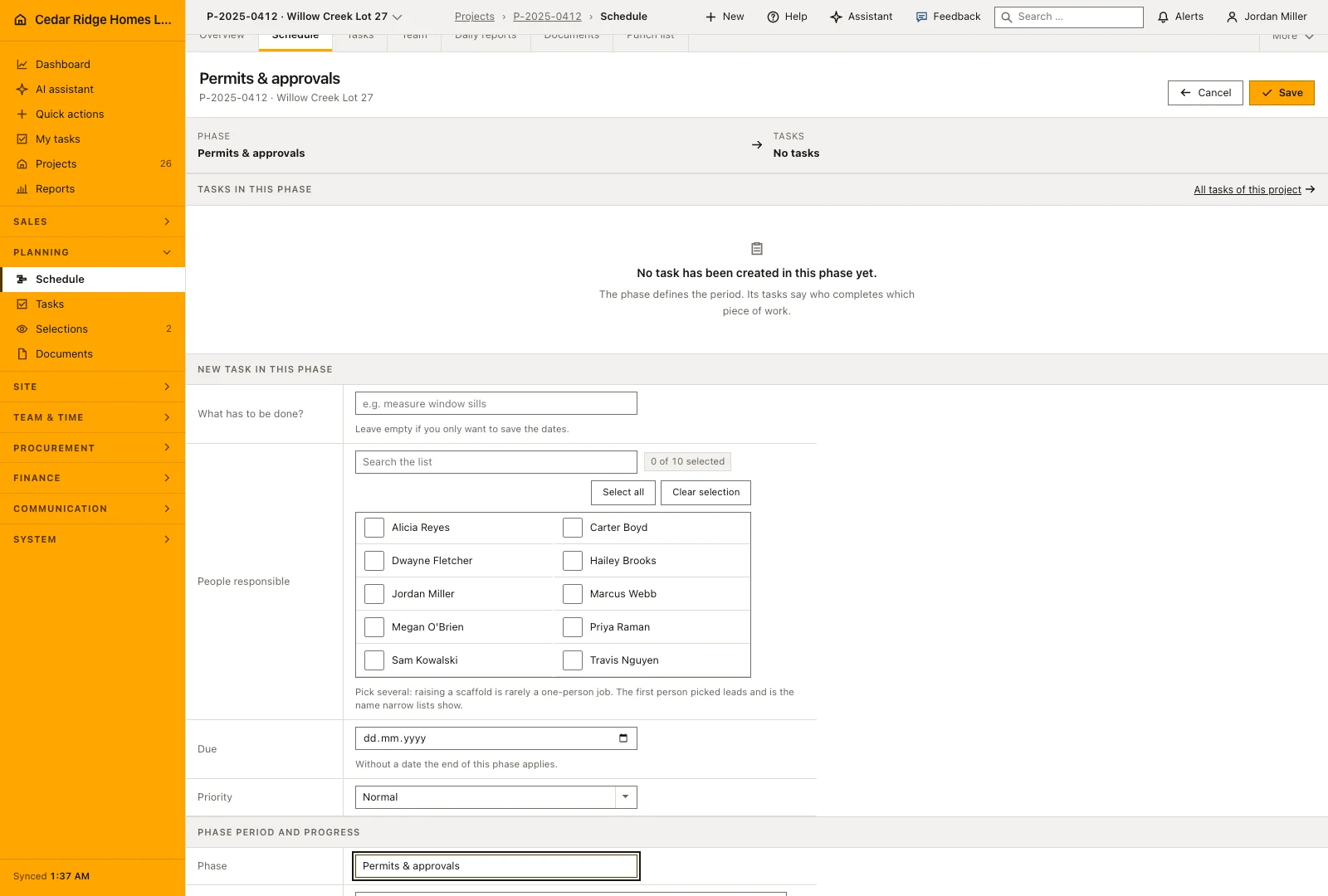
What the wizard produces is not a document but the working plan. The schedule chain carries dates, durations, milestones, dependencies, checklists and photo duties into the schedule module, and the project itself keeps the template it came from, its country profile, its currency and the answers given during creation. A task template can also be marked to create a work task or a service request when the template is applied, which puts operational follow-up in place on the first day.
Experience travels the other way as well. On the template page, the duration estimator proposes days measured on your own finished work, or asks the assistant when nothing comparable has been built yet, and each proposal names what it is based on. Proposals are keyed by task, so a step deleted in another tab drops out instead of shifting every duration below it onto the wrong line, and nothing changes until somebody accepts.
Worked example: from the company template to the schedule for Willow Creek Lot 29
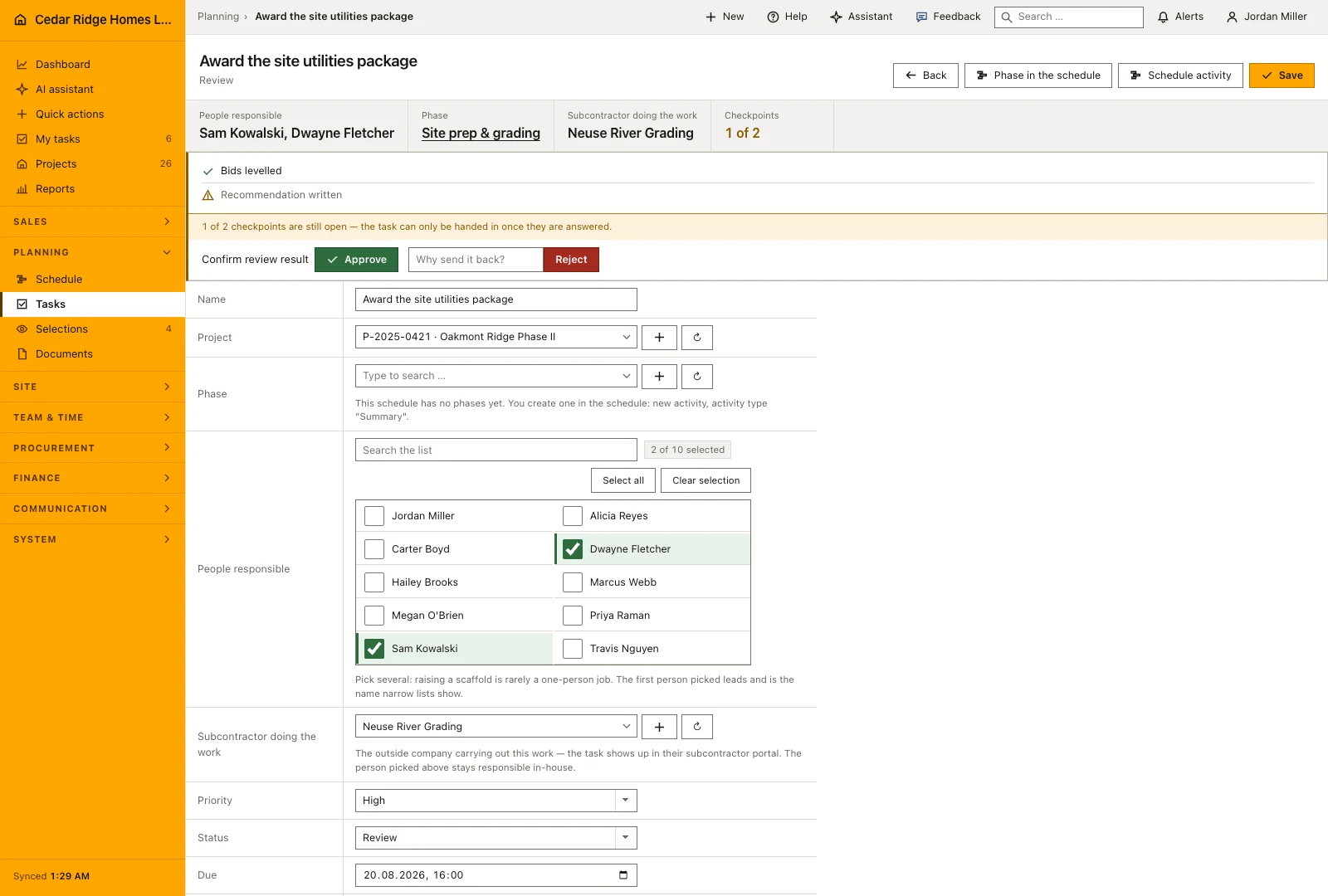
Willow Creek Partners LLC signs for the next lot, so the office starts the wizard for Willow Creek Lot 29 on the Cedar Ridge default template. Step one collects the master data: customer Willow Creek Partners LLC, site manager Alicia Reyes, contract value 472,000 dollars, start of works Monday, September 14, 2026, country profile United States with the dollar as currency. Step two asks the two company questions stored on the template — homeowners association yes or no, city water or well — and keeps the answers with the project. The template carries six phases and 44 tasks, among them framing with a start offset of ten days and a duration of nine.
The review step turns offsets into dates: because weekends do not count, framing begins on September 28, 2026 — ten working days after the start — and runs through October 8. Beside the rough-in task the duration estimator proposes twelve days instead of the planned ten, measured on three finished Cedar Ridge builds, and the planner accepts, which pushes every later step out by two working days. Saving writes the project and its schedule chain in a single transaction; the project list grows to 27 rows and the calendar shows the new bars at once. A template belonging to another company would have ended the whole request with 422.
Construction project templates: checks before saving
Exactly one template carries the company default; marking another one clears the mark everywhere else in the same save.
A step that requires a photo cannot be saved without the inspection instruction that photo will be judged against.
Start offset accepts zero to five thousand days and duration one to five thousand, both as whole numbers.
A checklist keeps at most sixty checkpoints, each of them trimmed to two hundred characters.
Project, schedule chain and any newly saved template are written in one transaction, and a template from another company ends the request with 422.
Construction project templates: common mistakes
Deleting a phase deletes every task underneath it in the same transaction. Move the tasks that should survive to another phase first, because the deletion prompt warns but the removal is not undone afterwards.
Duration proposals live in the session rather than in the template. Leaving the page without accepting or discarding them loses the calculation, and every duration stays exactly as it was before.
An AI draft creates nothing while the company stays in review mode. If nobody opens the AI actions list, the prepared template waits there and the next site starts on the old standard without anyone noticing.
The product page describes the same module from the business side, with the decisions it supports and the modules it connects to.
See the product pageFrequently asked questions
Must every project use the company default?
No. The wizard can use the default, another template or a custom sequence.
Does an AI-generated template create records immediately?
Not by default. It first appears as an AI action that an authorized person accepts or rejects.
Configuring this part for your own company?
Describe the sequence you follow today and the result you need at the end of it. We can walk through the settings that produce it.