
Home buyer selections management: setup and daily use
A selection is one decision the buyer has to make: the trade, the allowance the contract already covers, the priced options behind it and the choice that was recorded. Create one per trade under Selections, add the options with supplier, full price and lead time, then let the buyer decide in the customer portal or record the decision yourself. The difference against the allowance is derived, never typed.
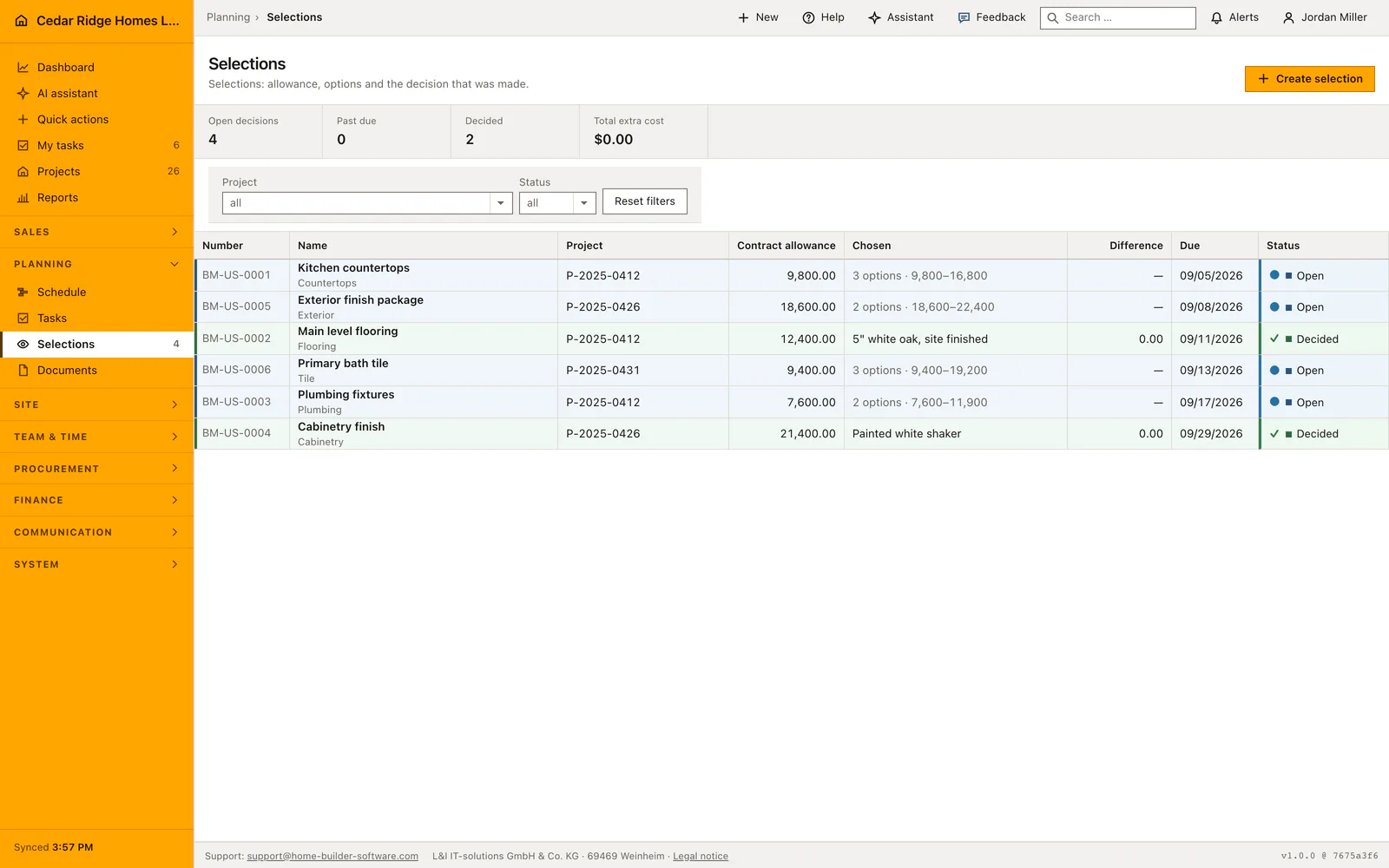
Allowances, trades and suppliers a selection draws on
Two things have to exist before the list earns its place. The project needs an allowance somebody can name, meaning the amount the contract already covers for that trade, flooring or sanitary or kitchen for example. Suppliers you want to price against belong in the company supplier list, because an option can point at one and then carries its name through to the comparison. Reading the module needs projects.view, since a selection is argued about on site as often as in the office.
Writing needs records.write, and turning a decision into money needs finance.manage on top. If the buyer is going to decide for themselves, the portal has to be switched on for the company and that portal account has to be granted the project, because a selection appears there only inside a project the account may see. Nothing else is required: the number is issued by the application, and the trade stays free text with familiar values offered.
Creating a selection and pricing its options
Create selection asks for the project, a title, the trade, an optional description the buyer will read in the portal, the contract allowance, a due date and internal notes. The number is assigned automatically in the form BM-0001 and stays unique across the company. The due date is the day by which the decision has to be in so the schedule holds; it is not decoration, because the status is read through it.
Options are added one at a time, each with a title, description, supplier, full price, lead time in days and an optional recommendation flag. The price field wants the full price and not the difference, which the application works out itself. The overview names how many options a selection carries and the range from the cheapest to the dearest offer, so an undecided record already says how much is at stake.
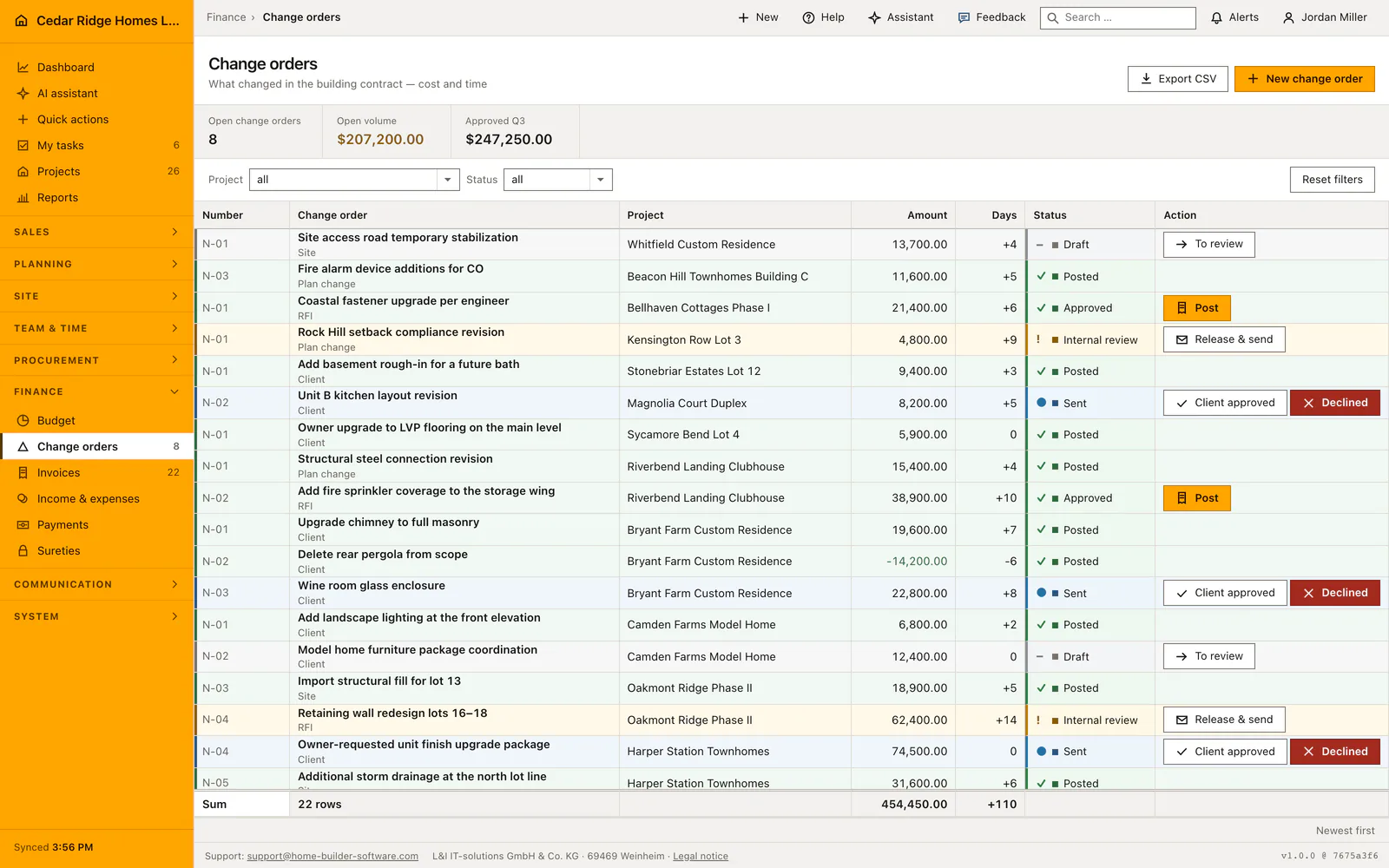
Recording the decision in the office or the customer portal
A buyer who decides on the phone or at the kitchen table is recorded by the office: Record decision takes the chosen option, the name of whoever decided and an optional customer note. A buyer who decides in the portal sees the same list, every option carrying its extra cost, its credit or the note that it fits within the allowance, and has to confirm explicitly before anything is written.
Both routes write the same fields, meaning status decided, the chosen option, the moment and the name, and both land in the audit trail, the portal route with the portal account behind it. The portal refuses a decision on a selection that is already decided or past its due date. Site management is told as soon as the choice lands, because the lead time of the chosen option moves dates.
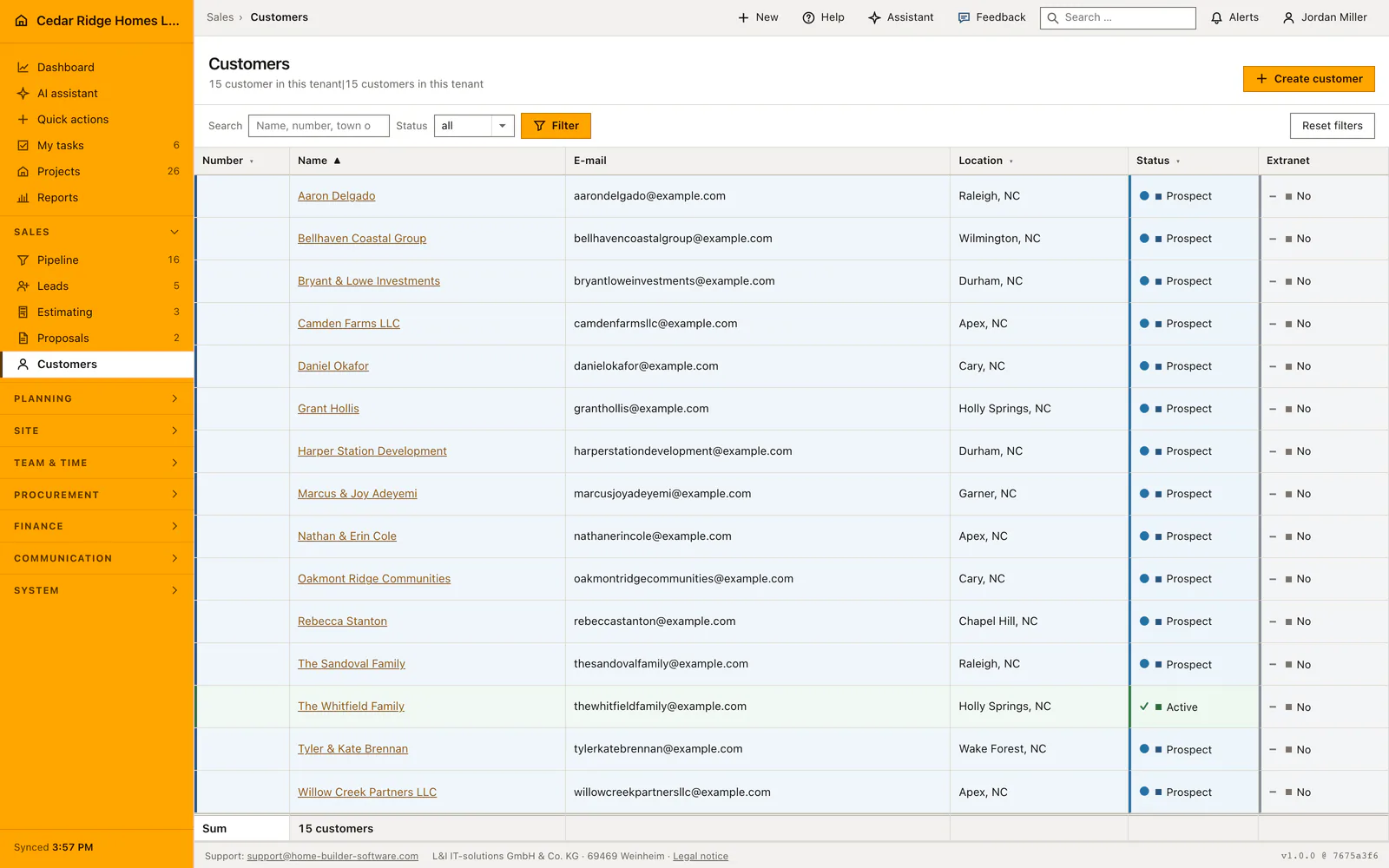
Write rights, finance rights and the frozen option list
Once a selection is decided it freezes. Header data cannot be edited, options cannot be added, corrected or deleted, and the screens that would do so are closed rather than merely hidden. The reason is plain: the buyer saw exactly that list at exactly those prices, and a quiet re-pricing afterwards would change an agreement after the fact. A correction therefore travels through a change order, where it stays visible.
The status you see is not always the status stored. Open plus a due date in the past reads as Overdue, worked out when the record is read rather than written by a nightly job, so the list never covers up a deadline that passed unnoticed. The figure band counts open decisions, those past due and those decided, and adds up the extra cost created so far; a negative total reads there as a credit.
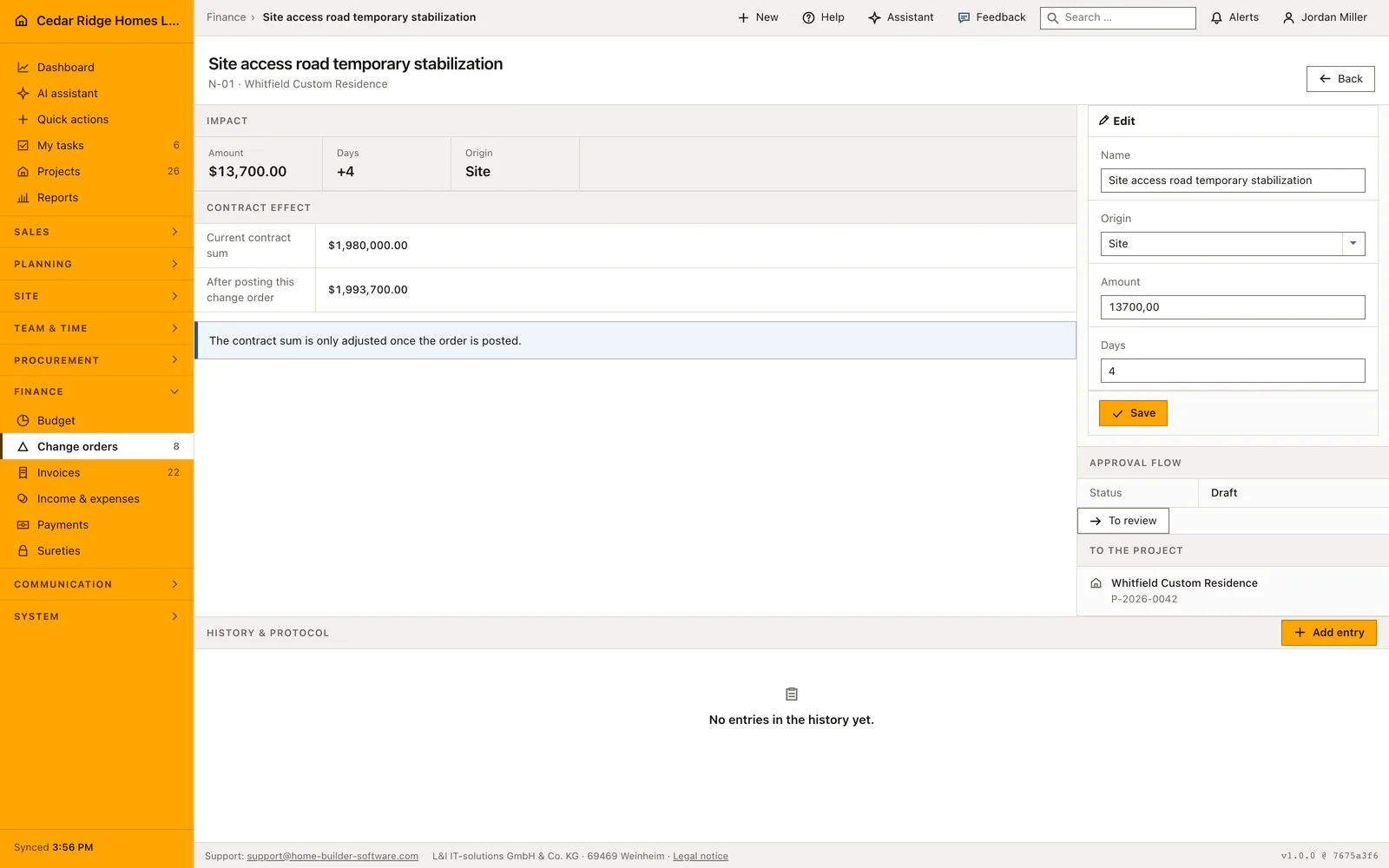
From price difference to change order and delivery date
Create change order takes the difference between the chosen option and the allowance and writes a change order on the same project, numbered from NA-001 upwards, at status internal review. Its title names the selection and the chosen option, its origin is customer, and the lead time of the option becomes added days on the schedule side. The action is refused when the difference is zero, because there is nothing to bill.
What follows is a human decision: the change order still has to be released and sent, and the contract sum moves only when it is posted. Selections are also a register inside the project file, next to the schedule, the tasks and the documents, so the same decision list is reachable from the job. Inside the file the project dropdown disappears, because the frame already names the site.
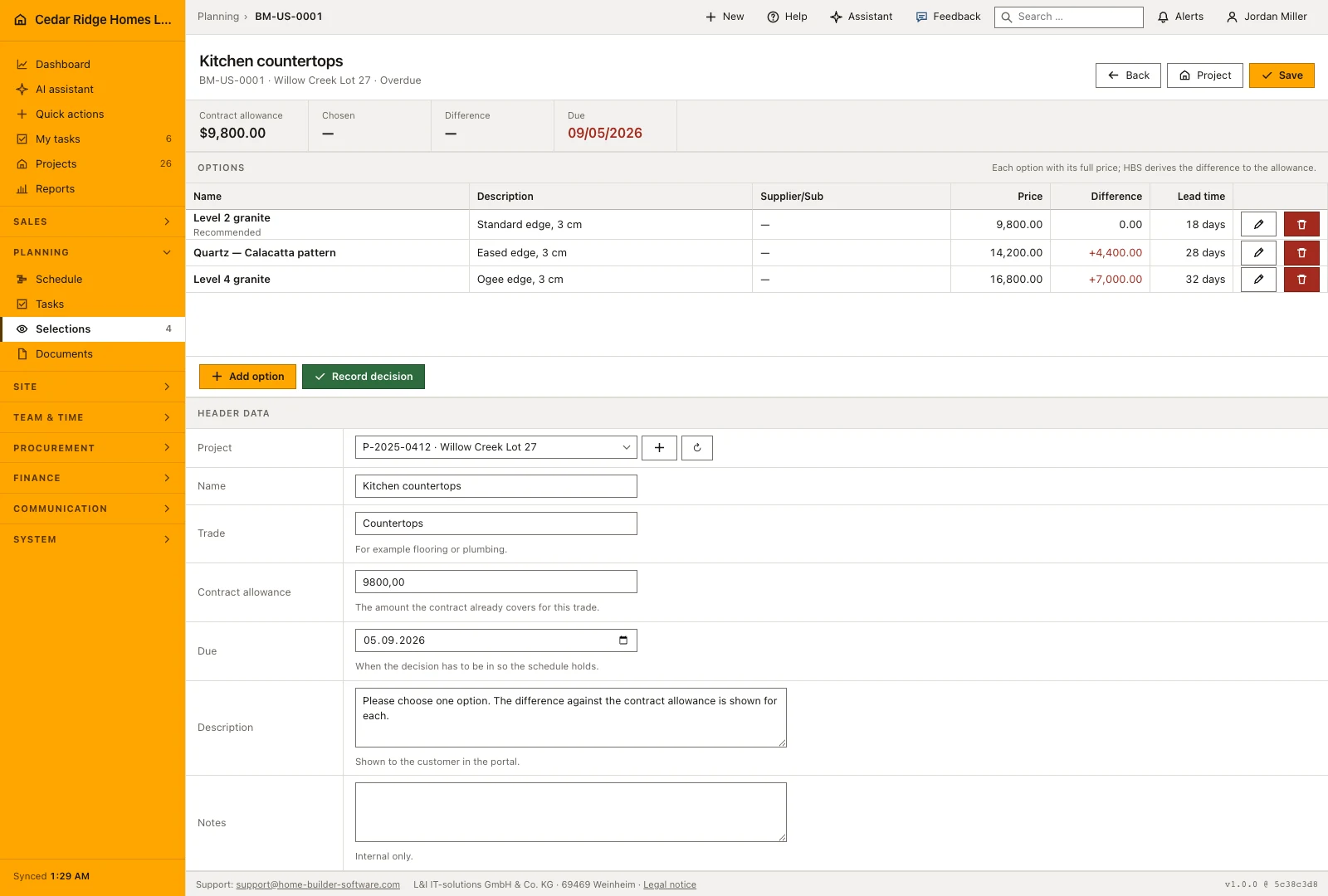
Selection example: an appliance package priced against the allowance
For Stonebriar Estates Lot 12, Cedar Ridge Homes creates the selection Kitchen appliance package: trade kitchen, contract allowance $8,400, decision due by 09/04/2026, the number issued automatically. Three options follow, each entered at its full price: a GE stainless suite from Triangle Appliance Supply at $7,900 with five days of lead time, a KitchenAid package at $11,650 with ten days and the recommendation flag, and a Café series at $14,100 with twenty-one days. The overview immediately reports three options and a spread from $7,900 to $14,100, so the open record already tells the office how much money is moving before anyone has decided.
Buyer Grant Hollis opens the selection in the customer portal, where the arithmetic is already done: the GE suite shows a credit of $500, the KitchenAid package an extra cost of $3,250, the Café series an extra of $5,700. He confirms the KitchenAid package explicitly, and the record freezes with his name, the moment and the status decided; site management hears of it because ten days of lead time move dates. With finance.manage the office presses Create change order, the derived difference of $3,250 becomes a change order at internal review carrying ten added days, and the contract sum will move only once it is posted.
Home buyer selections management: checks before saving
The difference against the allowance is derived from the chosen option and never stored, so display, change order and evaluation cannot disagree.
A decided selection accepts no edit to its header, its options or their prices; the editing screens are closed, not merely hidden.
The portal refuses a decision on a selection that is already decided or whose due date has passed.
Creating the change order needs finance.manage and is refused when the difference between option and allowance is zero.
An option may only point at a supplier belonging to the same company; any other reference is rejected.
Home buyer selections management: common mistakes
Typing the extra cost into the price field instead of the full price. The field wants what the option costs altogether, since the allowance is subtracted by the application, and a difference entered here is counted twice.
Leaving the due date empty because it feels optional. Without it a selection never reads as overdue, so it drops out of the figure meant to show which decisions are holding the schedule up.
Deciding first and pricing afterwards. Every option has to be complete before the choice is recorded, because the record freezes at that moment and a missing price can only be corrected through a change order.
The product page describes the same module from the business side, with the decisions it supports and the modules it connects to.
See the product pageFrequently asked questions
How is the change-order amount calculated?
It is derived from the selected option’s difference against the recorded allowance rather than typed a second time.
Is this a 3D home configurator?
No. It manages the commercial selection workflow: allowances, priced options, the customer decision and its contract or schedule impact.
Configuring this part for your own company?
Describe the sequence you follow today and the result you need at the end of it. We can walk through the settings that produce it.