
Multilingual construction document templates: setup and daily use
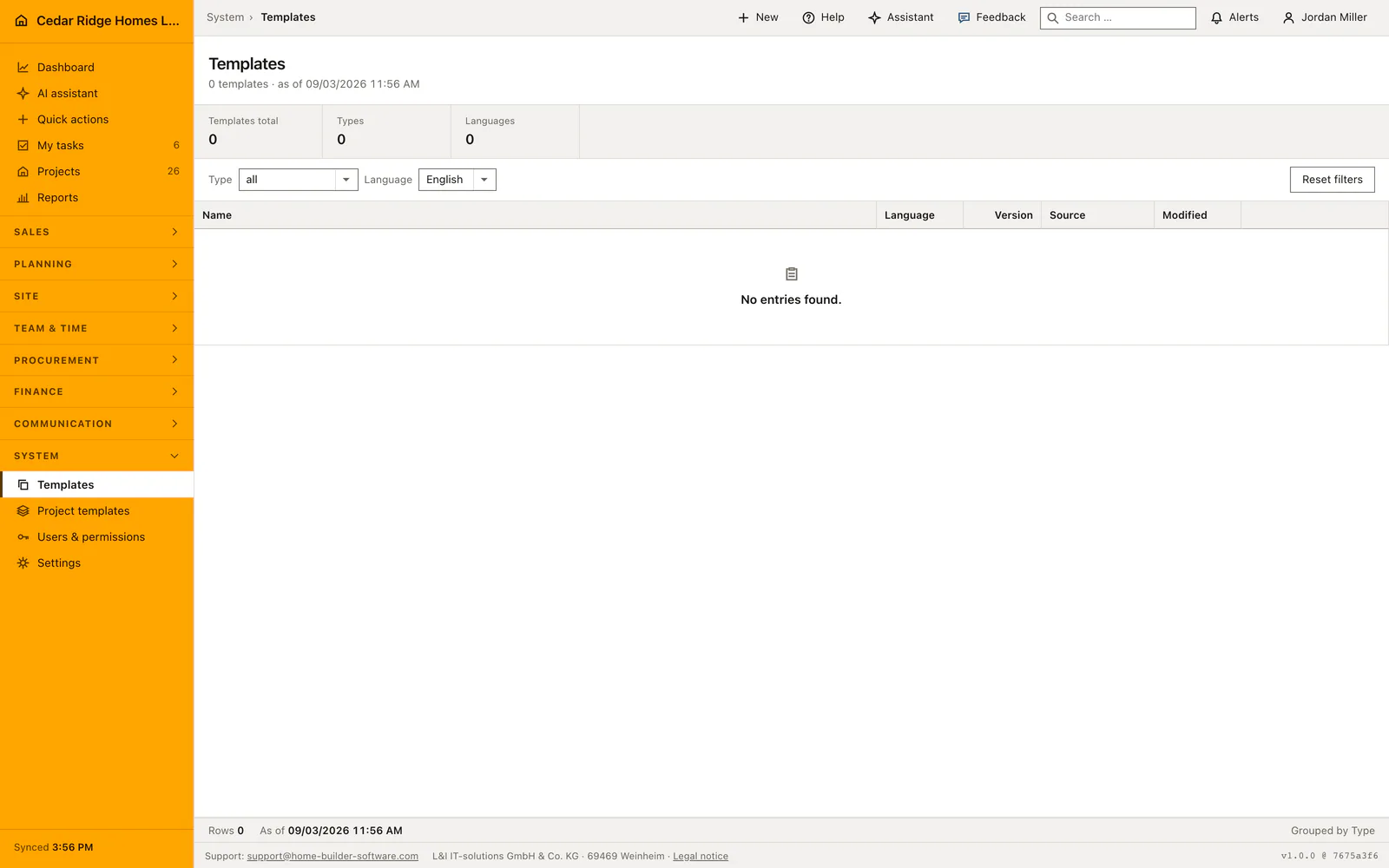
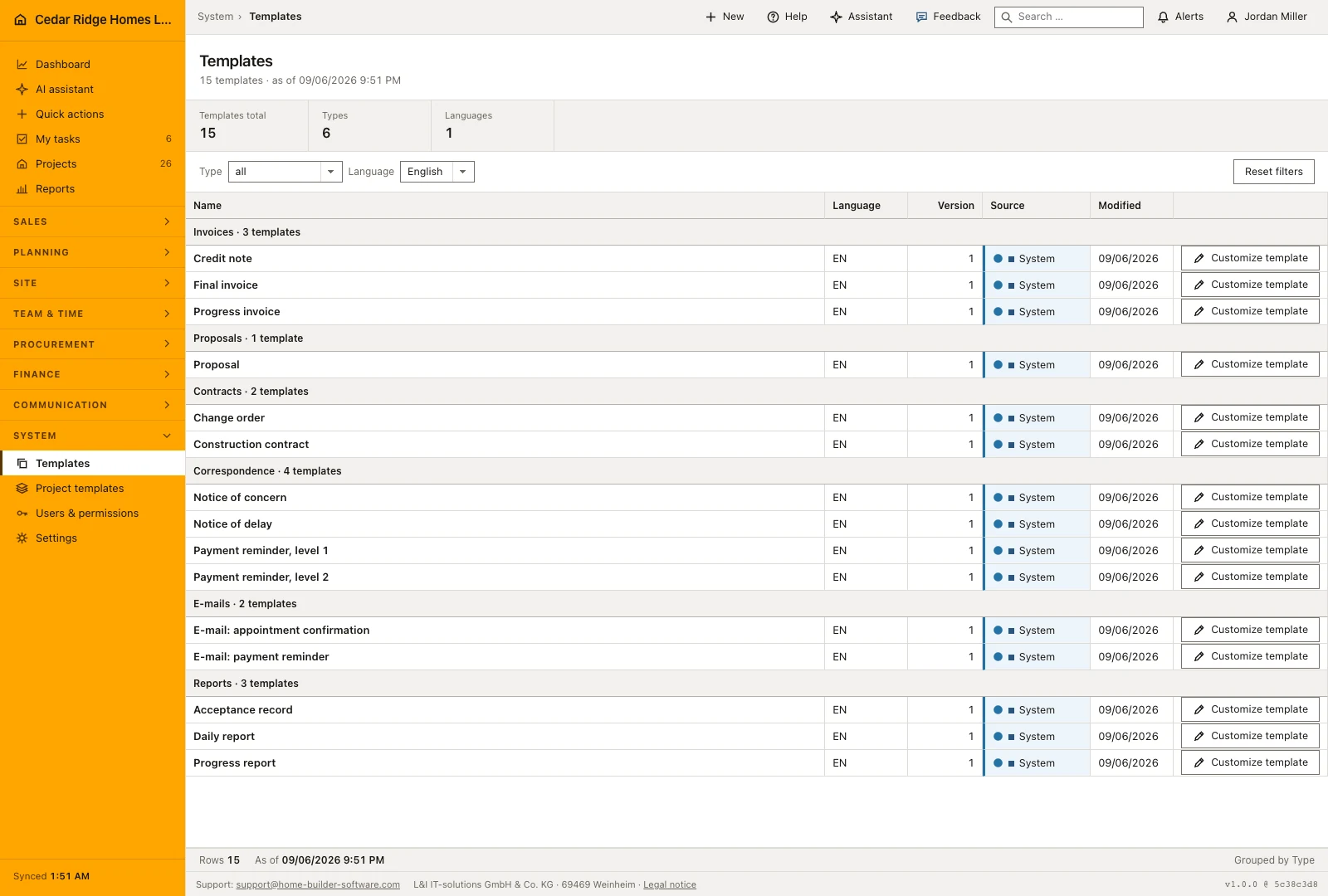
Templates is the catalog of the wording a company sends out. Every tenant starts with a shipped pack of fifteen documents, each present in English, German and French: invoices, proposals, contracts, correspondence, e-mails and reports. The list groups by kind, filters by kind and language, and marks each row as a system original or a company version. Customizing a system row copies it, so an update to the shipped pack never overwrites your text.
The shipped pack, its languages and who may open the catalog
Reading the catalog needs records.view, the permission every role except payroll carries by default. What a fresh company finds there is the shipped pack: progress invoice, final invoice and credit note, payment reminder at the first and second level, construction contract and change order, notice of delay and notice of concern, acceptance record, progress report and daily report, the proposal, and two e-mail texts for a payment reminder and an appointment confirmation.
Each of those exists as a separate row per language, and the name itself is translated, so a French colleague looks for the wording under its French name rather than guessing at the German one. The counter band above the table reports how many rows are showing and across how many kinds and languages they spread, and it recomputes on the filtered set, which is why the figures always agree with the rows underneath them.
Customizing a system row and saving the company version
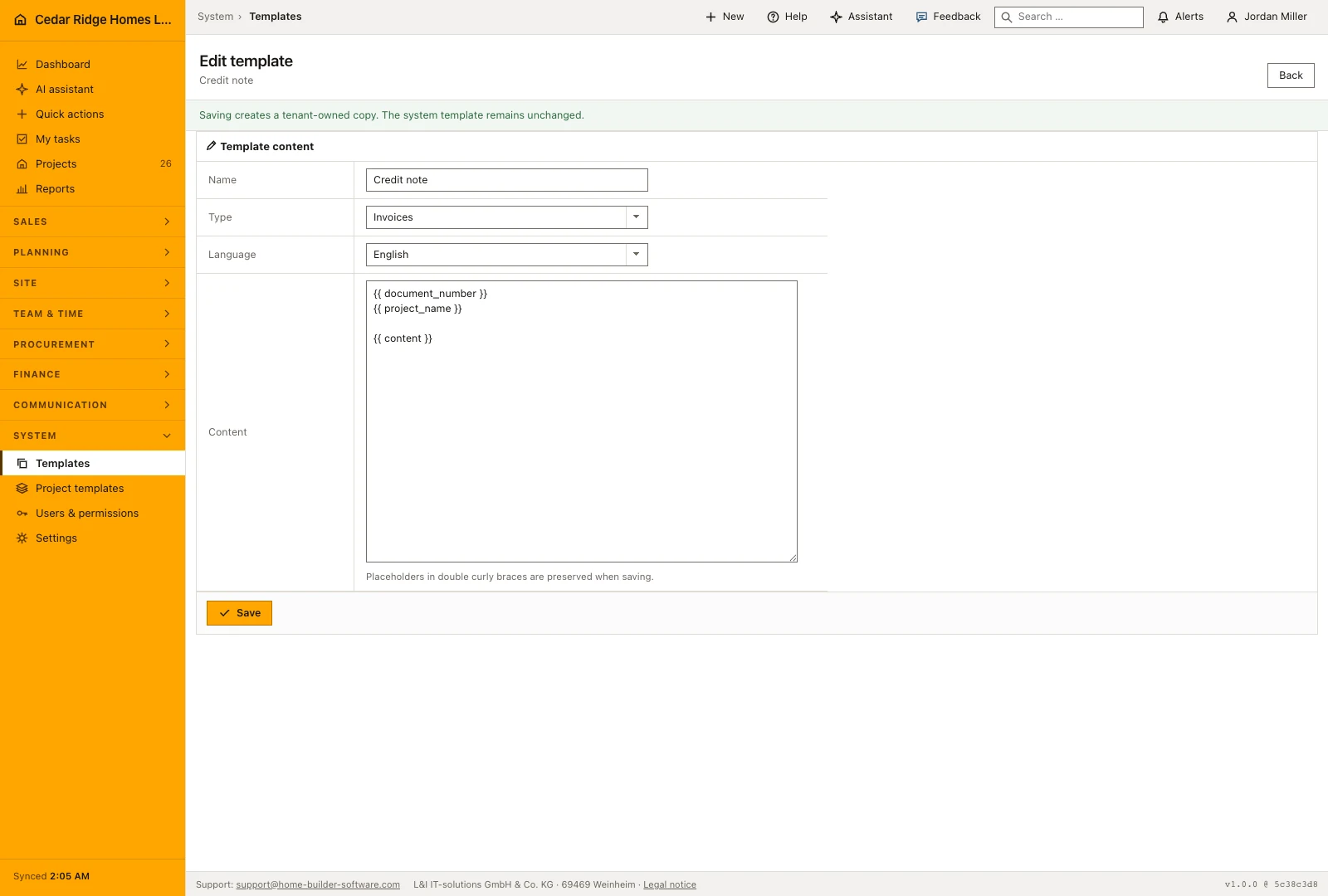
The action on the right of a row opens the editor. A system row greets you with a line saying that saving will create a copy owned by your company. Four fields make up the form: the name up to 160 characters, the kind, the language, and the content up to 100,000 characters. Placeholders written in double curly braces, among them the document number, the project name and the content itself, are kept exactly as they stand.
Saving a system row replicates it, marks the copy as company-owned and lifts the version from one to one point one, while the shipped source keeps its text and its number. A company row simply steps its sub-version on every save. Afterwards you land back on the list, already filtered to the language and kind you just wrote, so the new row is in front of you without setting the two filters again.
Reading the grouped list, its filters and its counters
Rows are grouped by kind in a fixed order rather than alphabetically, which keeps invoices at the top where a builder looks first, followed by proposals, contracts, correspondence, e-mails and reports. Each group states how many templates it holds. Within a group the columns give the name, the language, the version, the source and the date of the last change, and the source cell is the one to read: it separates a shipped original from a version your own office wrote.
Two filters narrow the table. The kind filter runs against the fixed list of six, and the language filter against the languages the installation offers. Opening the page without a query preselects your own interface language; an explicitly emptied language filter means all languages, and an unknown value falls back to the same. Because both filters are whitelisted, a hand-edited address cannot pull rows out of another company or another kind.
Who may write a template and what the version trail records
Writing calls for records.write, which the mutation layer requires on every writing route of the module before the controller is reached. Opening a row belonging to another company answers 404 rather than showing its text, and the tenant is set again on save, so a copied identifier does not carry a template across companies. Reading stays with records.view, which lets site management see the wording without being able to change it.
Each save writes an audit entry with the template identifier and the new version. Version together with the changed date is the whole trail, and it answers the question that comes up in practice: when did the payment reminder last move, and is the row somebody printed last month still the current one. System rows keep version one for as long as they exist, because nothing is ever written into them.
Where the kinds meet invoices, contracts and correspondence
The kinds are named after the documents the rest of the software produces. The invoice kind covers the progress invoice, the final invoice and the credit note that finance issues; the contract kind covers the construction contract and the change order; correspondence covers the two payment reminder levels and the notices of delay and of concern; reports cover the acceptance record, the progress report and the daily report. The catalog is where the wording of those documents is maintained and kept comparable across the office.
The e-mail kind serves the mail module. It holds the reusable wording for a payment reminder and an appointment confirmation in each language, which the person writing a message takes over into the body. Because every language is a row of its own, a French customer receives text somebody wrote in French, not a German letter translated at the moment of sending.
Worked example: Cedar Ridge rewords the first payment reminder
Jordan Miller filters the catalog to the correspondence kind and the English language and opens the shipped payment reminder at the first level, a system row standing at version 1. Above the form the editor announces that saving will produce a copy owned by Cedar Ridge Homes LLC. He trims the body to roughly 1,100 characters, leaves the double-curly placeholders for document number and project name untouched, and shortens the stated payment window from fourteen days to ten. The save replicates the row: the company copy starts at version 1.1, the shipped original stays at version 1, and the list returns already narrowed to English correspondence.
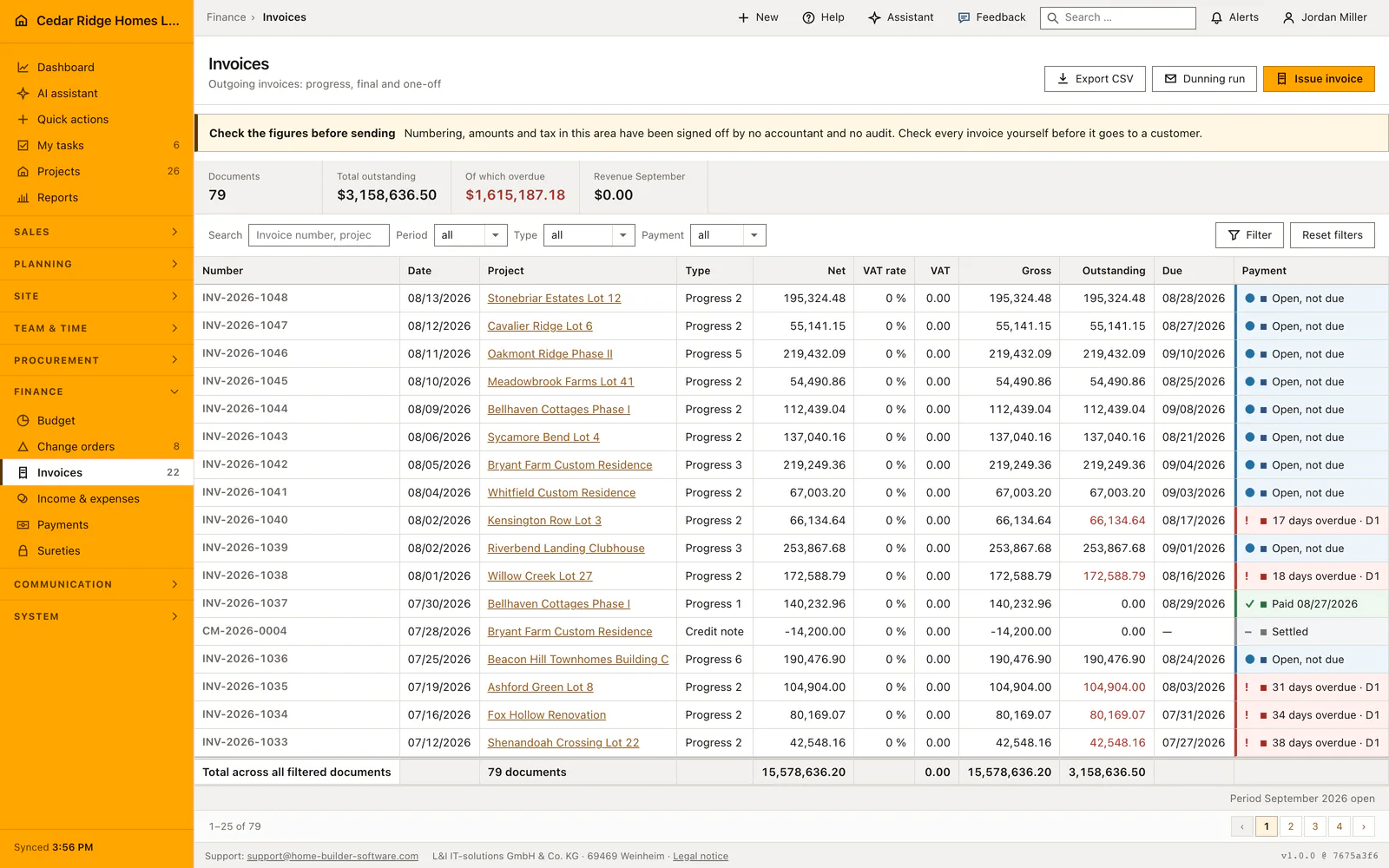
Two days later the closing sentence still bothers him, so he edits the company row again; this save lifts it to version 1.2 and writes one more audit entry with the template identifier. On August 19 the dunning run picks up INV-2026-1040 for Kensington Row Lot 3, 66,134.64 dollars and two days past its due date of August 17, 2026, and the first-level letter leaves in the 1.2 wording. The German and French reminder rows still stand at version 1, so a French-speaking buyer keeps receiving the shipped French text until somebody saves a company version in that language as well.
Multilingual construction document templates: checks before saving
Saving a system template replicates it as a company row, and the shipped original keeps its version and its text unchanged.
Every save raises the sub-version, so version one becomes one point one and one point one becomes one point two.
Both filters run against fixed lists, and an unknown language value falls back to showing every language.
A template belonging to another company answers 404 instead of opening in the editor.
Writing a template requires records.write, while opening the catalog and reading a body requires records.view.
Multilingual construction document templates: common mistakes
Pressing the customize action twice on the same system row leaves two company versions with the same name behind. Check the source column for an existing company row before you start writing a new one.
Changing the language in the editor moves the template into the other language group instead of translating it. Open the row of the language you actually mean to change, and write the other language in its own row.
A placeholder deleted from the content is gone; the save keeps exactly what stands in the box. Copy a long body somewhere else before rewriting it, because the catalog offers no earlier revision to fall back on.
The product page describes the same module from the business side, with the decisions it supports and the modules it connects to.
See the product pageFrequently asked questions
Can a system template be overwritten?
No. Customizing it creates a separate company version so software updates retain the system source.
Which template languages are supported?
Templates can be maintained in English, German and French.
Configuring this part for your own company?
Describe the sequence you follow today and the result you need at the end of it. We can walk through the settings that produce it.