
Construction quantity measurements
Capture measured work by cost group, item, quantity, unit, date and recorder as a structured basis for progress billing.
Construction quantity measurements: how it works in Home Builder Software
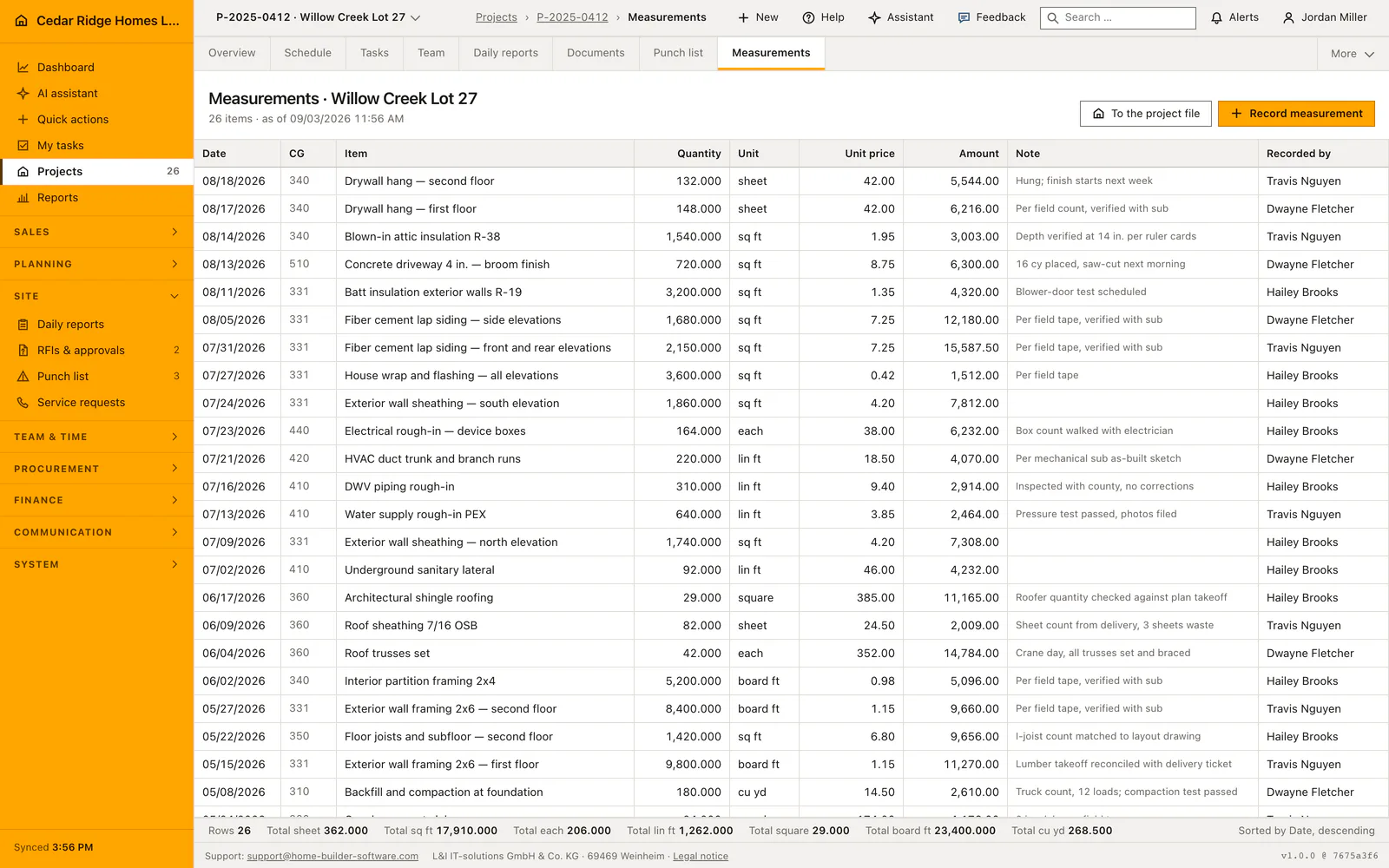
Progress billing stands or falls on what was actually measured on site. Measurements turn square meters of plaster or meters of cable into named items under a DIN 276 cost group, each with its quantity, unit, date and the person who took it. The notebook in the van and the spreadsheet on somebody’s laptop stop being the only proof of what the crew put in place.
Entry happens on one line above the table: cost group, item, quantity to three decimals, unit, an optional note and a date that starts on today. Units cover meters, square meters, cubic meters, pieces, kilograms and lump sums. Quantities must be greater than zero. The recorder is taken from the signed-in account, never from the form, and new lines appear at the top of the project list.
The status bar under the table counts the lines and totals the quantity per unit, and quantities in different units are never added into one meaningless number. Because each line keeps its cost group, its date and its author, the interim invoice has a basis somebody can point at when the owner questions a position. A joint measurement with the subcontractor can be noted on the line it belongs to.
Recording a measurement line with cost group, quantity and unit
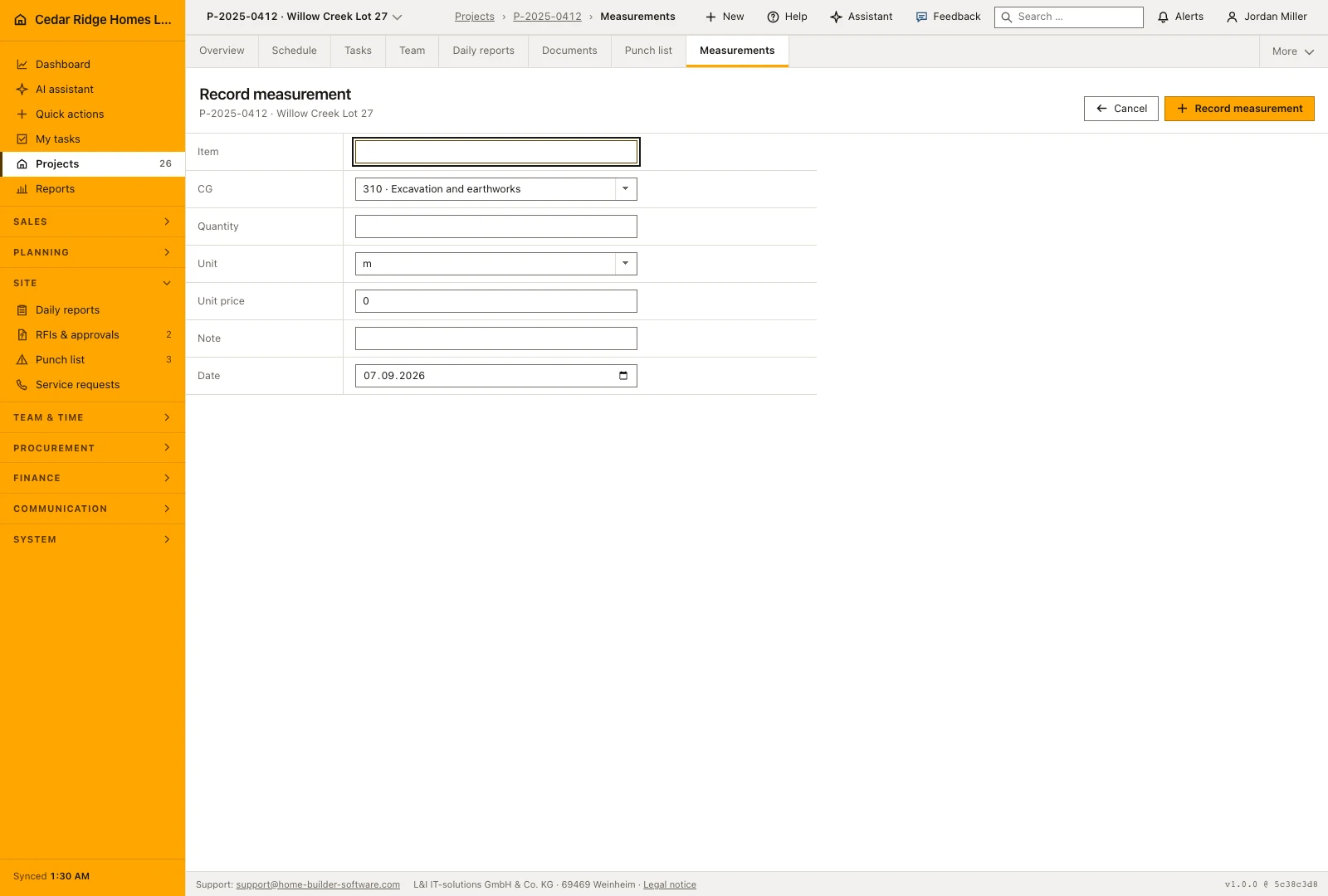
Open Record measurement from the project’s measurement register. Enter the work item, cost group, measured quantity and unit, then check the date and add a note describing the location or measurement basis. The item description can later be reused on an invoice, so wording such as wall area in the upstairs bathroom is more useful than a general label such as additional work.
Unit price is optional and starts at zero. Leave it there for a pure quantity take-off; fill it when the line should carry its own price into an interim invoice, because the register multiplies quantity by unit price into an amount column. Note holds 200 characters as well, enough for something like a joint measurement with the plasterer. The date field opens on today and can be moved back to the day the tape was actually held.
Each entry records who captured the measurement. Keep the description and note clear enough that someone preparing billing can understand the line without having attended the site visit. Measurements form an additive record: a correction should explain which earlier measurement it addresses, so the history of what was measured remains understandable rather than silently changing an earlier entry.
 Open full-size screenshot
Reading the register and the totals per unit
The register lists the measurement date, cost group, work item, quantity, unit, unit price, amount, note and person who recorded it. Recent entries appear first. Read the date and description together before using a line in billing, because two similar descriptions can concern different rooms, different visits or separate portions of the same work.
The status bar counts the rows first and then gives one total per unit, each to three decimals. Square meters and running meters never end up inside the same number: for one site they are two answers, not one. When the interim invoice falls due, those totals are the basis the office bills against, and every line behind them still names a date and a person.
From a measured quantity to an interim invoice line
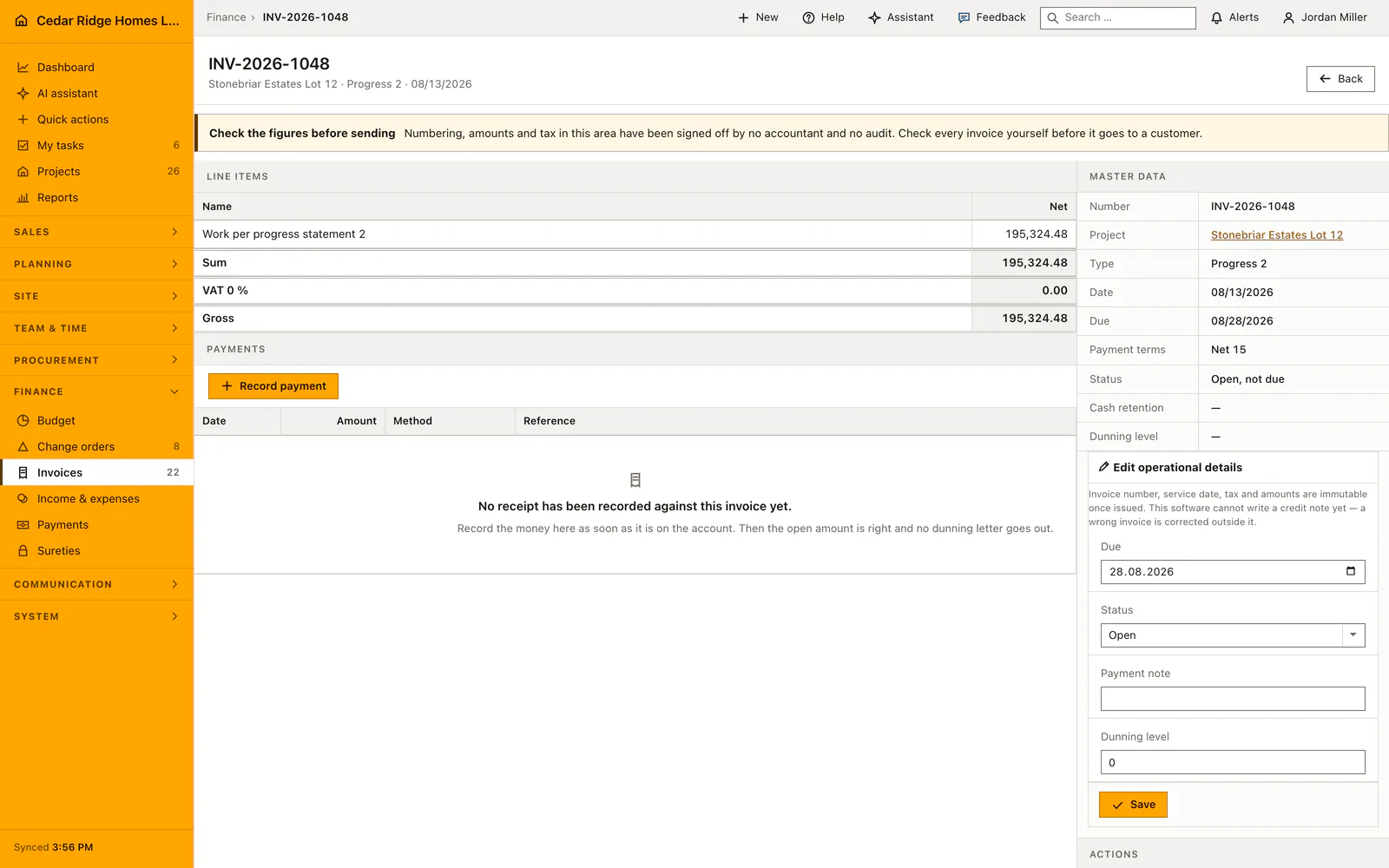
When preparing an invoice for the same project, select the relevant measurement to reuse its description, cost group, quantity, unit and unit price. Review the transferred values and the proportion of the work being billed before saving. This connects the invoice line to a dated site record and avoids typing the measured quantity again from a separate sheet or photograph.
The invoice calculates its positions from quantity, unit price and the entered completion percentage. Its totals then follow those positions. Keep units consistent between the measured work and the invoice: square meters of wall covering cannot be interpreted as running meters of trim. The invoice printout and supported electronic export use the resulting positions, making the measurement useful beyond the site register.
 Open full-size screenshot
Construction quantity measurements in the daily routine
Measurements belong to the project, so the page opens from the project file. The crew or the site manager records what was measured the same day, one line per position, while the wall is still open and the tape is still out. The office reads the running totals per unit when the interim invoice is due and bills against them. Anything disputed later can be traced to a date, a unit and a name.
Read the documentationConstruction quantity measurements: what it covers
Enter quantities with up to three decimals and common construction units
Keep every measurement linked to its project and recorder
Summarize quantities by unit without combining incompatible measures
Construction quantity measurements: questions and answers
Which units can be recorded?
Available units include length, area, volume, pieces, kilograms and lump sums.
Are different units added together?
No. The status summary keeps totals separate by unit.
Use Construction quantity measurements on your own projects
Request a trial period for the workflow around this module. We agree the roles, permissions and useful scope with you before preparing access.