
Custom construction fields, tables and imports
Extend standard records without code, create typed company tables and import CSV or XLSX contacts with preview and field mapping.
Custom construction fields, tables and imports: how it works in Home Builder Software
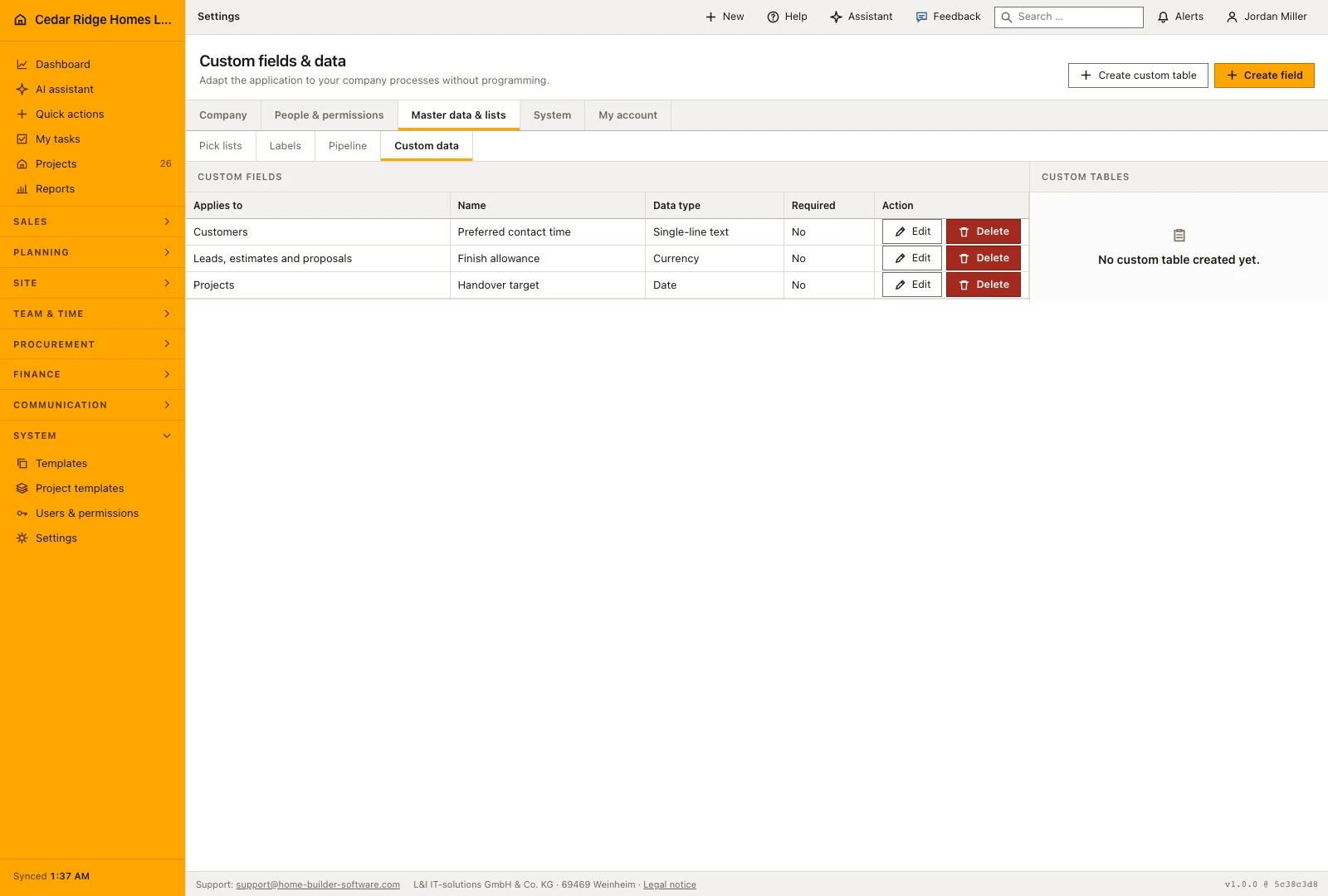
Every builder tracks something the standard record does not hold, and that detail usually ends up in a spreadsheet nobody else can find. Under Settings and Custom data, administrators and managers extend the standard models without writing code: an extra field on the project file, a small table for a list the software does not carry, or an import that brings the existing contact list in. The side file becomes unnecessary.
A custom field is typed from the start: single or multi-line text, number, currency, percent, date, date and time, email, phone, URL, yes or no, single choice and multiple choice. Data type, required status, active status and the option values stay editable afterwards, and the field shows up in the detail files of projects, leads, customers, subcontractors, service requests and equipment. A custom table adds a name, a description and typed columns that server-side validation enforces on every entry.
Imports feed the same structures. The reader takes CSV, TXT or XLSX, shows a preview and lets you map columns onto name, email, phone and address; contacts already known by email are updated instead of duplicated, and new rows receive their own customer number. Customer, project, employee and subcontractor stay fixed relations rather than configurable fields, so the links between records survive every change to the model. Only administrators and managers may change it.
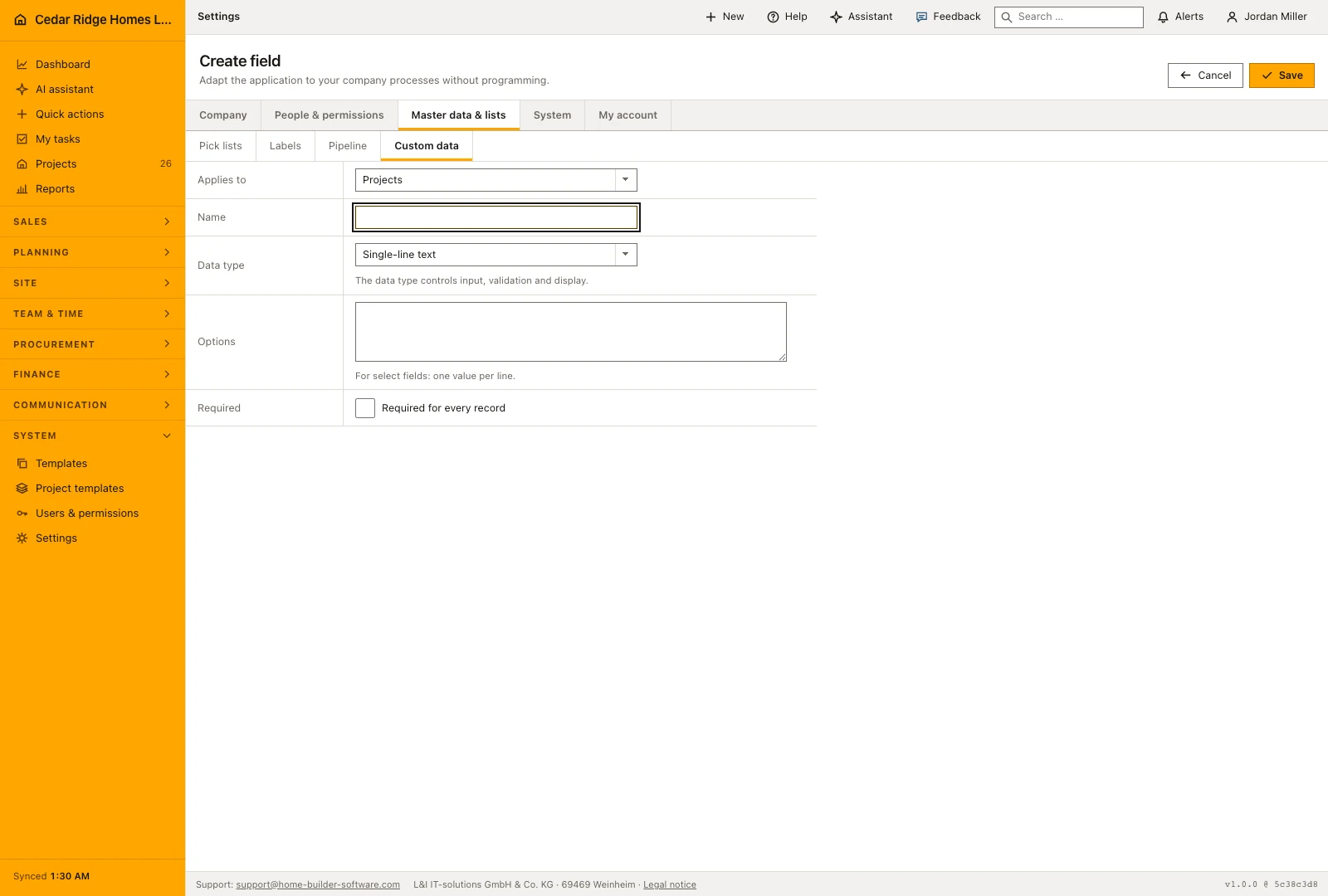
Creating a custom field, its data type and its options
Create field asks for the record type, a name, the data type and, for a select list or a multiple selection, the option values with one value per line. Available are single-line and multi-line text, number, currency, percentage, date, date and time, email address, phone number, web address, yes or no and the two selection types. A stable key derived from the name stays unique per record type, so a later rename leaves stored values untouched.
Edit field reopens all of it: record type, name, data type, options, Required and Active. Clearing Active takes the field off the detail pages without deleting a single value, which is the careful way to retire something. Delete removes the field together with every value belonging to it after a confirmation, and nothing brings them back. Strike an option out of a select list and the older records show nothing in that field until somebody picks a value that still exists.
 Open full-size screenshot
Custom tables and their records in daily use
Create custom table takes a name, a description and up to fifty columns, each with its own name, data type and, for selection columns, its allowed values. A selection column without a single value is refused with the message that select fields require at least one option. The table then stands on the right of the Custom data page with its record count, and Add record opens a form of exactly those columns.
Existing rows are edited in place: each row is a form of its own with its own save button, and the delete beside it asks for confirmation first. The same type rules apply to every cell as to a field on a record, so a percentage column accepts nothing outside 0 to 100 and a multiple selection quietly drops values that are not in its list. Deleting the table takes its records with it, which the confirmation says before anything happens.
Contact import from CSV and XLSX into the customer list
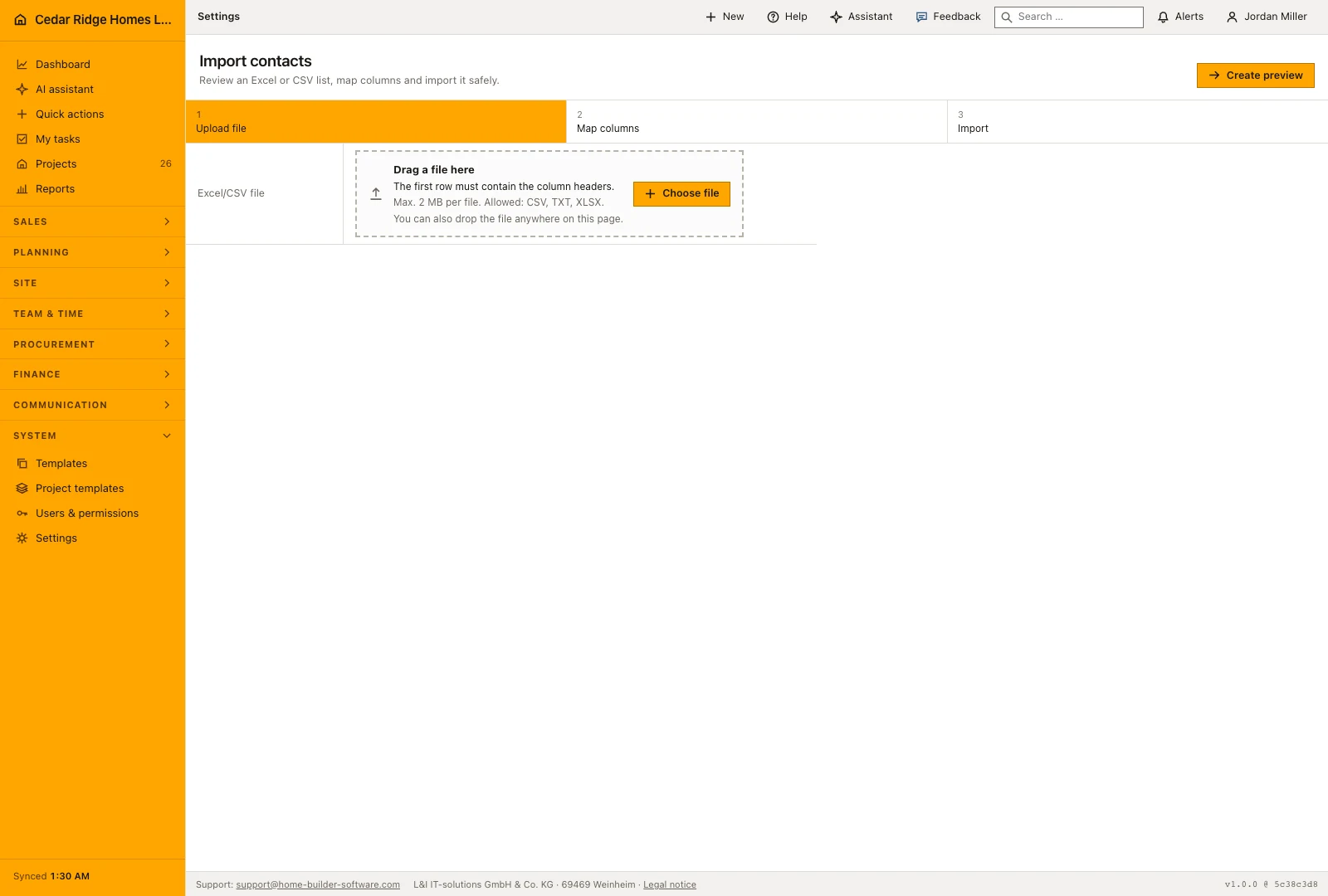
Open contact import with the permission to maintain customer records. Upload a CSV, text or Excel file with a header row, then review the preview before importing. Map the source columns to the customer fields the office actually uses. Check email addresses and company names carefully, since those values help determine whether an incoming row updates an existing contact or creates another one.
Only the mapping of name or company is required; email, phone, street, postal code and city stay optional, and the select boxes propose a matching header. On import a row without a name is skipped, a contact already known under the same email address is updated, and everything else becomes an active customer with the next KD number and the country code of the company. The result message names both figures.
 Open full-size screenshot
Custom construction fields, tables and imports in the daily routine
The need usually surfaces in the office: a value keeps being written into a comment because no field exists for it. A manager opens Custom data, adds the field with its type, marks it required where a record should not be saved without it, and sees it appear in the relevant detail files. Site and sales staff fill it as they work. A whole list gets its own table the same way, and an inherited contact file is mapped once and imported.
Read the documentationCustom construction fields, tables and imports: what it covers
Add typed fields to projects, leads, customers, subcontractors, requests and equipment
Define custom tables with validated column schemas
Map contact columns and update existing records by email during import
Custom construction fields, tables and imports: questions and answers
Can a customer or project relationship be replaced by a custom field?
No. Core relationships remain fixed tenant-filtered records rather than configurable fields.
Which contact import formats are supported?
The import reads CSV, TXT and XLSX and provides a preview before mapping.
Use Custom construction fields, tables and imports on your own projects
Request a trial period for the workflow around this module. We agree the roles, permissions and useful scope with you before preparing access.