
Construction crews and time tracking
Team and time cover who is available, where the hours went and which machine stood on which site.
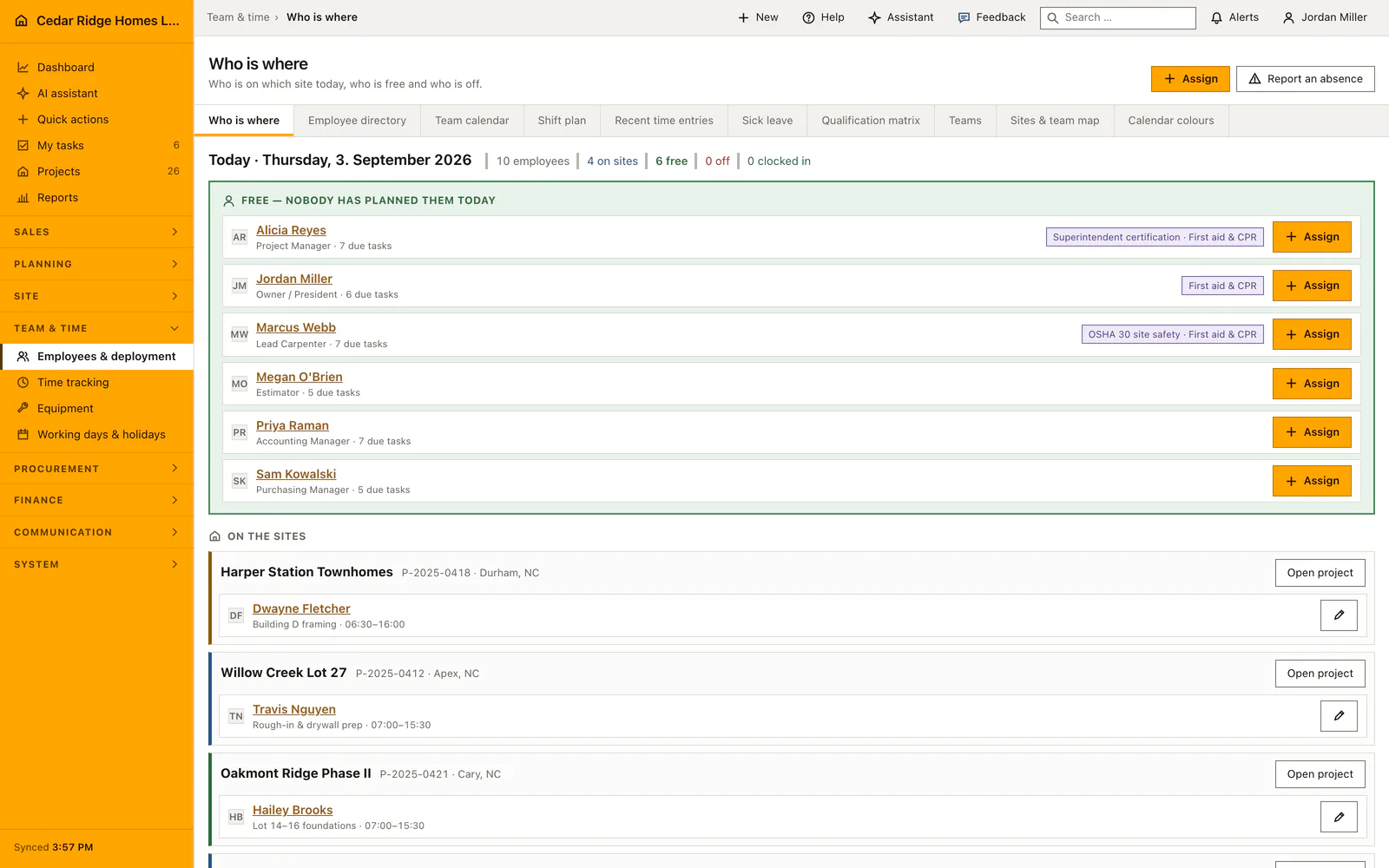
Planners assign crews to projects, staff book time against a task, equipment is issued and returned, and the working calendar holds the company holidays. One absence type exists: sick leave. Workforce planning does not read the working calendar, so a day marked as non-working still has to be handled when crews are assigned.
Team and time modules in Home Builder Software
Construction workforce planning
Coordinate employees, teams, shifts, qualifications, absences and deployment in one workforce module with transparent automatic assignment rules.
Construction time tracking
Let employees clock in and out, select a project or add a manual time entry without making GPS a requirement.
Construction equipment tracking
Track each tool, machine or equipment item by inventory number, serial number, status, location, project, assignee and next service date.
Construction working calendar
Define the company working week, daily hours, timezone, holidays, shutdown periods and additional working days used by every project schedule.