
AI assistant for construction data
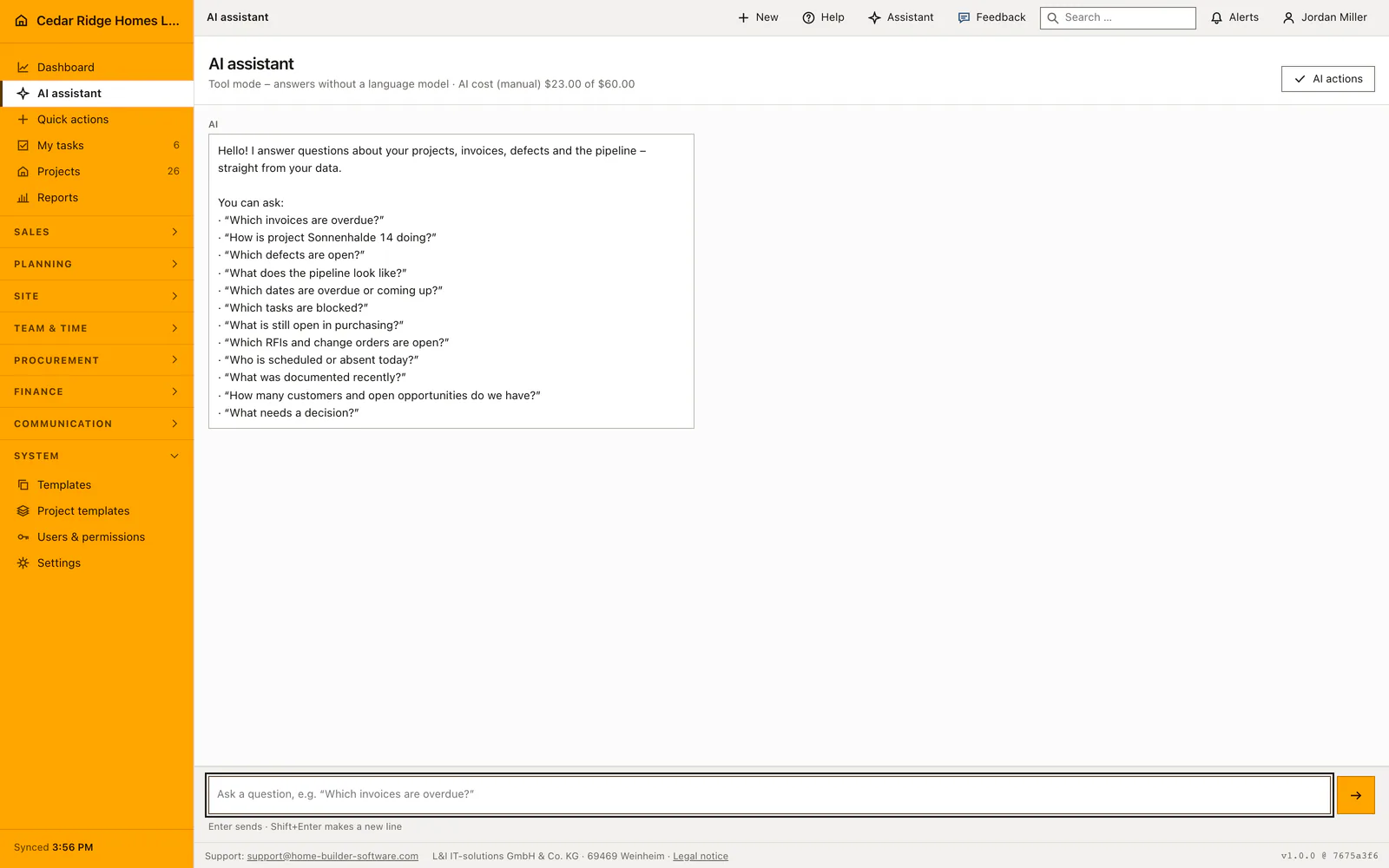
Ask Home Builder Software about permitted company and project data, see the sources used, and review proposed write actions before anything changes.
AI assistant for construction data: how it works in Home Builder Software
The assistant sits as a fixed rail on the right of every internal page and answers questions about the company data you are already allowed to see. It receives the visible page content, the matching Home Builder Software documentation, document metadata and, inside a project file, up to three project photos. The question mark at the top right opens the rail with the question already set: which fields, actions and next steps does this page offer?
The header always names the mode in use. Tool mode answers straight from the database without a language model, free of charge and with real figures, and every such answer is labeled as such. With a provider connected, an agent chains the released tools: search for a project, then load its current record. Which provider that is, L&I IT-solutions sets up for the company against its license; the company reads the active one under Settings and asks support for a change. A chip under each answer names the tool behind it.
Safe source links under the answer lead into the module that holds the record, so no figure has to be taken on trust. Write actions stay proposals: the preview shows the permissions required, the risk level and the exact change, and only Accept and run carries it out. An administrator can switch on the audited bypass, and even then proposal, execution and result remain traceable. If the external service fails, the assistant drops back into tool mode and says so.
Asking a question that comes back with real figures
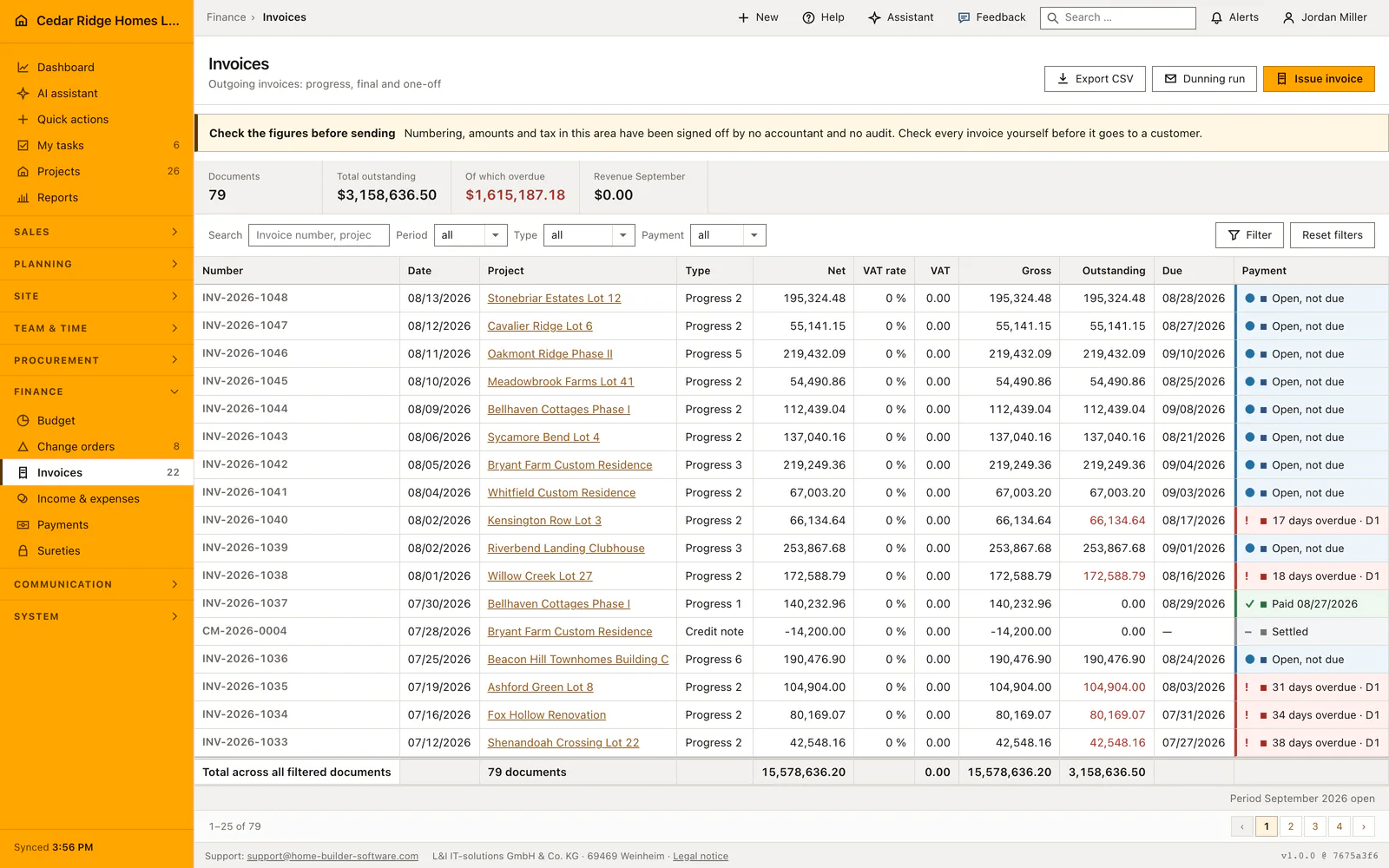
Ask a question with a recognizable subject, such as the open defects on a project or the invoices that still need payment. Include the project name or period when it matters. The assistant can retrieve permitted records across sales, projects, planning, field work and finance, so the answer can connect information that would otherwise require several separate searches.
A useful follow-up narrows the first answer: ask which items are overdue, which trade is responsible, or which record needs a decision. Check that the answer refers to the intended project before acting on it. A question about another company or a record outside your project access does not grant the assistant additional access; it works within your existing role.
 Open full-size screenshot
Reading the streamed answer, its tool chips and its source links
Answers appear while the provider is still writing them. Your own message stands on the right with your initials, the answer on the left labeled AI, and the speaker is written out because side and color never carry meaning alone. Only the log scrolls, so the composer and the newest message stay in view. Under each answer a chip names the tool behind it, for example the one for overdue invoices or for CRM search.
Source links let you open the records behind an answer and check dates, amounts and status in their original context. Use that step before sending a reminder, changing a schedule or discussing a cost with the customer. The assistant’s summary is a way into the records; the invoice, task or project file remains where the operational decision is made.
Execution modes review, write and bypass for AI write actions
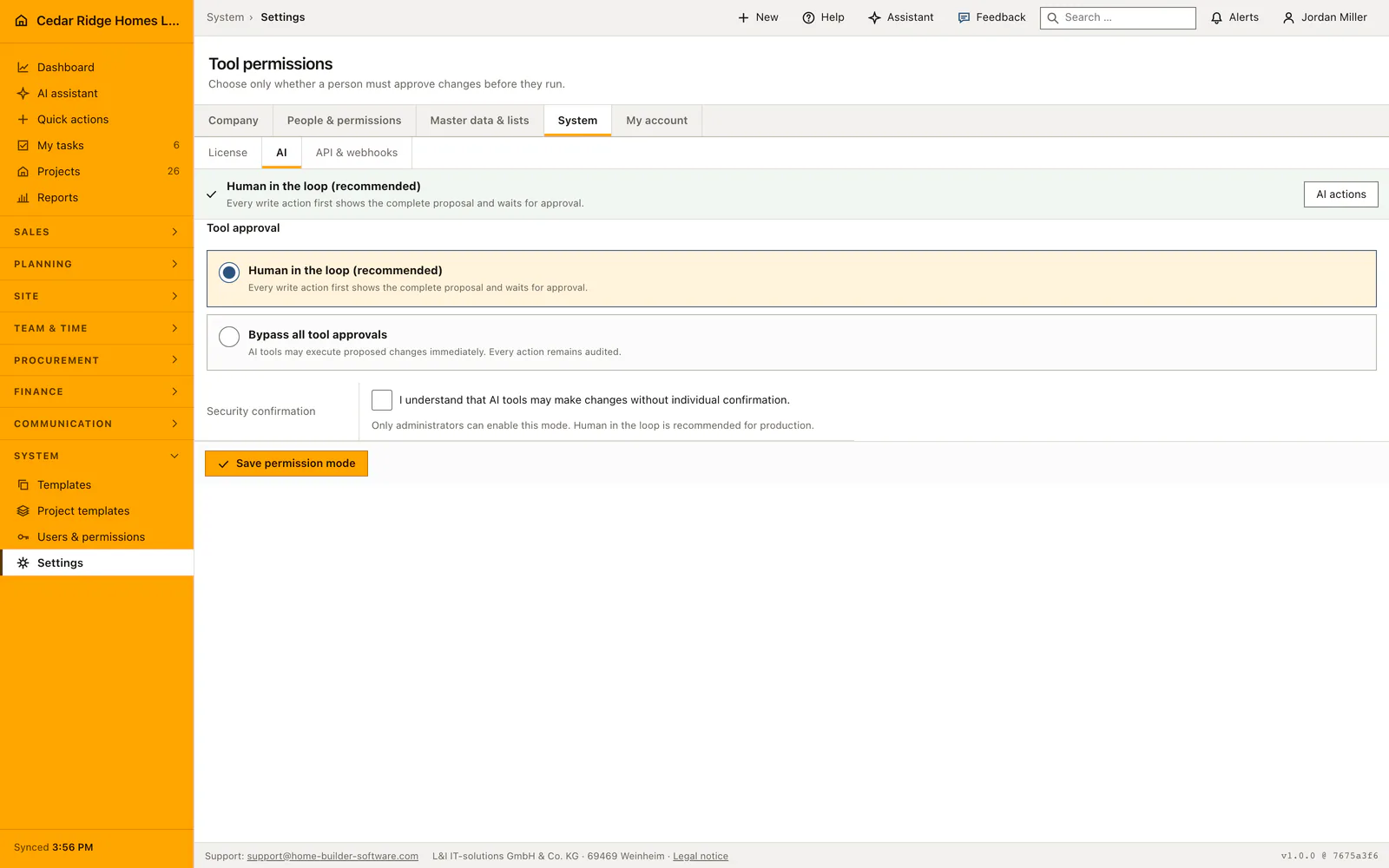
Any change the assistant wants to make passes one gate, always in the same order. First the permission the same change needs on screen, so asking the assistant never widens what a role may do. Then validation against the company's own data, which is where an invented project number fails. Then the company setting under Tool permissions, which has three positions: review proposes everything, write carries out creating and changing at once while deletions still wait, bypass carries out everything.
Every proposed action remains recorded, including the requested change and the decision about it. Review mode asks a person to approve writes; write mode allows ordinary writes while keeping deletions for review; bypass mode also permits deletions without individual approval. Only an authorized administrator should choose the company’s mode. The same user permissions still apply in every mode.
 Open full-size screenshot
AI assistant for construction data in the daily routine
A site manager types a question between two calls and reads the answer while it is still streaming, then follows the source link into the invoice, defect or task behind it. The rail keeps the last twenty rounds of the session, so a follow-up such as and which of those needs no repetition, and nothing is stored beyond the sign-in. Where the question stays ambiguous, the assistant asks which subject is meant. Where the answer proposes a write, a permitted person decides before anything is saved.
Read the documentationAI assistant for construction data: what it covers
Answer questions with permission-filtered tools and project context
Show safe links to the records used as sources
Route write proposals through review or an audited administrator bypass
AI assistant for construction data: questions and answers
Can the assistant see every company record?
No. Its tools follow the signed-in user’s normal permissions and tenant access.
Does the assistant change data automatically?
Write actions are proposals by default and require acceptance. Only administrators can enable the audited bypass mode.
Use AI assistant for construction data on your own projects
Request a trial period for the workflow around this module. We agree the roles, permissions and useful scope with you before preparing access.