
Construction field management
Field operations record what happens on site each day so that it reaches the office as usable evidence: daily reports with weather, crews and photographs, requests for information and their approvals, the punch list, service requests after handover, measurements and the progress report.
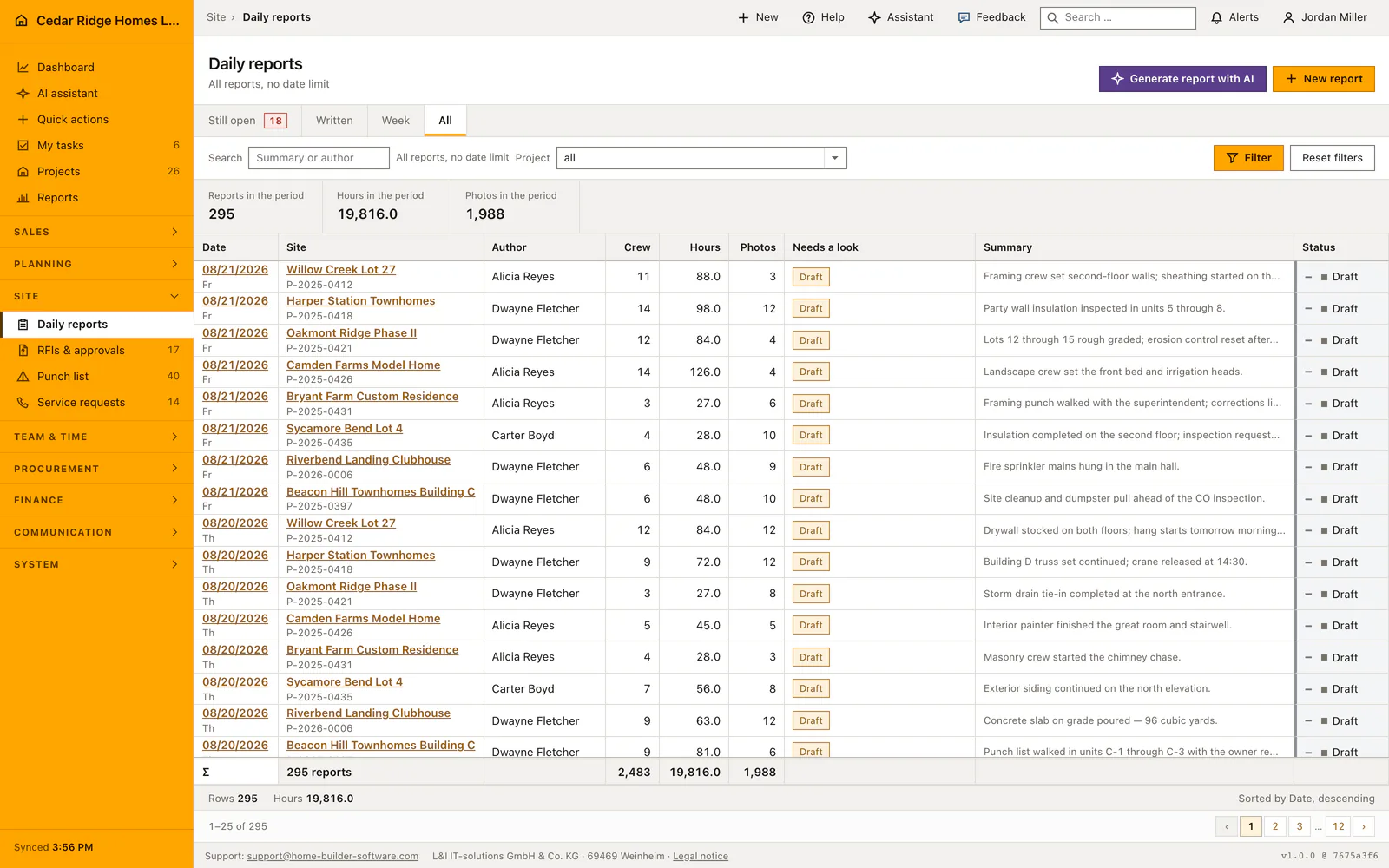
Superintendents enter it once on site. The office reads the same entry, and a defect stays linked to the report and the photograph that documented it.
Field operations modules in Home Builder Software
Construction daily reports
Record one daily report per project and day with weather, crew size, hours, completed work, photos and status for a consistent day-by-day record of the jobsite.
Construction RFIs and approvals
Track questions to architects, owners and authorities with due date, current responder, cost or schedule impact and a controlled answer-to-close workflow.
Construction punch list and defect management
Manage defects across projects from capture and trade assignment through correction and verified acceptance in a list or Kanban board.
Construction service requests
Connect each customer service request with priority, due date, project, customer, description, owner, custom fields and the shared activity history.
Construction quantity measurements
Capture measured work by cost group, item, quantity, unit, date and recorder as a structured basis for progress billing.
Printable construction progress report
Generate a print-ready progress report for owners and lenders from current project, schedule, invoice and daily-report data.