
Project-connected construction email
Connect a company mailbox through SMTP and IMAP and assign incoming or outgoing messages to projects, leads, customers, subcontractors, service requests or equipment.
Project-connected construction email: how it works in Home Builder Software
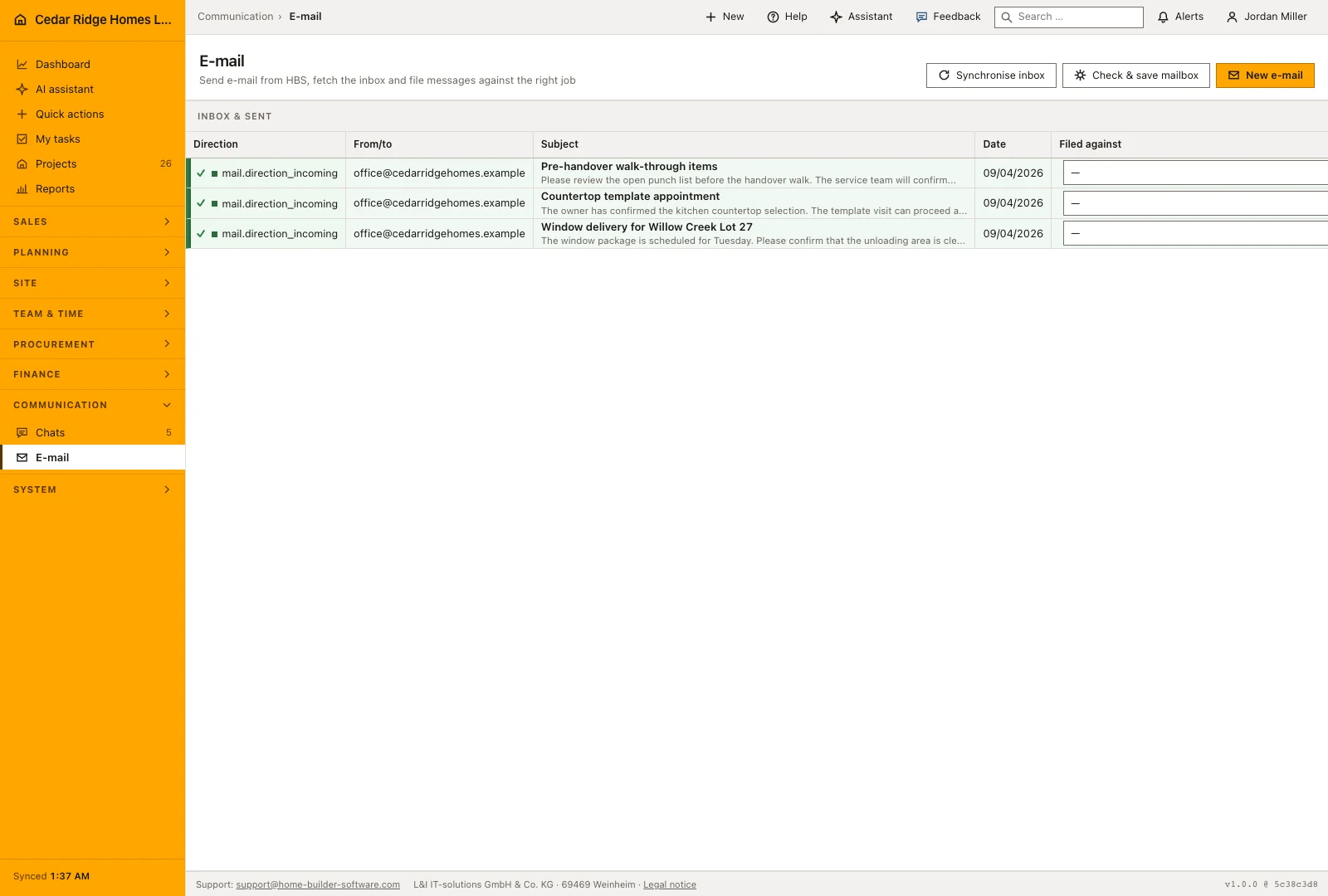
Correspondence about a building job arrives in the same place as the job itself. An administrator connects the company mailbox once, and from then on the mail area lists what came in and what went out, newest at the top, with direction, correspondent, subject and date on every row. Nobody forwards a supplier reply to three colleagues so that it can be found again next spring.
The mailbox form asks for SMTP and IMAP host, port, encryption and credentials, tests the connection before it goes live and keeps both passwords encrypted; a mailbox that failed its check refuses to send. Writing a message happens on its own page, with several recipients separated freely, a subject, a body and an optional assignment. Incoming mail is pulled by IMAP and deduplicated on its Message-ID, so a second sync never doubles a thread.
Assignment is what makes the mail useful later: pick a project, lead, customer, subcontractor, service request or piece of equipment, and the message becomes a mail entry in that record’s history, carrying the subject as its title and the sending time as its date. Messages can be assigned after the fact from the list, sending is written to the audit trail, and the company’s multilingual mail wording stays maintained in the template library.
Writing a message and addressing its recipients
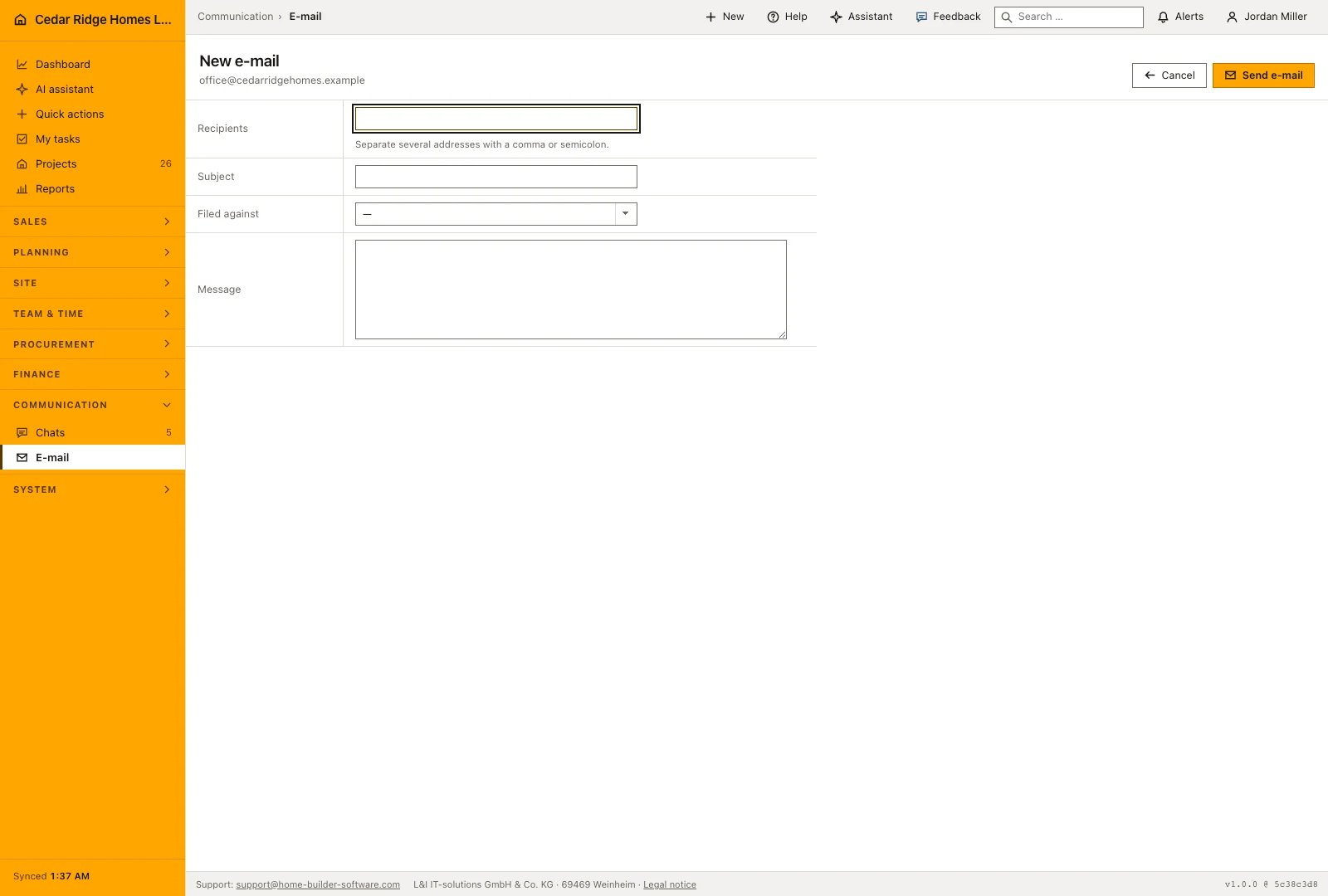
Once the company mailbox has been configured, open Compose, choose the sending account and enter the recipients, subject and message. Multiple recipients can be entered together. Review the addresses before sending and choose the record the conversation belongs to while its context is still clear. A supplier’s delivery confirmation and a customer’s selection question should not be left in the same unfiled pile.
The filing box sits on the same form. It offers every project by number and name, every lead, every customer, every subcontractor, every service request and every piece of equipment the company holds, which lets the message reach the right file while it is still being written. Leaving the box empty is allowed: the message goes out and is stored, and it can be filed afterwards from the list. A sent row keeps the outgoing direction, the status sent, its recipients and the sending time.
 Open full-size screenshot
Synchronizing the inbox and filing what arrived
An authorized administrator can fetch incoming messages from the configured mailbox. The application reports how many new messages were received and shows the account’s latest synchronization time. Review the resulting inbox for messages that still need filing or a reply. Fetching an email does not decide which project it concerns; that association remains an office decision when the context needs checking.
Underneath stands the list, twenty-five rows to a page, carrying direction, correspondent, subject with the first ninety characters of the text, date and the filing box. Because a select and a button sit on every row, Tuesday's unfiled message is dealt with without opening it. A chosen target writes the assignment and the history entry in one step; changing the target later moves the assignment and adds a further entry rather than replacing the first one.
Filing mail against project, customer and service records
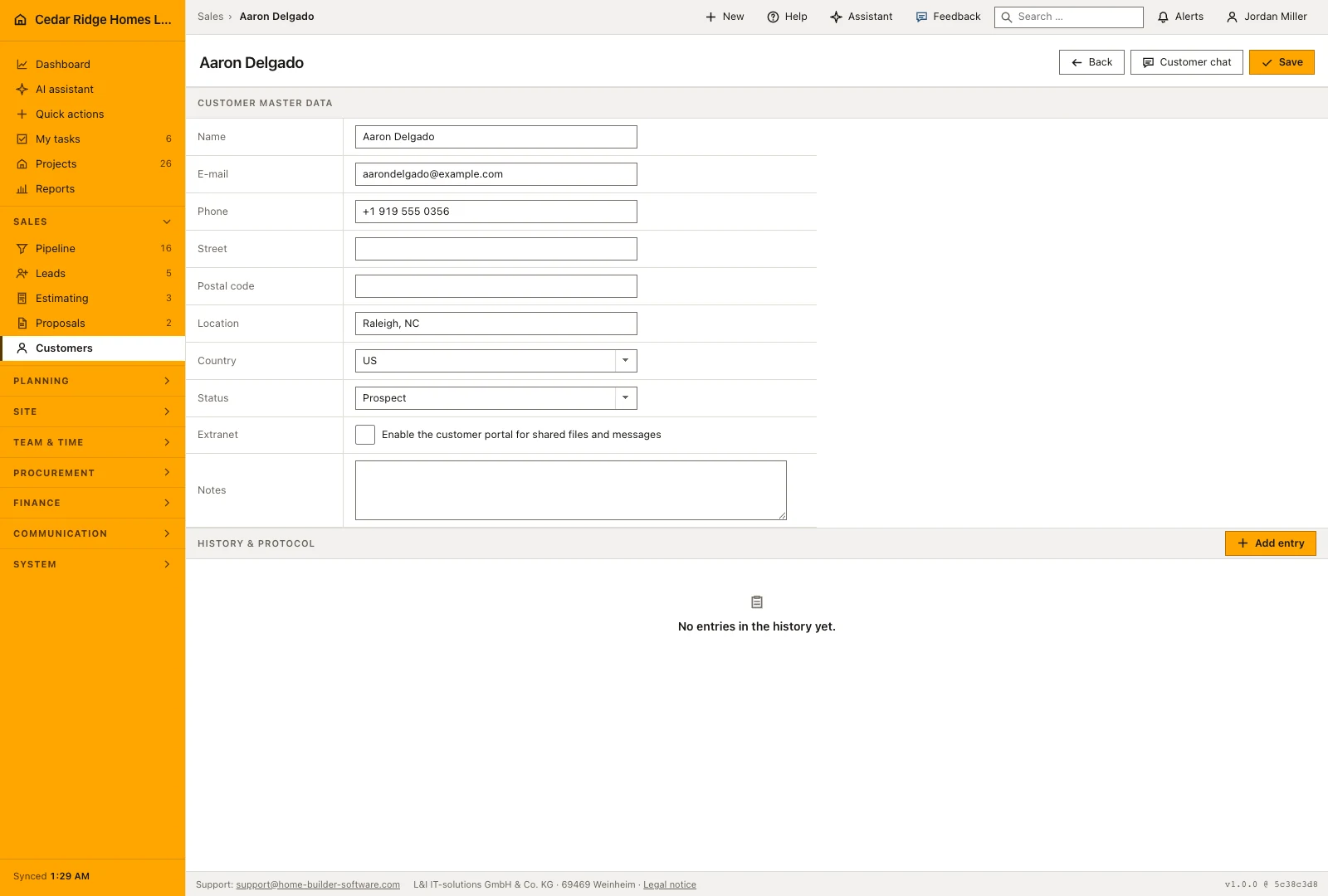
Filing a message adds it to the history of the chosen record, preserving its subject, text and sending or receiving date. Colleagues can then read the correspondence alongside meeting notes, photos and other events on the same job. This is particularly useful when the person who handled the original exchange is away and someone else needs to understand what was agreed.
The wording a company sends is maintained elsewhere. Templates of the e-mail kind live in the template catalog, one row per language, and are copied into a message by the person writing it. The letters the software itself sends, such as password links, invitations and confirmations, are assembled from shared blocks and do not travel through the company mailbox. The mailbox carries what people write.
 Open full-size screenshot
Project-connected construction email in the daily routine
An administrator saves the mailbox and the connection test either turns it green or names the error. Office staff then write from the compose page, address several recipients at once and link the message to the project or service request it belongs to. A colleague runs the sync, reads the answers that came back, and assigns any that arrived unlabeled. From that moment the exchange is readable in the record itself, not only in one person’s inbox.
Read the documentationProject-connected construction email: what it covers
Test and store encrypted mailbox connection settings
Associate sent and synchronized mail with supported business records
Create an email entry in the shared history of every assignment
Project-connected construction email: questions and answers
Which protocols connect the company mailbox?
Outgoing mail uses SMTP and incoming synchronization uses IMAP.
Where does an assigned email appear?
It becomes an email entry in the shared history of the selected business record.
Use Project-connected construction email on your own projects
Request a trial period for the workflow around this module. We agree the roles, permissions and useful scope with you before preparing access.