
Construction software settings
System and administration hold the structures every other module reads: users and roles, the permissions behind them, company settings, number ranges, project and document templates, custom fields, the activity history and the setup wizard.
Administrators decide here who may see a cost figure and who may only enter a daily report. The activity history records what changed, when and by whom, which matters when an invoice or a contract value is questioned later.
System modules in Home Builder Software
Multilingual construction document templates
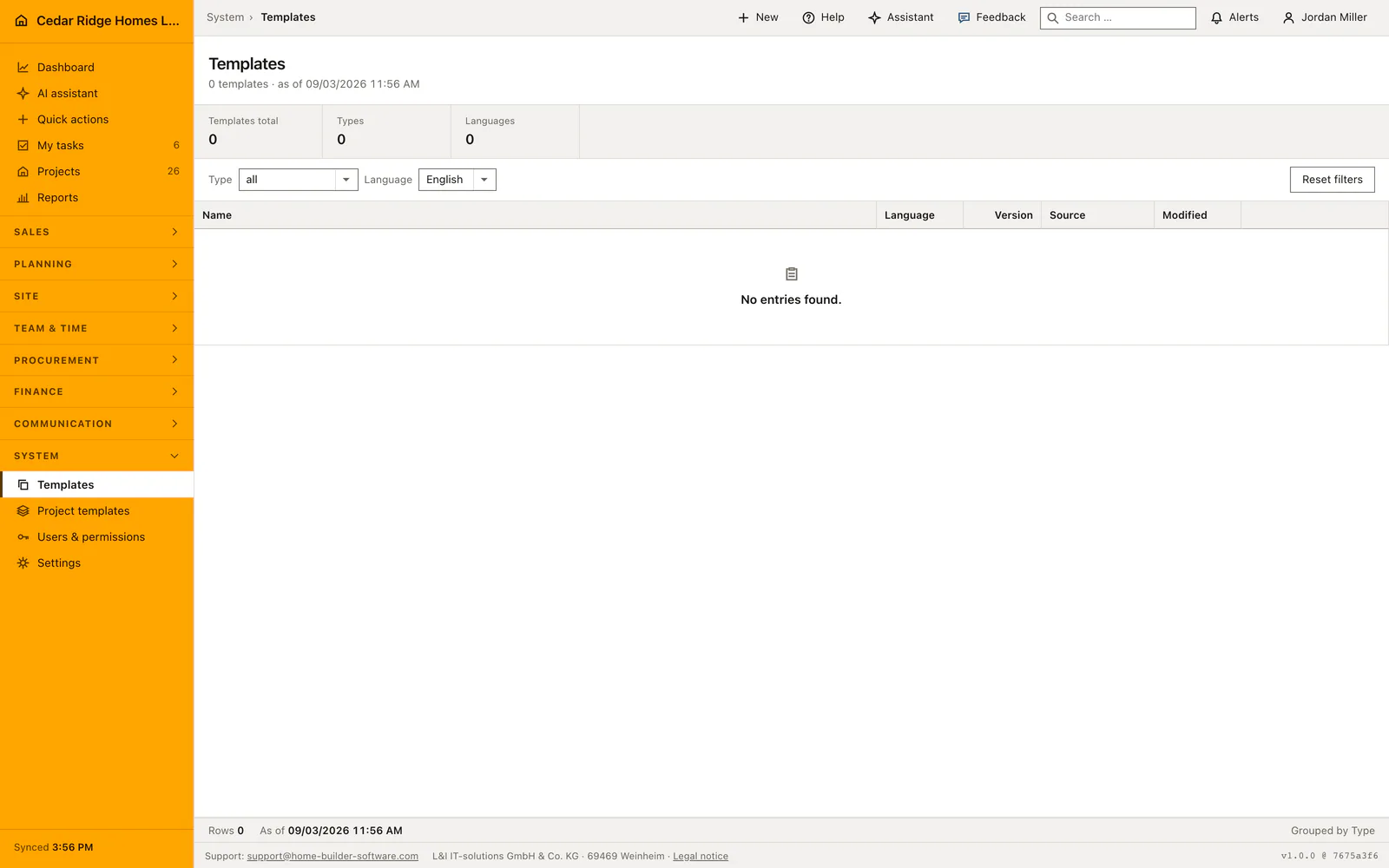
Manage every company document and email template for invoices, proposals, contracts, correspondence and reports in English, German and French, with system originals kept intact.
Construction project templates
Standardize phases, activities, milestones, duration, order, process types, checklists and photo evidence in one blueprint, while keeping every new project adjustable in the wizard.
Construction software user management
Invite, maintain and deactivate Home Builder Software users with roles, project access, position and contact details from one administration area.
Construction roles and permissions
Build company roles from separate view, write and management permissions and apply the same access rules to navigation, screens, actions and server requests.
Construction software settings, API and webhooks
Configure company-wide behavior and manage scoped API keys, signed webhooks and MCP access while keeping storage and AI provider setup under L&I IT-solutions administration.
Construction software setup wizard
Set up storage, company details, processes, existing data, AI, dashboard and final checks through a guided seven-step administrator workflow.
Custom construction fields, tables and imports
Extend standard records without code, create typed company tables and import CSV or XLSX contacts with preview and field mapping.
Unified construction activity history
Keep notes, comments, meetings, minutes, photos, email and portal chat in a reusable timeline attached to the relevant business record.
Contextual help and support
Reach support from every internal screen or open the assistant with a ready-made request to explain the current page, fields, actions and next steps.