
Custom construction fields, tables and imports: setup and daily use
Custom fields, custom tables and the contact import all sit under Settings and Custom data, and every change to the model needs the settings.manage permission. A field is typed once, attaches to projects, leads, customers, subcontractors, service requests or equipment, and is then filled inside the record by anyone holding records.write. A custom table carries rows of its own. The import reads CSV, TXT or XLSX, shows a preview and maps the columns onto contact fields.
Settings access and the record types you can extend
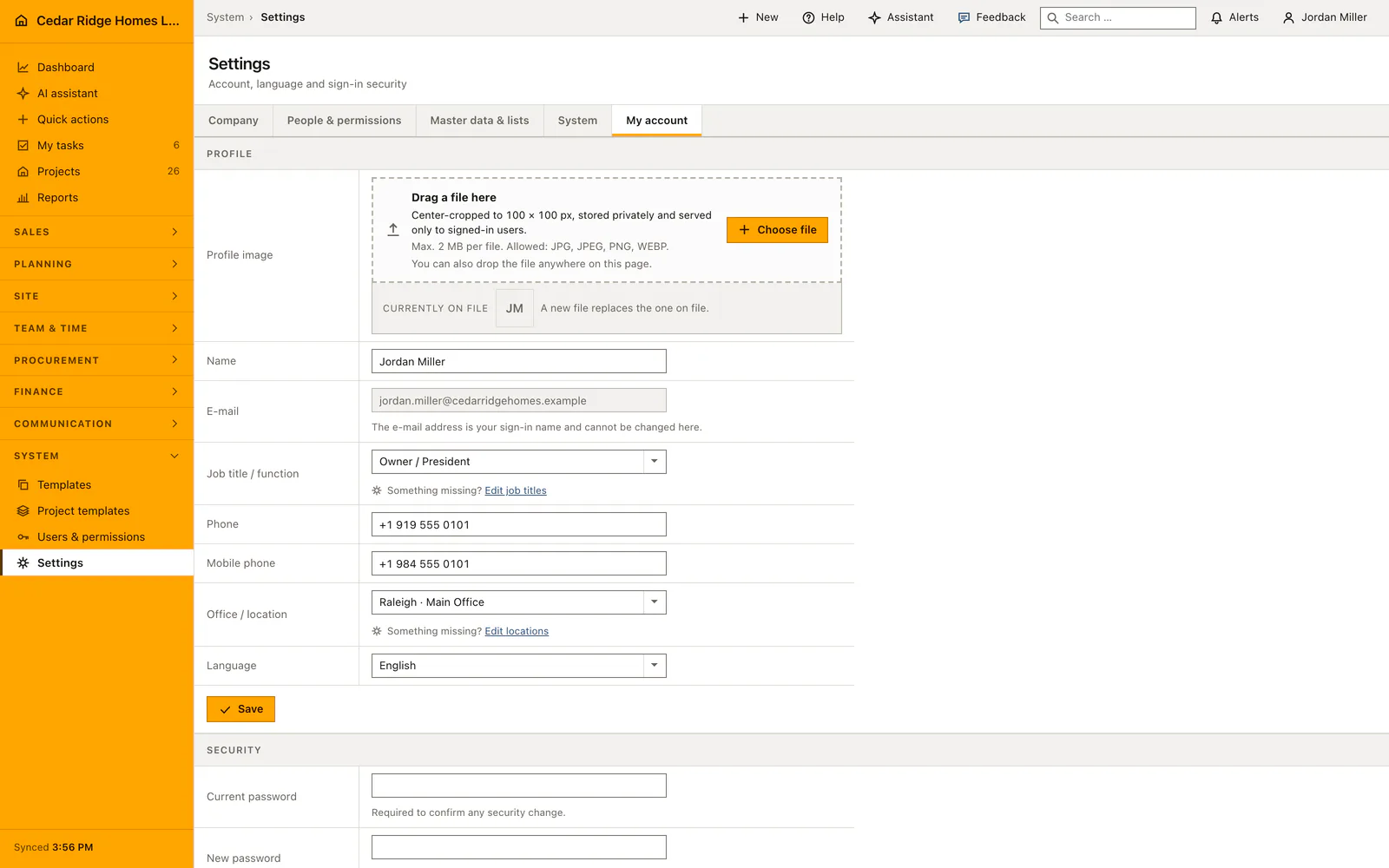
Custom data opens at /settings/custom-data and every screen there is refused without settings.manage; the administrator role carries that permission, site management does not. Filling a field inside a record is a separate question and needs only records.write, so a site manager writes into fields the office defined without ever touching the model. Settle that split before the first field exists: a required field blocks the next save of the record for everyone who opens it.
A field belongs to exactly one record type. The choice covers projects, leads together with estimating and proposals, customers, subcontractors, service requests and equipment, held internally as project, lead, contact, supplier, ticket and equipment. Customer, project, employee and subcontractor themselves stay fixed relations pointing at their own master records. An additional field extends those links rather than replacing one, and a relation rebuilt as a select list ruins every later evaluation.
Creating a custom field, its data type and its options
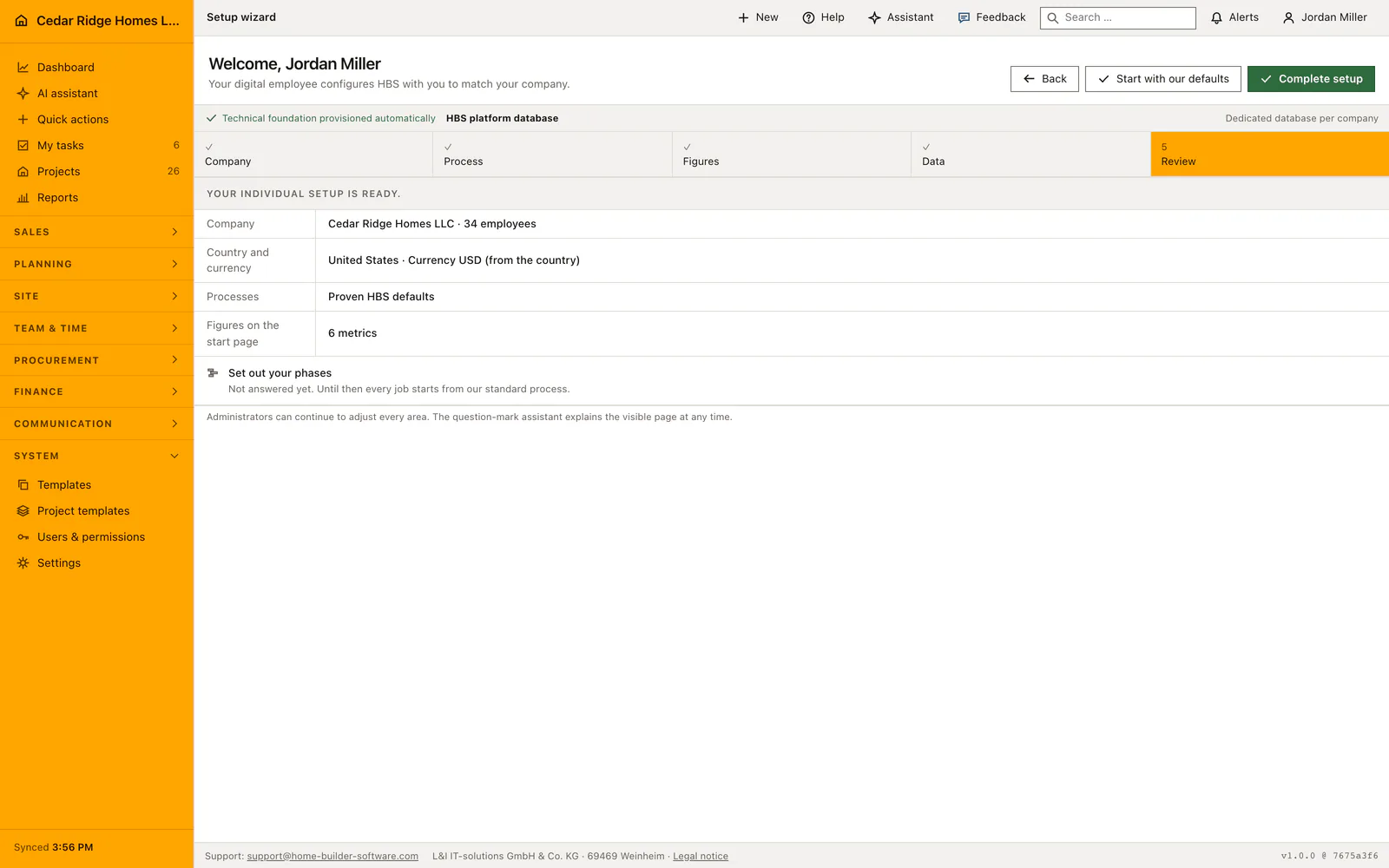
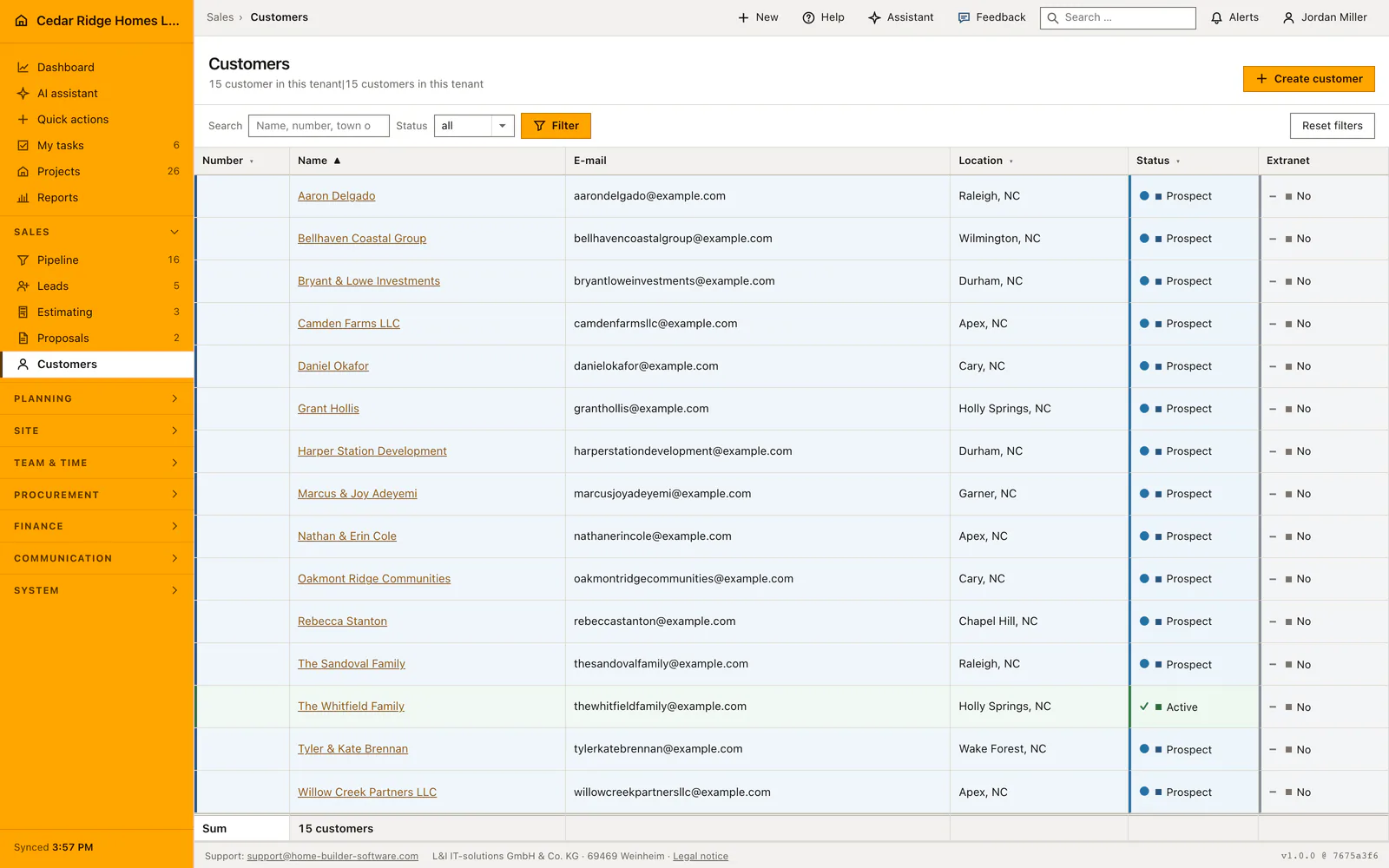
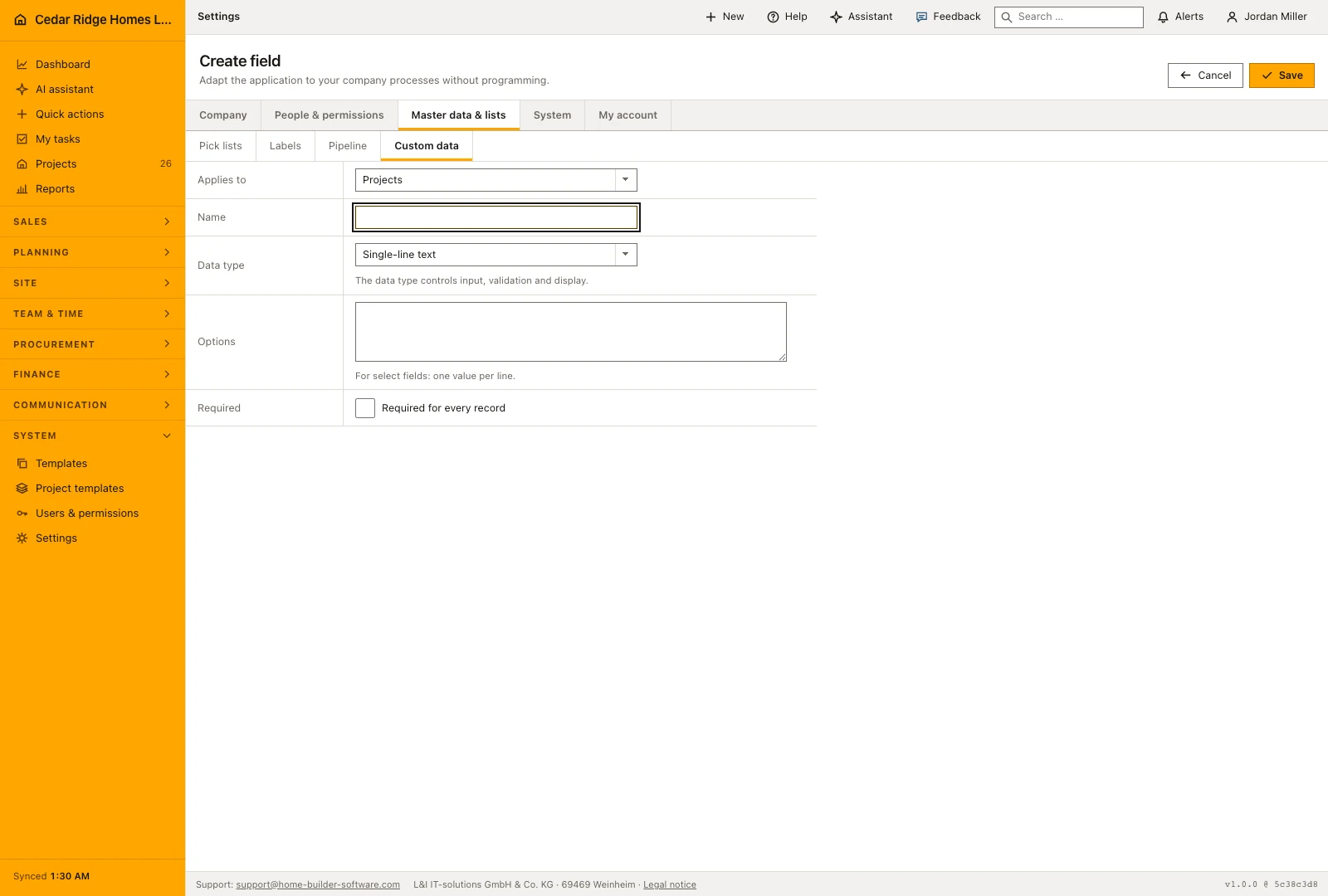
Create field asks for the record type, a name, the data type and, for a select list or a multiple selection, the option values with one value per line. Available are single-line and multi-line text, number, currency, percentage, date, date and time, email address, phone number, web address, yes or no and the two selection types. A stable key derived from the name stays unique per record type, so a later rename leaves stored values untouched.
Edit field reopens all of it: record type, name, data type, options, Required and Active. Clearing Active takes the field off the detail pages without deleting a single value, which is the careful way to retire something. Delete removes the field together with every value belonging to it after a confirmation, and nothing brings them back. Strike an option out of a select list and the older records show nothing in that field until somebody picks a value that still exists.
Custom tables and their records in daily use
Create custom table takes a name, a description and up to fifty columns, each with its own name, data type and, for selection columns, its allowed values. A selection column without a single value is refused with the message that select fields require at least one option. The table then stands on the right of the Custom data page with its record count, and Add record opens a form of exactly those columns.
Existing rows are edited in place: each row is a form of its own with its own save button, and the delete beside it asks for confirmation first. The same type rules apply to every cell as to a field on a record, so a percentage column accepts nothing outside 0 to 100 and a multiple selection quietly drops values that are not in its list. Deleting the table takes its records with it, which the confirmation says before anything happens.
Who may change the model, and what the audit log stores
Each change to the model writes its own audit event: custom_field.created, custom_field.updated and custom_field.deleted for fields, custom_data_set.created and custom_data_set.deleted for tables, custom_data_record.updated and custom_data_record.deleted for their rows. Filling the additional fields of a record produces custom_fields.values_updated with the record type and its id, and a finished contact import produces contacts.imported with the number created and the number updated. Every event carries the user and the address it came from.
Ownership is checked beside the permission, never instead of it. A field, a table or a row of another company answers 404 rather than 403, and the values route resolves the record it writes into through that record's own scope, which for projects includes the allow-list a restricted person is bound to. An additional field therefore never opens a site the navigation keeps closed.
Contact import from CSV and XLSX into the customer list
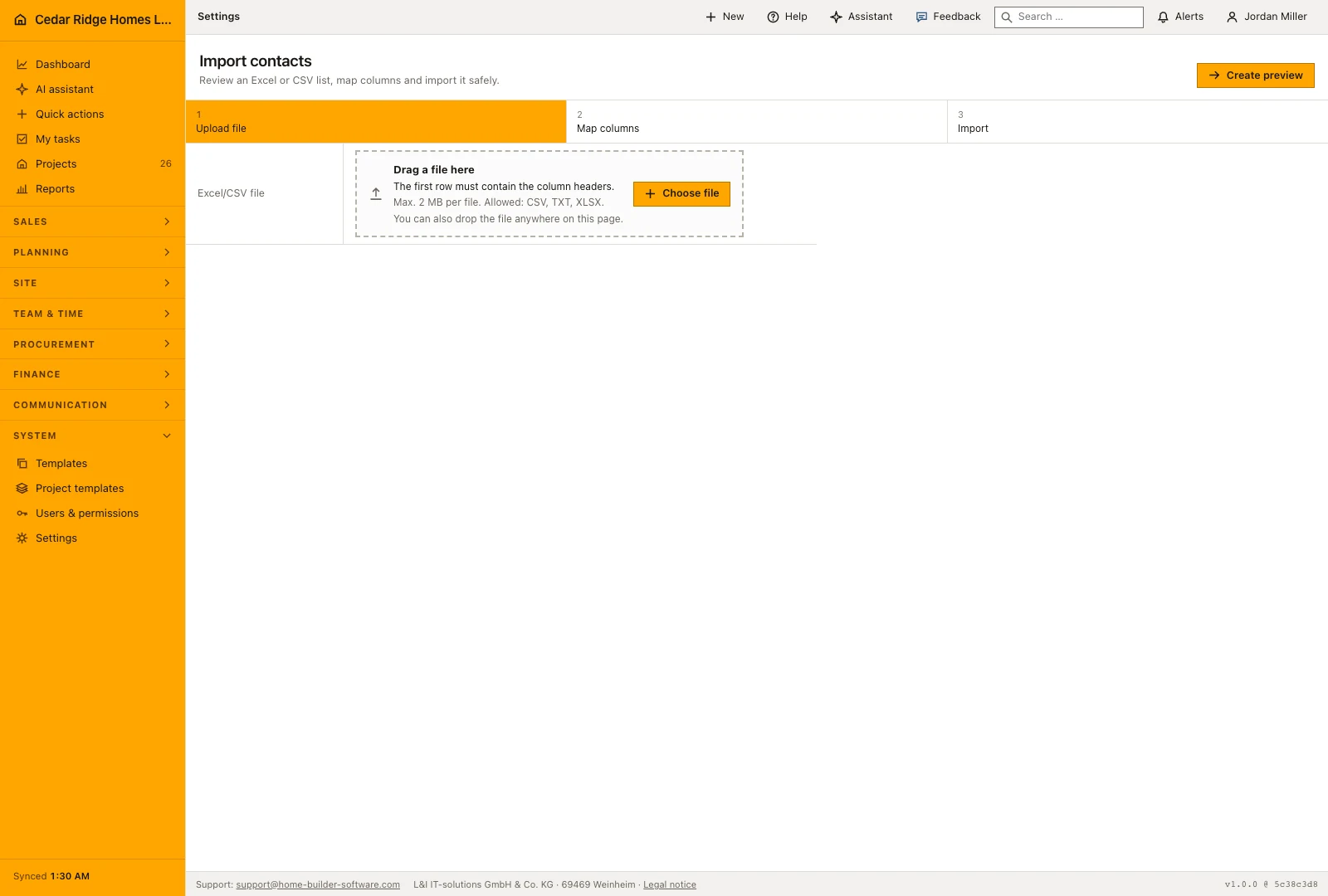
Import contacts sits at /settings/import and needs records.write. Upload a CSV, TXT or XLSX file of at most 10 MB whose first row holds the column headers. The reader recognizes comma, semicolon and tab by itself, converts Windows-1252 to UTF-8 and takes up to 2000 rows; from an XLSX workbook it reads the first sheet only. The preview shows the first rows of the file and the mapping form stands underneath it.
Only the mapping of name or company is required; email, phone, street, postal code and city stay optional, and the select boxes propose a matching header. On import a row without a name is skipped, a contact already known under the same email address is updated, and everything else becomes an active customer with the next KD number and the country code of the company. The result message names both figures.
Worked example: a custom allowance field and a contact import at Cedar Ridge
Cedar Ridge Homes keeps interior allowances outside the estimate, so the office creates a currency field named Interior allowance for the record type projects and a select list named Warranty package whose values Standard and Extended go in on separate lines. On Willow Creek Lot 27 the coordinator opens the site file, types 14,500.00 dollars into the allowance field and picks Extended; the save passes because both fields stay optional. A percentage field named Retainage rate on subcontractors takes the value 10, while an attempted 140 is turned away, since percentages end at one hundred. Renaming the allowance field to Design allowance a week later changes no stored value, because the key minted at creation keeps its name.
After the spring home show the sales folder holds home-show-leads.csv with a header row and seventy-four contact rows, well under the two thousand the reader accepts. The preview recognizes the semicolons on its own, and name, email and phone are mapped in the form below it. Three rows carry no name and are skipped, eleven addresses already exist in the customer list and update those records, and the remaining sixty become active customers with the next free customer numbers. The result message reports sixty created and eleven updated, the audit log stores contacts.imported with the same two figures, and a second run of the file would merely repeat the updates instead of doubling anyone.
Custom construction fields, tables and imports: checks before saving
Every screen under Settings and Custom data demands settings.manage; filling the additional fields inside a record demands records.write instead.
A select list or multiple selection cannot be saved until it carries at least one option value.
A percentage field accepts values between 0 and 100 only, and a multiple selection discards entries outside its option list.
Deleting a field removes every stored value with it, and deleting a custom table removes all of its records.
The import writes nothing before the mapping is submitted; the preview lives in the session and is discarded afterwards.
Custom construction fields, tables and imports: common mistakes
Marking a field required after records exist blocks the next save of every one of them. Create the field inactive first, fill in the backlog, then set Required and Active together.
An XLSX workbook whose data sits on the second worksheet imports as empty, because only the first sheet is read. Move that sheet to the front or export it as CSV before uploading it.
A list without an email column creates a new customer number for every row, so a second run of the same file doubles the contacts. Map the email column whenever the source file has one.
The product page describes the same module from the business side, with the decisions it supports and the modules it connects to.
See the product pageFrequently asked questions
Can a customer or project relationship be replaced by a custom field?
No. Core relationships remain fixed tenant-filtered records rather than configurable fields.
Which contact import formats are supported?
The import reads CSV, TXT and XLSX and provides a preview before mapping.
Configuring this part for your own company?
Describe the sequence you follow today and the result you need at the end of it. We can walk through the settings that produce it.