
Unified construction activity history: setup and daily use
The history is a section inside the record itself. Projects, leads, customers, subcontractors, defects, RFIs, change orders, invoices, bid packages, documents, schedule items, service requests, equipment and estimates all carry one. Add entry needs records.write. An entry is a note, comment, meeting, minutes or photo; mail and chat entries are written by their own modules. Sorting follows the time you entered, newest first.
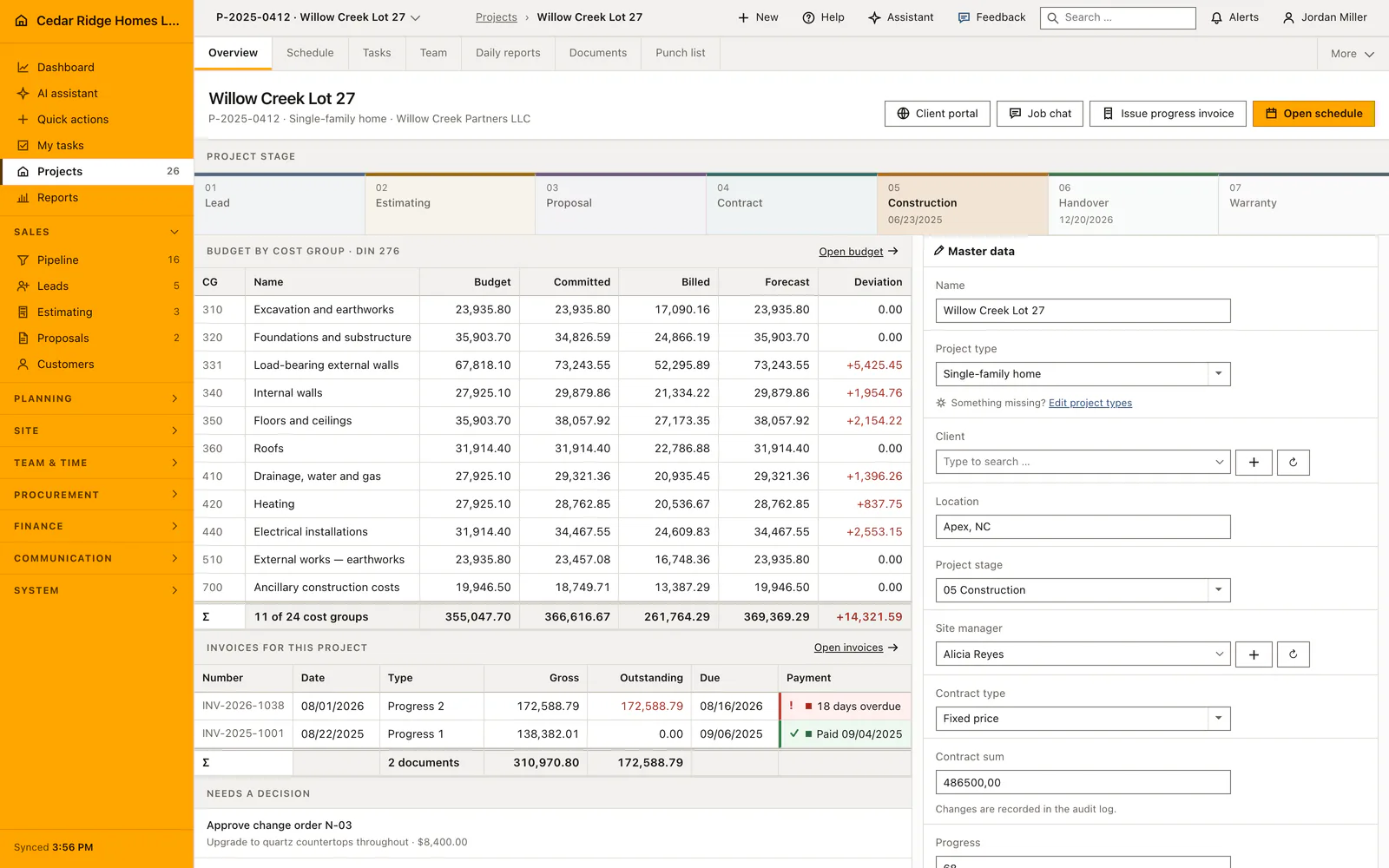
Where the history section appears and who may write in it
There is no separate module to switch to. The section headed History and protocol is rendered inside the detail page and carries an Add entry action that appears only with records.write. Reading is open to anyone allowed to open the record, entries written by colleagues included. A foreman limited to two sites sees the complete thread of those two and nothing of the remaining projects.
The list follows the time of the event, newest first, with the entry id settling ties. Each line shows the type as a colored state, the subject or the words No subject, the date with the time, and the name of the author. A user deleted since then still appears there, because the author is loaded including deleted records; an entry whose writer had vanished would be worth nothing in an argument about what was agreed.
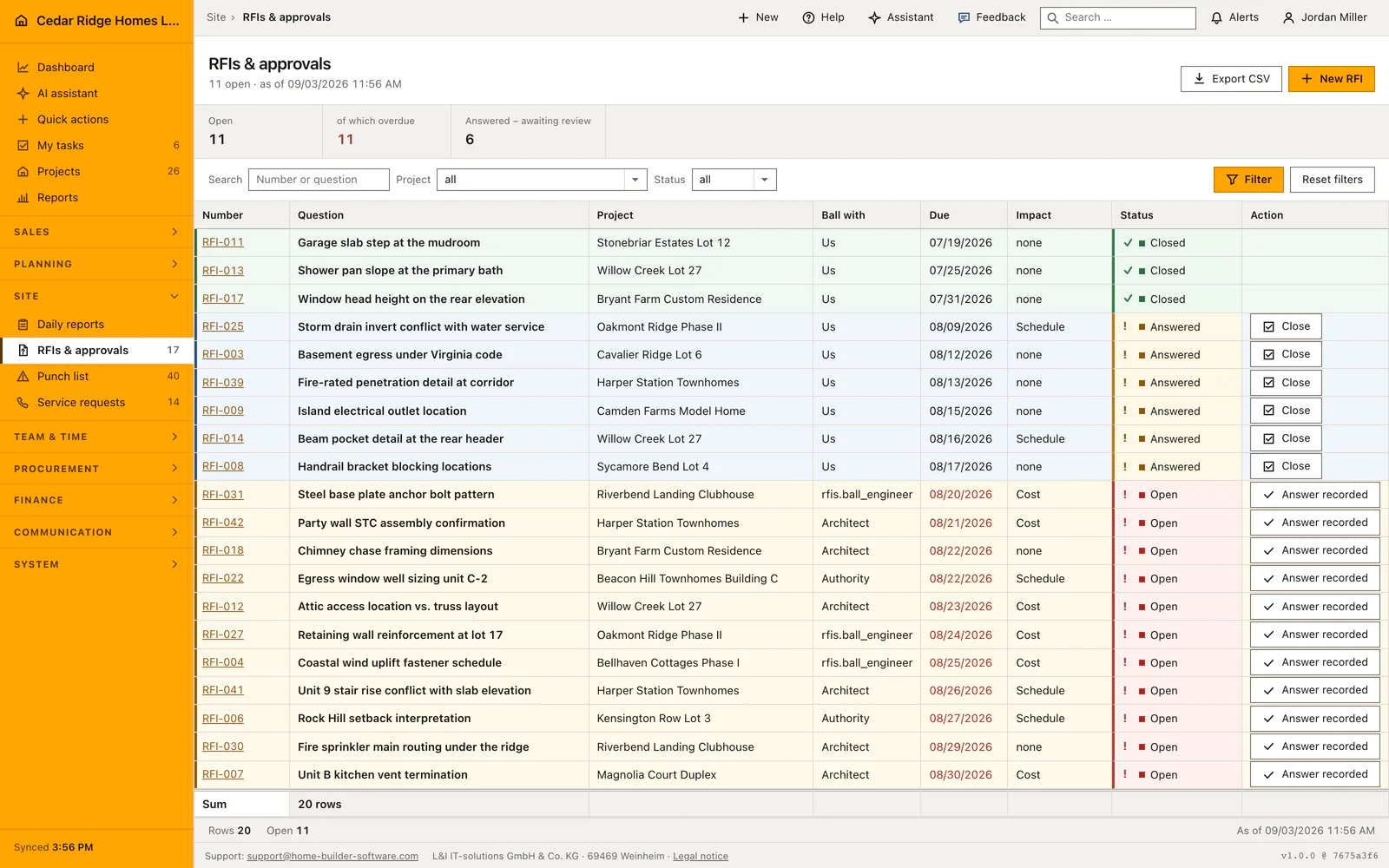
Adding a note, minutes or a site photo to a record
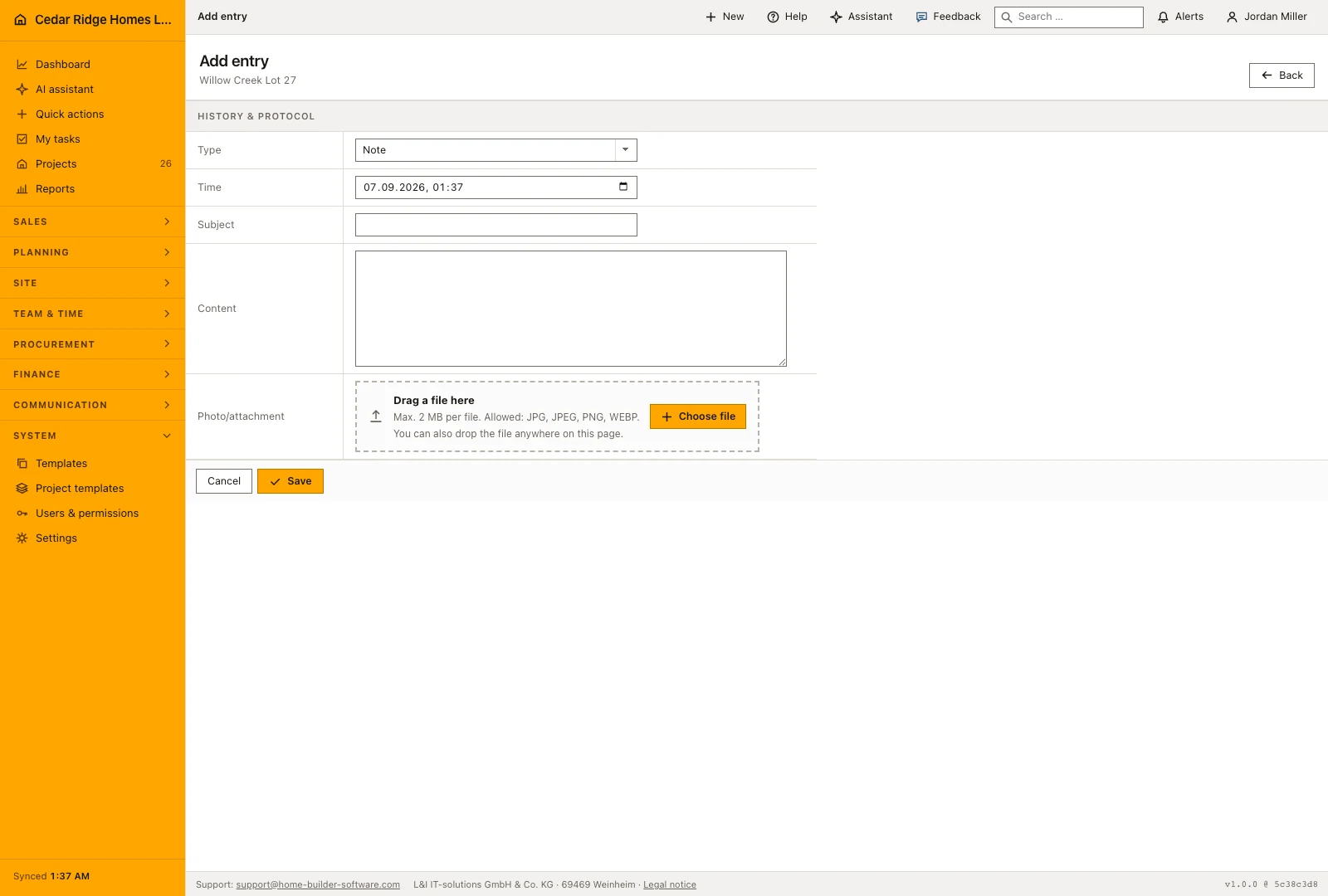
Add entry opens a form of its own rather than a box inside the page. Type offers Note, Comment, Meeting, Minutes and Photo; E-mail, Chat and System are absent on purpose, as those entries come from the mail module, from chat and from system processes. The time is prefilled with the current minute and can be moved back to the moment the call, the walk or the meeting actually happened, which is what makes the thread readable months later.
Subject takes 160 characters, Content takes 10 000. One of the two has to be there: an entry with neither text nor photo is refused with the message asking for content or a photo. A photo may be JPG, PNG or WebP up to 15 MB, and as soon as one is attached the type becomes Photo whatever the select said. The file goes into tenant storage under protocols and its original name stays in the entry metadata.
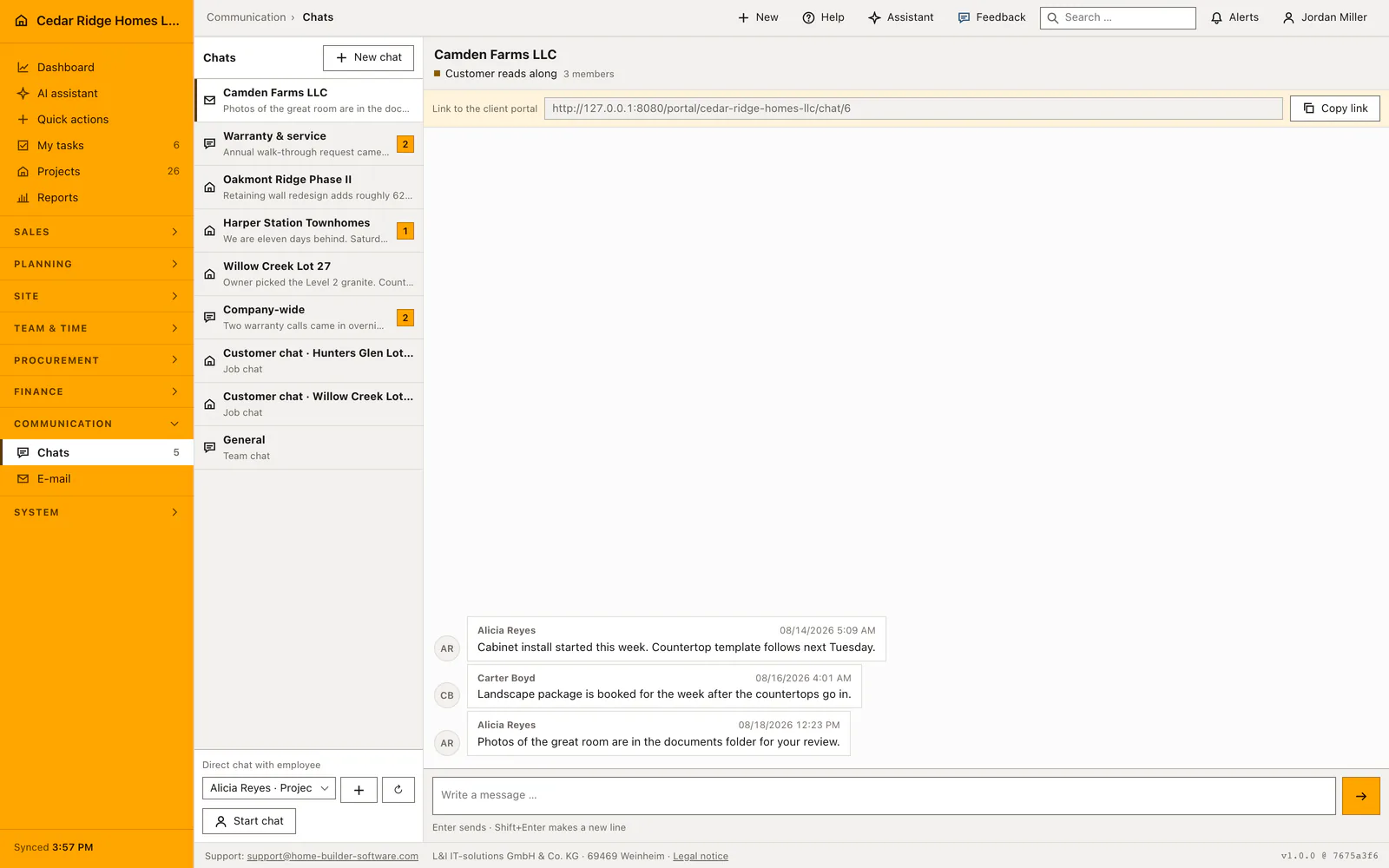
Reading the timeline while a job runs
Give minutes and meetings a subject. Untitled entries appear as No subject, and twenty of them below one another help nobody once a deadline is being disputed. The time field is what orders the list, so a note typed on Monday about Friday's site walk belongs on Friday and not on the moment of typing. The same holds for a call written up the next morning.
Photos are not shown inside the page; the entry carries an Open photo button that delivers the file as a download. An existing entry cannot be edited, because it records what was said, so a correction takes the form of a new entry rather than a rewrite of the old one. That is also why deletion is the only way back and why the delete button itself is kept narrow.
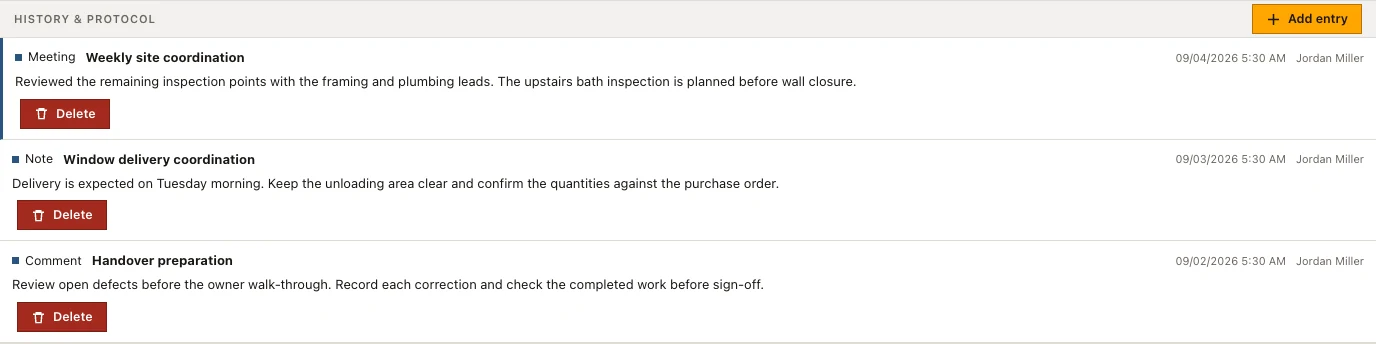
Deleting entries, photo downloads and the reach of a site restriction
Delete appears on your own entries and, with records.write, on all of them. Mail, chat and system entries carry no delete button at all, because the message behind them lives in its own module. Deleting removes a stored photo from tenant storage in the same step and writes protocol.deleted to the audit log with the entry id; creating one writes protocol.created with the record type, the record id and the type of entry.
Neither a download nor a deletion trusts the entry id on its own. The company is checked first, then the record the entry hangs on is resolved together with its own scope. Somebody limited to two sites therefore cannot reach the walk-through photos of a third project by counting up an id in the address bar. The file leaves as a stream with a nosniff header and its stored content type, never as an open link.
Mail, portal chat and defect deletion feeding one timeline
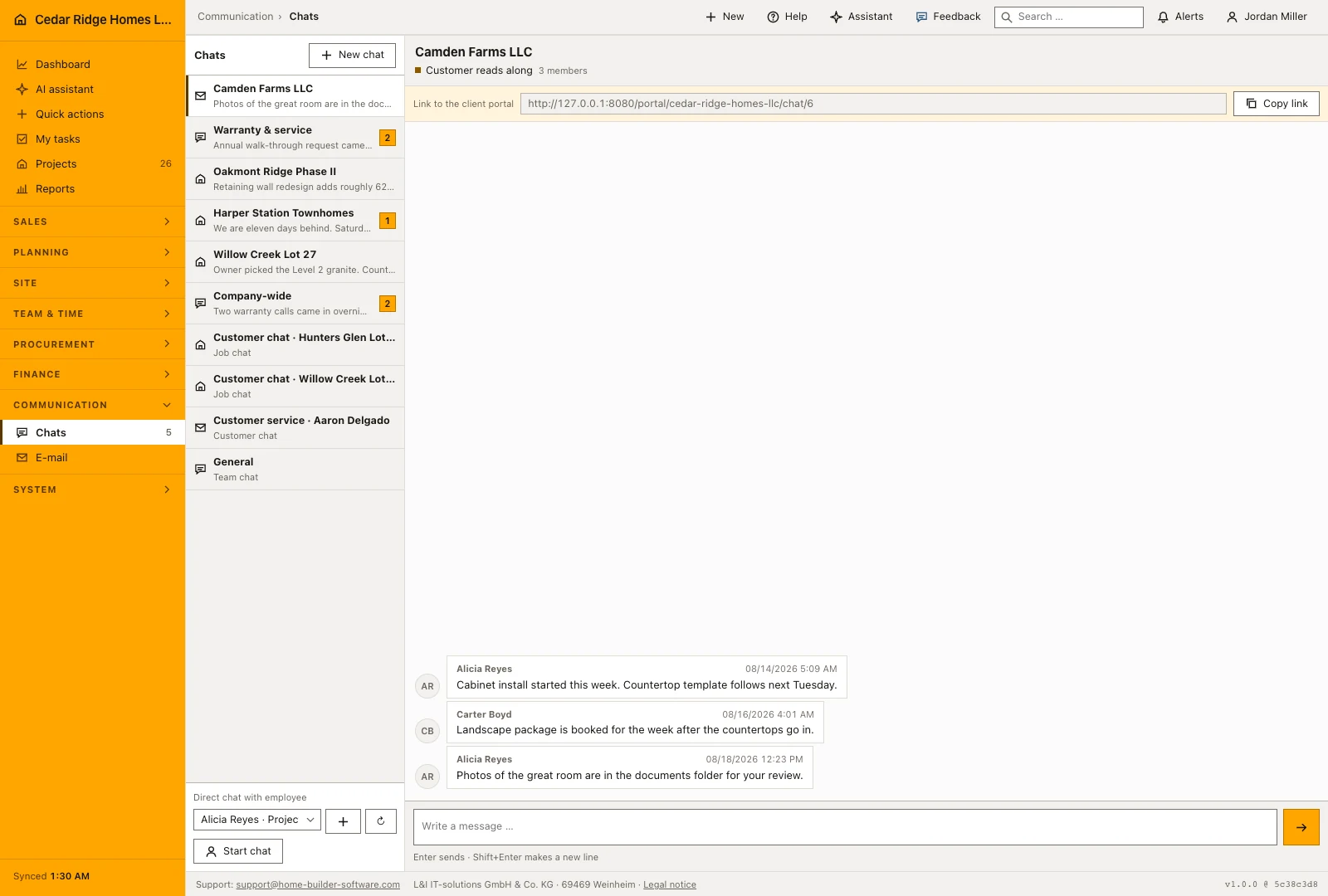
Assigning an incoming or outgoing message to a record in the mail module creates a mail entry here, with the subject as its title, the body as its text and the sending or receiving time as its moment. The message id keeps a repeated mailbox sync from filing the same mail twice. Chat writes one entry per message against the project or the customer behind the channel, marked visible to the portal when the channel is open to the customer.
The thread outlives the record it hangs on. When a defect deletion proposed by the assistant is approved, the entries move to the project first and the approval screen names how many will move, so walk-through photos and notes are not lost with the defect number. Custom fields stand on those same detail pages above the history, which is what lets a site file be read straight through from master data to the last note.
Worked example: a pre-drywall walk recorded in the project history
On Tuesday afternoon the site manager walks Cypress Point Lot 9 with the Sandoval family and agrees to move the kitchen island outlet before the drywall closes. He writes it up the next morning: type Meeting, subject Pre-drywall walk with the Sandovals, and the time field set back to Tuesday 3:40 PM, which files the entry under the walk itself rather than under Wednesday. A second entry carries the framing photo, a JPG of 9 MB that stays under the 15 MB limit, and on attach the form switches its type to Photo. Both lines sort into Tuesday afternoon, each with author and hour beside it.
In November the Sandovals question the invoice line of 640.00 dollars for the relocated outlet. The thread answers without a hunt through mailboxes: the meeting entry from August names the relocation as agreed, the picture behind Open photo shows the stud bay marked in chalk, and between the two sits the mail entry carrying the electrician's quote, which cannot be deleted here because it belongs to the mail module. When the price first went into the note wrongly as 604.00, the coordinator rewrote nothing; a comment entry of the following day states the correct figure, so both amounts stay readable for exactly this discussion.
Unified construction activity history: checks before saving
Add entry appears only with records.write; reading the timeline needs nothing beyond access to the record that carries it.
An entry with neither text nor photo is refused, and attaching a photo forces the entry type to Photo.
Mail, chat and system entries cannot be deleted here; they belong to the module that wrote them.
A photo download rechecks the company and resolves the parent record before a single byte leaves tenant storage.
Creating and deleting an entry are both written to the audit log with the entry id and the record it belongs to.
Unified construction activity history: common mistakes
Leaving the time at the current minute turns a week of catching up into one indistinguishable block. Set the field to the day and hour of the event before saving, not to the moment of typing.
A photo taken on a phone often exceeds 15 MB and is refused at upload. Set the camera to a smaller size, or attach the picture to the daily report that documents that day instead.
Entries cannot be edited. A wrong figure is put right by a second entry saying so; deleting the first one removes the trail somebody will need when the invoice is questioned.
The product page describes the same module from the business side, with the decisions it supports and the modules it connects to.
See the product pageFrequently asked questions
Which activity types are supported?
The history supports notes, comments, meetings, minutes, photos, email and portal chat.
Where are history photos stored?
They are kept in tenant storage and downloaded only after company and path checks.
Configuring this part for your own company?
Describe the sequence you follow today and the result you need at the end of it. We can walk through the settings that produce it.