
Customer records for home builders: setup and daily use
Customers are master data in Home Builder Software, not a text field on a project. Each record carries a KD number, contact details, an address, a country code, a status and a portal switch, and projects, estimates, proposals and invoices point at it by identifier. A file is opened with the view right on records and changed with the write right. Underneath the form sit the company's own fields and the shared activity log.
Customer numbers, country codes and the write right on master data
Numbers are issued by the application and are not typed. On saving, Home Builder Software reads the highest existing number of the tenant, takes its last five digits and writes the next one padded to five places, which produces KD-00001 and upwards. The country code is required and comes from the configured list of country codes; a new record starts on the company's own country.
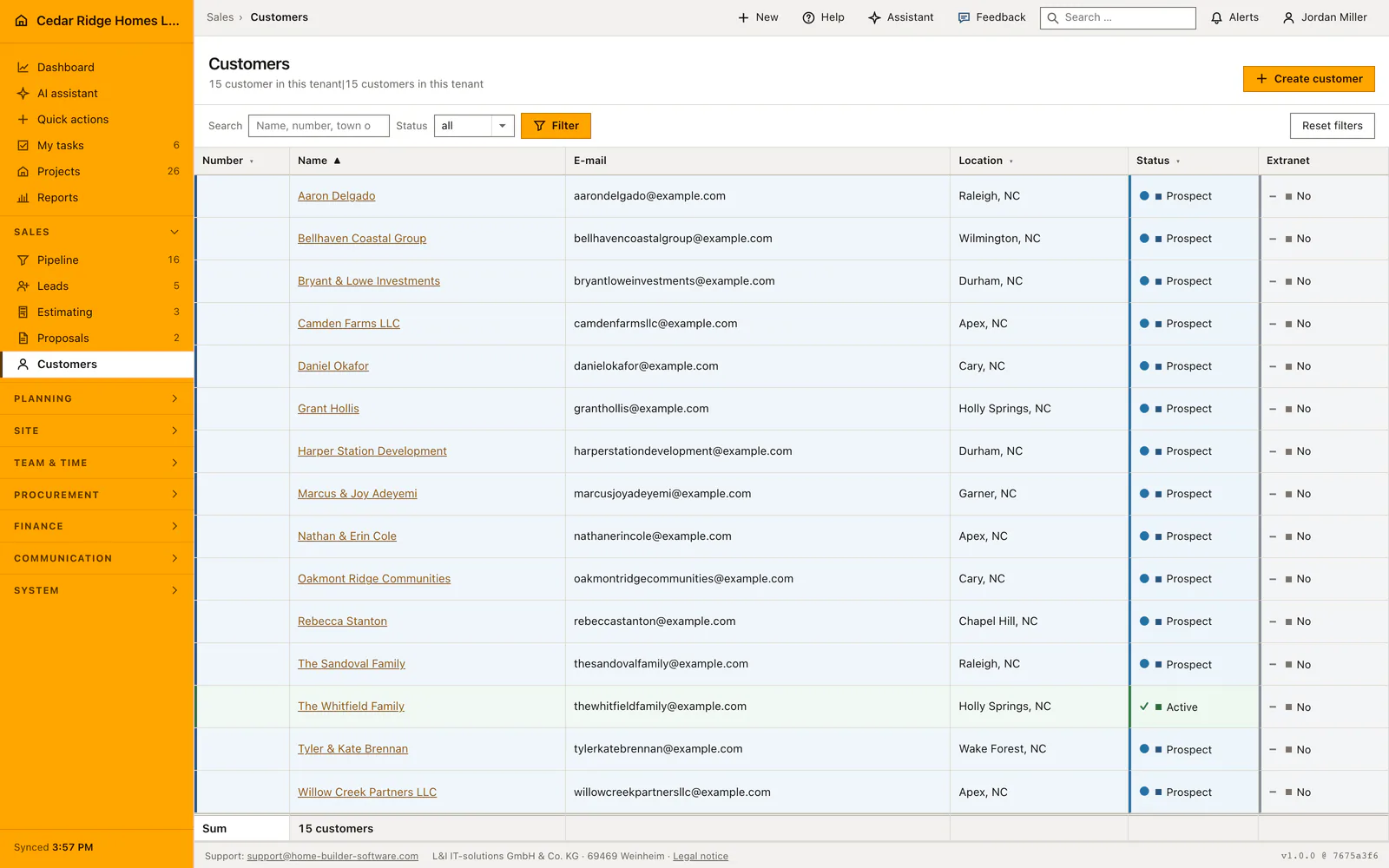
The status is one of active, prospect, inactive and blocked, and the list colors the whole row after it. Opening the list and a file needs the view right on records. Creating and saving needs the write right, and every check additionally looks at tenant and contact kind: a supplier record called through a customer address answers with a not-found response instead of showing itself, so the application does not even confirm that the record exists.
Address, status, portal release and notes in the customer file
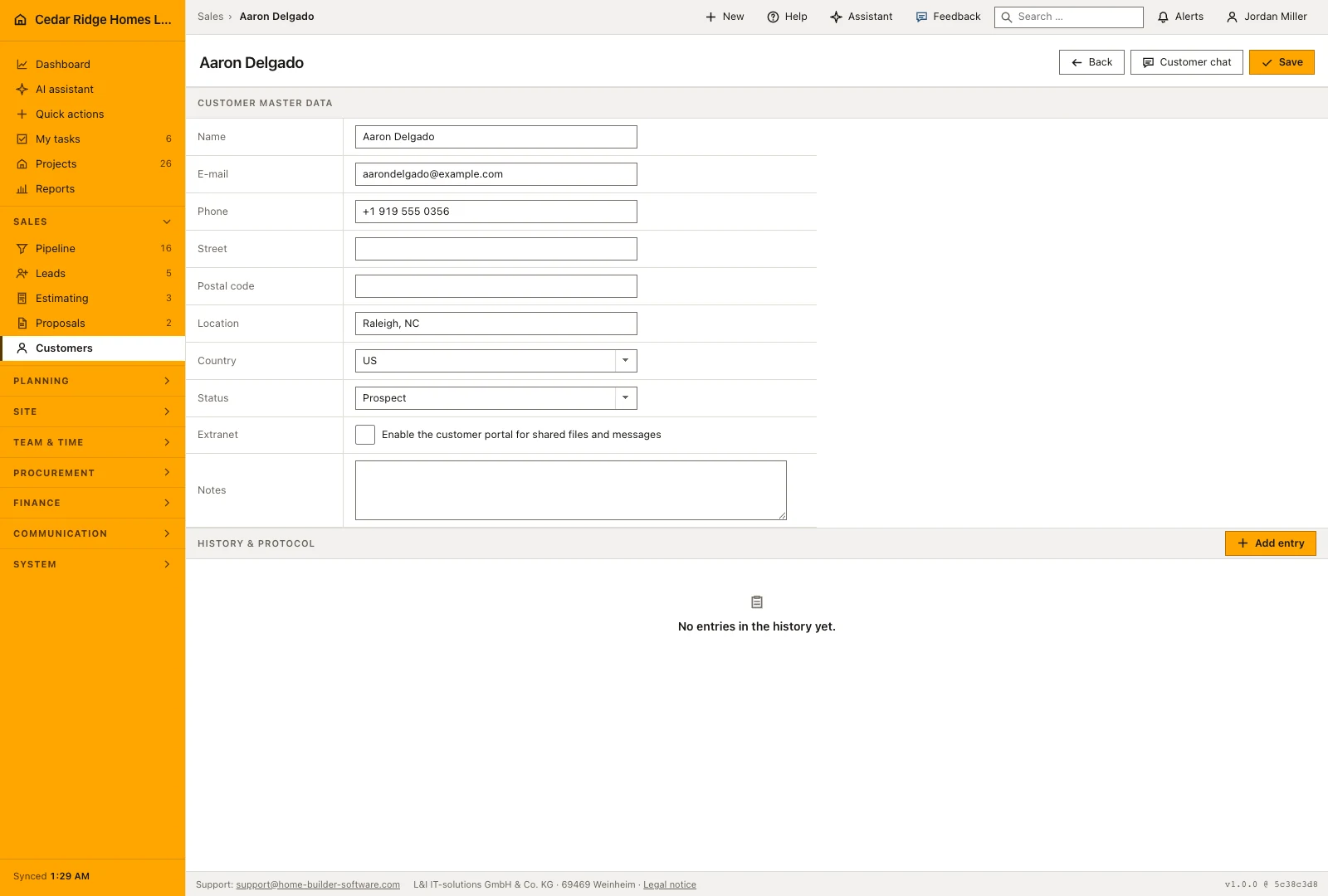
The file is a single form: name, email, phone, street, postal code, town, country, status, portal release and notes. Name and country are required, everything else may stay empty, and notes take up to five thousand characters. The save button sits in the page head and submits the form from there, so a long file does not have to be scrolled to its end before it can be stored.
The portal release is a checkbox on this form and decides whether the customer can be given access to shared files and messages at all. Below the form sit the company's own fields for customers and the activity log, which looks the same on projects, leads, subcontractors and equipment: notes, meetings, minutes, photos, email and portal messages in one timeline.
Finding a customer by search, status filter and sorted columns
The list searches name, customer number, town and email address in one field, filters by status and pages at twenty-five rows, the page size every list in the application uses. Sorting is limited to number, name, town and status, with name ascending as the default. The number is a link just as the name is, so the identifier is a way in wherever it appears.
The empty state distinguishes a list that holds no customer yet from a list a filter has emptied, and offers the way back in the second case. The contact import in the settings reads CSV, TXT and XLSX up to ten megabytes, shows a preview first, and then maps name, email, phone, street, postal code and town onto the fields of the record.
Custom fields, the activity log and the audit trail on a customer
Company-specific fields are defined once under the custom data and then appear on the customer file without touching the fixed relations. The customer stays a real master record: a project stores its identifier and reads name and number from it. A corrected address therefore takes effect everywhere at the same moment, rather than in the one document somebody happened to have open that day.
Creating and updating each write an audit entry carrying the contact identifier, so the question of who changed an address has an answer. Access is guarded twice: the query filters on the tenant, and the controller checks tenant and contact kind again on every open and every save. A record from another company is therefore not merely hidden but unreachable.
Where the customer record surfaces in projects, invoices and the portal
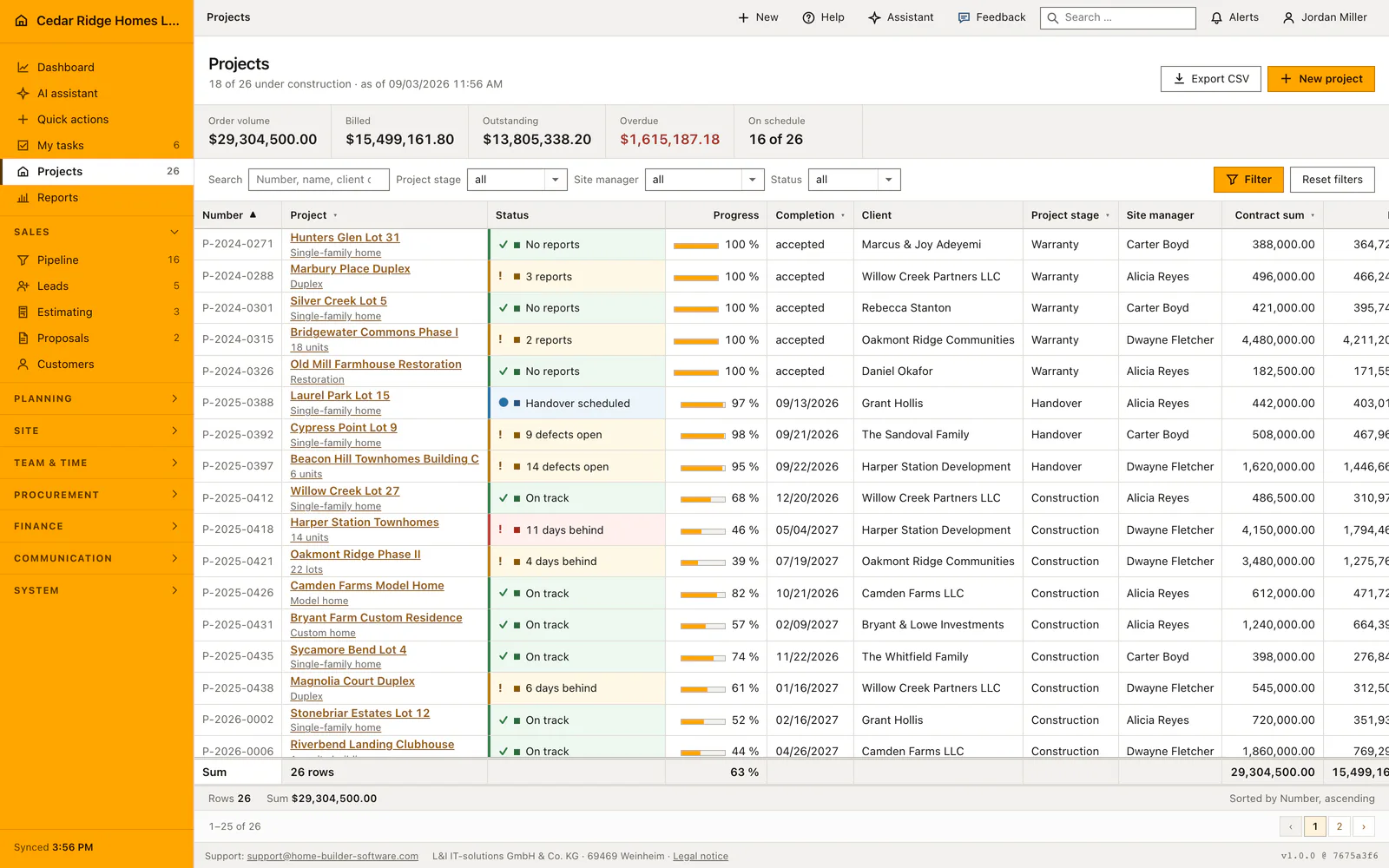
A project names its customer as the owner and carries a portal button in its head that opens the customer view directly. Estimates and proposals point at the same record, and the searchable picker on those forms shows the tenant's customers while allowing a new one to be created without leaving the document. Invoices and payments inherit the address instead of keeping a second copy of it.
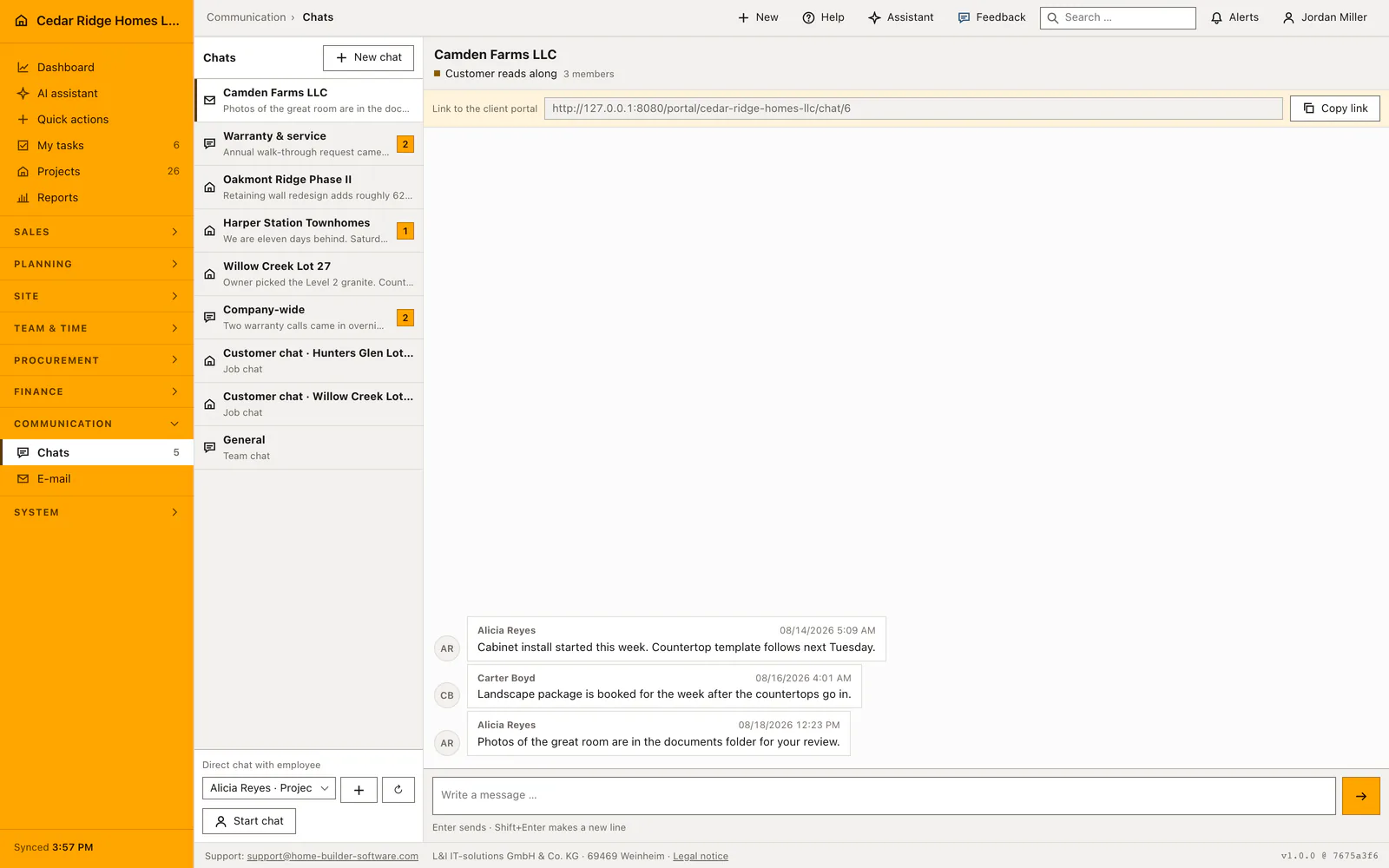
The customer channel opens the shared conversation between office and customer, and the signed link shown there gives access without an Home Builder Software account. For a full login an invitation is sent or an access code is issued instead. The customer then sees progress, dates, released files and invoices, while budget, cost groups and supplier figures stay internal, and the company releases the portal areas one by one.
Worked example: a new customer record for the Calloway family
After a Saturday visit to the Camden Farms model home, the office opens Create customer and types what the conversation gave: The Calloway Family as the name, thecallowayfamily@example.com, phone +1 919 555 0182, the street 2114 Beechwood Court with postal code 27604 in Raleigh, the country already standing on United States and the status on prospect. Saving derives the number from the highest existing one instead of offering a field, and the file comes back as KD-00016. The notes record that the family plans an accessory dwelling of roughly 168,000 dollars on the rear part of their lot.
Two weeks later the identifier is doing the joining work: the lead for the small build, the estimate and the open proposal all point at KD-00016. When the street turns out to read Beechwood Drive rather than Beechwood Court, one correction in the file changes the address everywhere the record is read at the same moment, and the audit entry keeps who saved it. With the signature the status switches from prospect to active on the existing record, so the history stays in one place under one number, and the portal release checkbox is ticked so that the family can later follow progress and invoices through a login of their own.
Customer records for home builders: checks before saving
The customer number is derived from the highest existing number of the tenant and cannot be typed into the form.
Name and country code are required on every customer, and the country must come from the configured country-code list.
A customer address pointing at another tenant, or at a contact of a different kind, answers with a not-found response.
Creating and updating a customer each write an audit entry carrying the contact identifier.
Customer records for home builders: common mistakes
A contact import run twice recognizes existing records by email address alone. Rows without an email address are created again and receive a fresh customer number, which is how duplicates appear.
When a prospect wins a contract, changing the status on the existing record is enough. Creating a second customer at that moment splits the history and leaves two numbers pointing at one household.
Notes are internal and limited to five thousand characters. Anything the customer is meant to read belongs in the customer channel or in the portal rather than in this field.
The product page describes the same module from the business side, with the decisions it supports and the modules it connects to.
See the product pageFrequently asked questions
Are customers stored as free text in projects?
No. Projects link to a tenant-filtered customer record with a stable customer ID.
Can a customer reply without an Home Builder Software user account?
Yes. A signed customer-channel link can provide limited access without an internal account.
Configuring this part for your own company?
Describe the sequence you follow today and the result you need at the end of it. We can walk through the settings that produce it.