
Contextual help and support: setup and daily use
Help stands in the top bar of every internal page, beside New and the search field, and the Feedback control sits in the bottom right corner. Help opens a panel describing the screen in front of you; the Assistant button is rendered only for roles holding ai.use. The address support@home-builder-software.com stands in the footer of every page. Writing a feedback note needs no permission and reaches the vendor rather than your own administration.
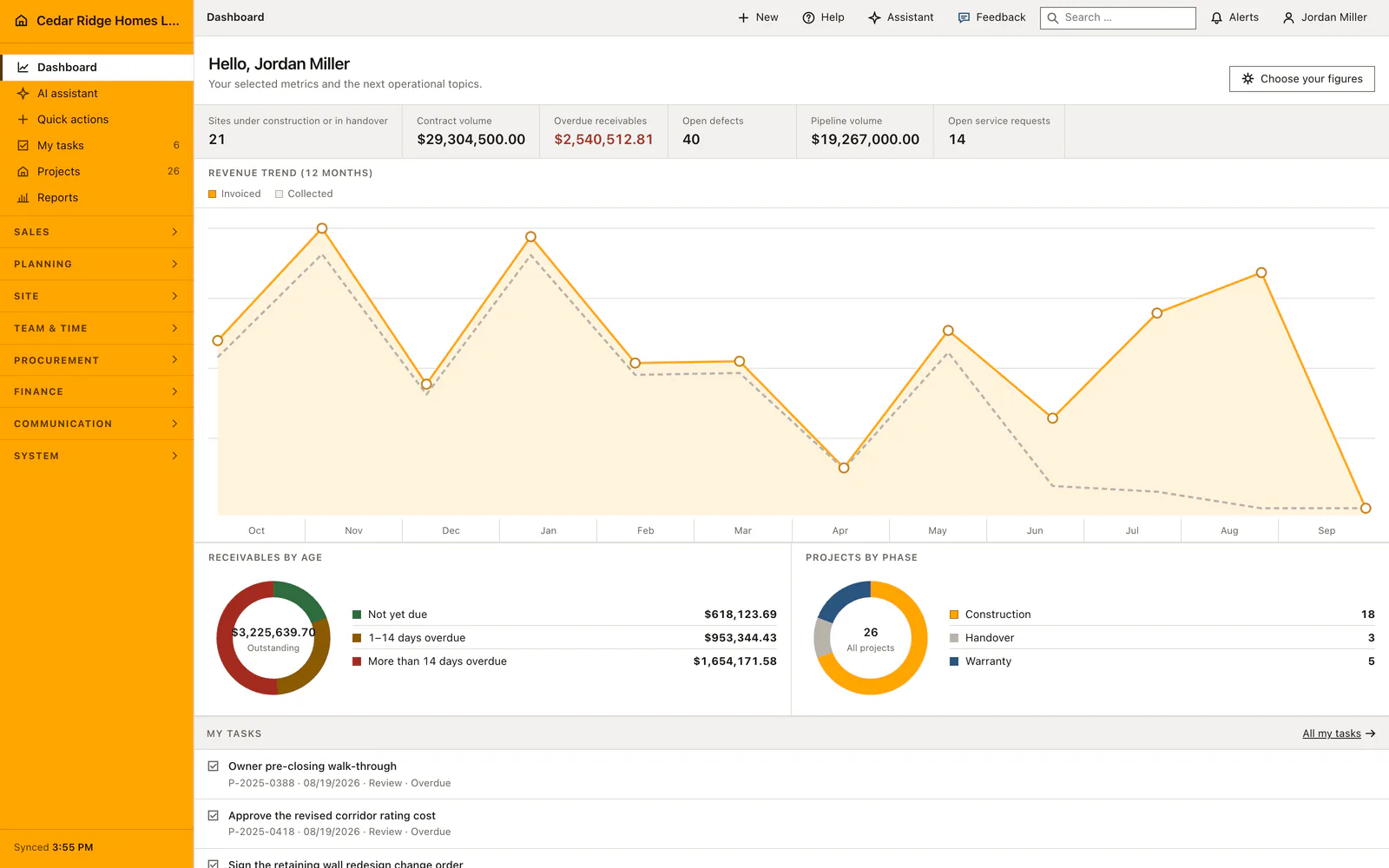
Help, Assistant and Feedback in the top bar of every page
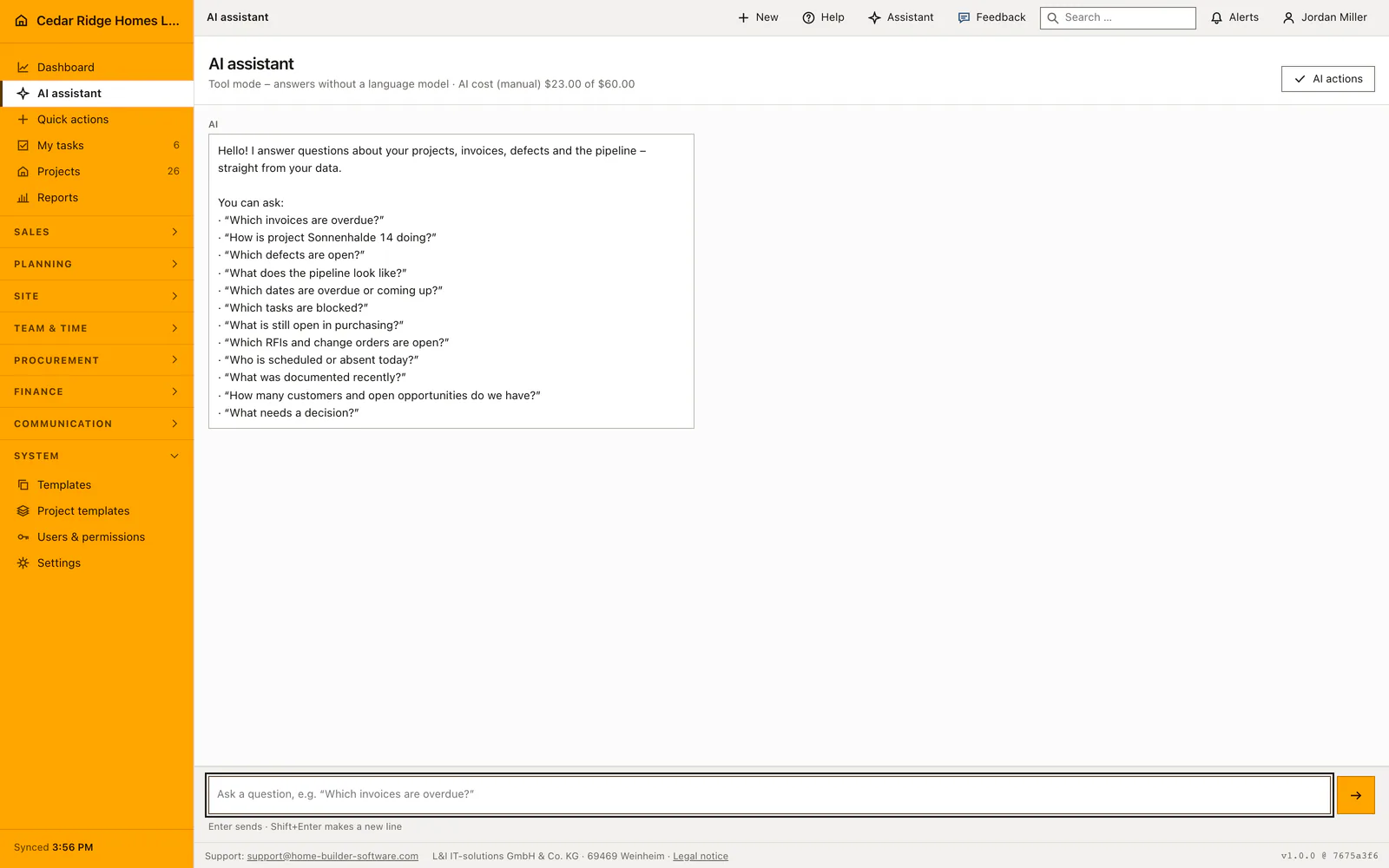
The right of the top bar carries New, Help, Assistant, the search field, the alerts and your own name. Help is a labeled button rather than a wordless question mark, and Alt+N opens the quick actions that sit behind New. Assistant is rendered only when your role holds ai.use; without that permission the button does not exist and the panel cannot be opened, while page help stays available to everyone including a read-only account.
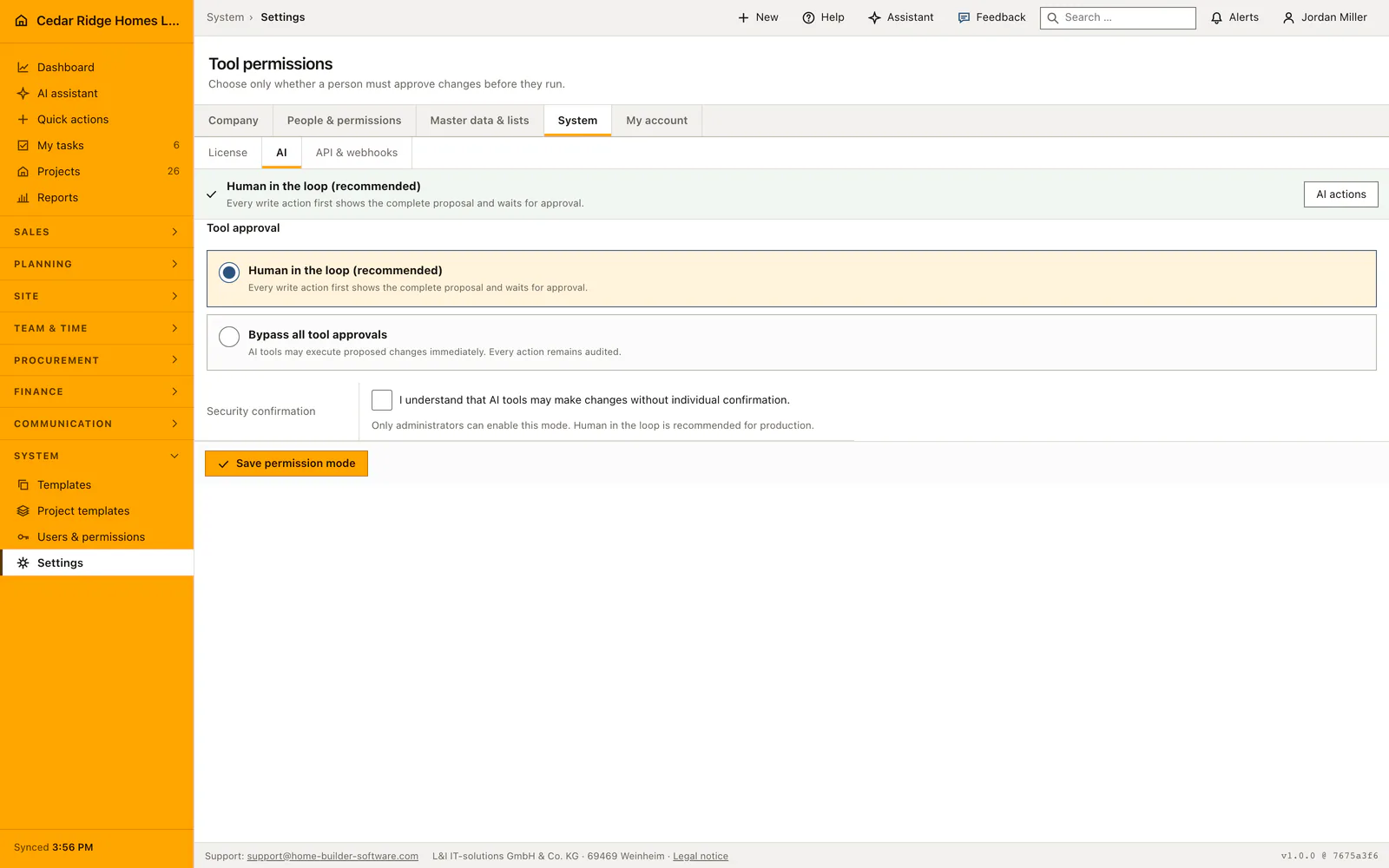
The Feedback control in the bottom right corner is a disclosure element, which is why it opens, closes and sends without a single line of JavaScript. With scripts loaded it posts in the background and confirms in place; without them the same form posts normally and lands on a thank-you page offering the way back to the screen you came from. A device with no mail account configured still reaches the vendor this way.
Writing a feedback note and what travels with it
Choose what the message is about, from Something does not work, Suggestion and Question, then describe in up to 4000 characters what happened and what you expected instead. The panel prints the path it will send underneath the text box, so the screen itself never has to be described. The route name, the path, the window width in the form 1280x800, the interface language and the program version attach themselves without being asked for.
Your name, your email address, the company name, its license reference and the installation id travel with the note so the vendor can answer and ask back. The path is checked on the server and kept only when it points inside this application, which keeps a foreign address out of the vendor's inbox. The act of sending is recorded as feedback.submitted in the audit log of your own company.
Using page help while working an unfamiliar screen
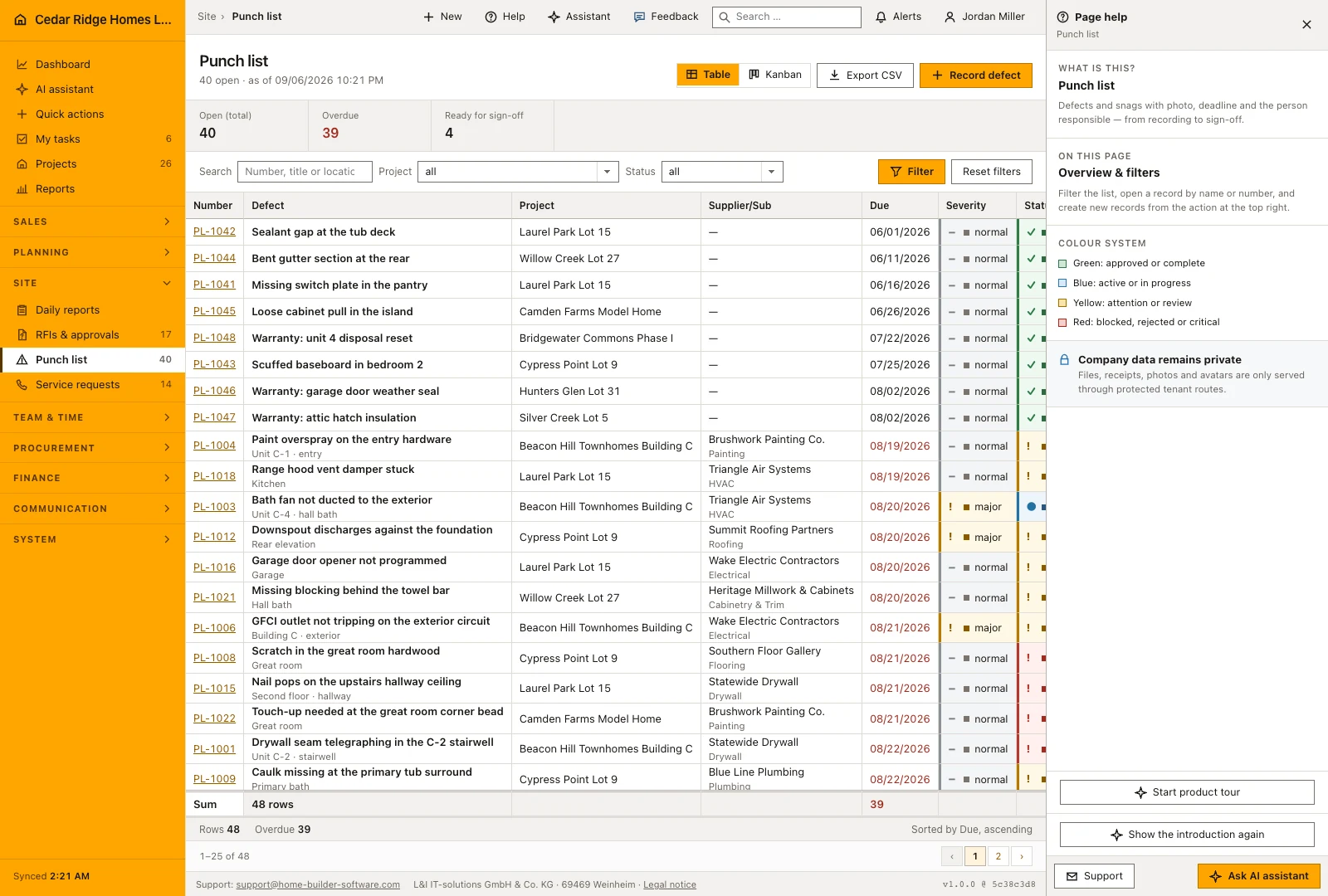
The help panel names the current screen, describes the module in one sentence and then says what kind of screen this is: a starting point, an overview with filters, a create form, an edit form or a detail page. On the create and edit screens of a module no introduction appears, deliberately, because the form in front of you is its own guidance and the band would take the room the next step needs.
Below that stands the color system the whole application uses: green for approved or complete, blue for active or in progress, yellow for attention or review, red for blocked, rejected or critical, together with the note that files, receipts, photos and avatars are only served through protected routes. The footer of the panel carries the support address and the button that switches to the assistant and puts the cursor in the question box.
Who can reach support, and why no feedback list exists
Writing a feedback note needs no module permission. It stands among the personal actions beside logging out and editing your own profile, because a read-only account is the one that meets the rough edges most often and has to be able to say so. The note is not a record of the company; it is a message to the people who write the software, and it is filed under a reference of its own.
There is no feedback list inside the application and no permission to manage one, since your own administration could not straighten out a cramped screen anyway. The reference written at save time lets a repeated delivery continue the same row at the vendor instead of opening a second one. An answer comes by email to the address held in your user record, which is the address worth keeping current.
Support address in the footer, on login and during setup
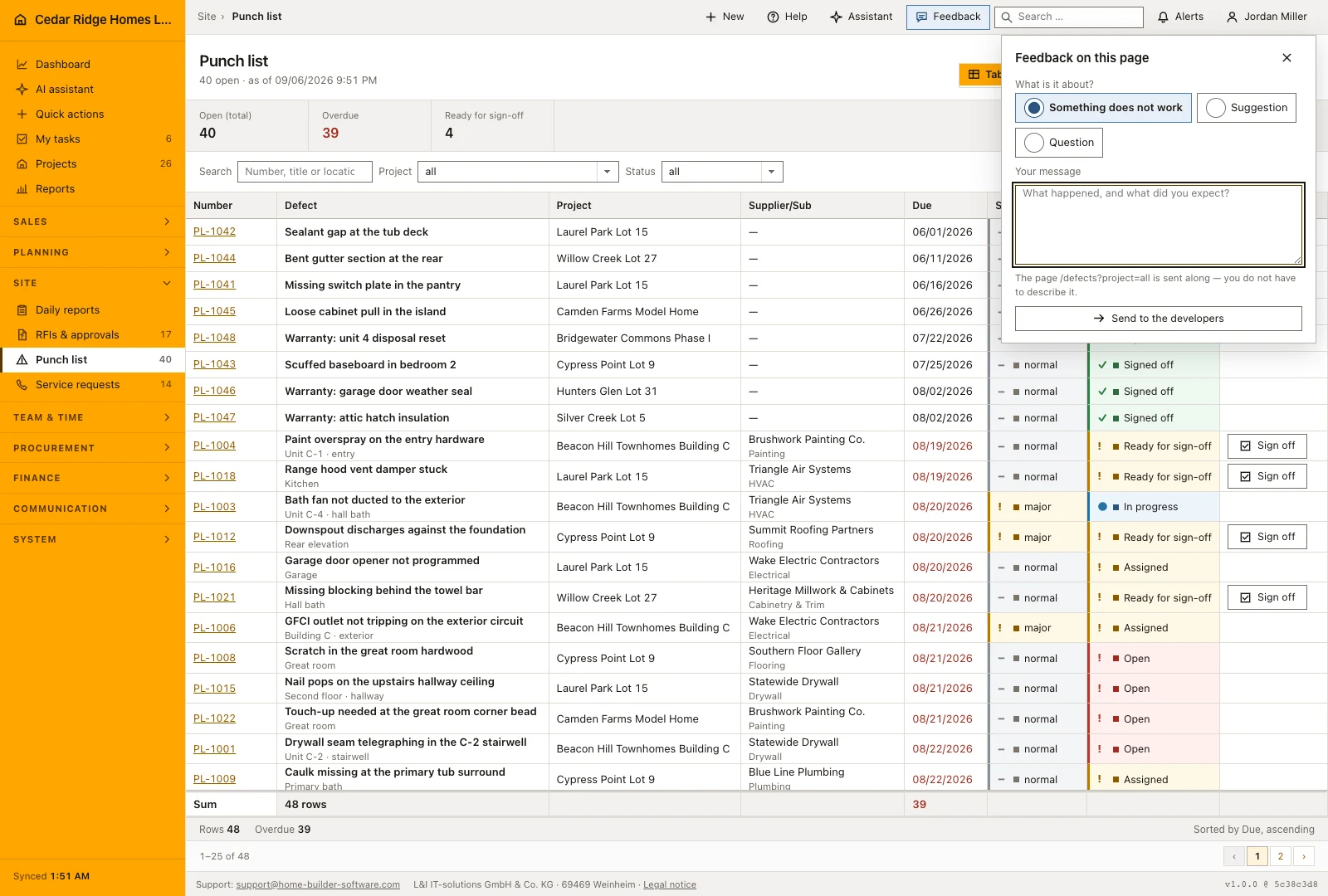
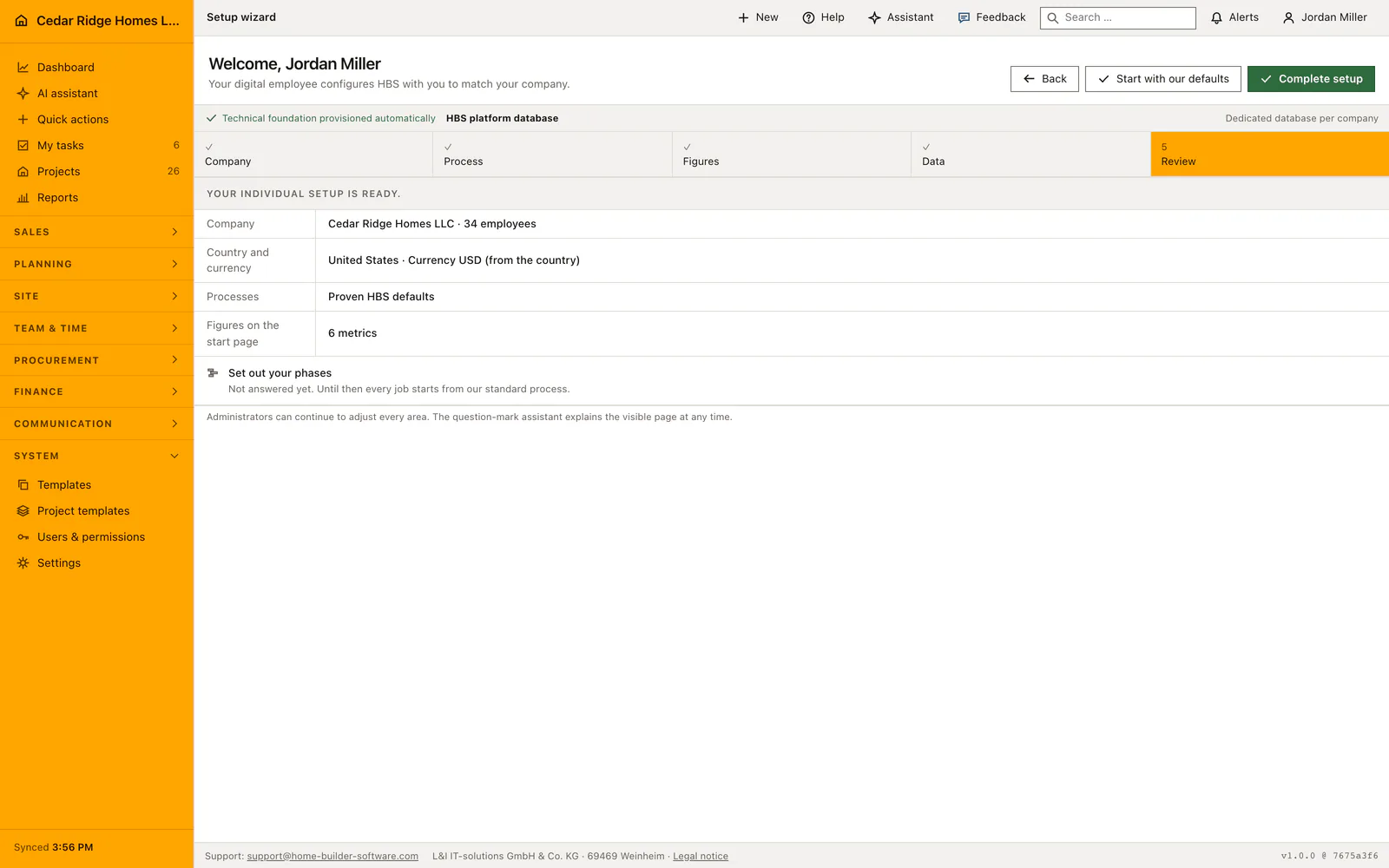
The footer of every internal page carries the support address, then the registered name L&I IT-solutions GmbH & Co. KG, the postcode and city 69469 Weinheim and the link Legal notice, the three parts separated by middle dots, and last the program version, which is the only part the internal shell keeps to itself. The same address appears in the login and registration box, in the frame of the customer portal, on the guest chat page and on error screens, where the button opens a mail whose subject already names the page title and the status code that produced it.
The feedback route stays reachable while a company is still being set up, and that is where most reports come from. The introduction shown on a first visit to a module is dismissed per person and can be reopened from the help panel, so nobody who clicked it away is left without an explanation. When the license state is unclear, the licensing screen names the same address and asks for company name and license reference.
Worked example: a feedback note sent from the punch list
On the morning of August nineteenth the scheduler at Cedar Ridge exports the punch list and receives an empty file. She stays on the screen, opens the Feedback control, chooses Something does not work and describes the empty export in 412 of the 4,000 characters the box allows. Beneath the text the panel already prints the path it will send, /defects, so she wastes no words on where she is; the route name, the window width of 1440x900, the language English and the program version travel along unasked, together with her name, the company Cedar Ridge Homes LLC, the license reference and the installation id.
The note is written to the company's own database first, so the audit log shows feedback.submitted before any delivery leaves the house; had the vendor's server been unreachable at that minute, the delivery would repeat itself later under the same reference instead of opening a second row. The next morning the answer arrives at the address in her user record: a filter kept from the previous day had emptied the export, and once it is cleared the forty open defects flow into the CSV file again. The report cost one reach into the corner of the screen where the work had stopped.
Contextual help and support: checks before saving
Feedback needs no module permission; a read-only account can report a problem from any page it is allowed to open.
The Assistant button and its panel are rendered only for roles holding ai.use; page help carries no such condition.
A submitted path is stored only when it points inside this application; an absolute or foreign address is discarded on the server.
The note is written to the database before it is sent, and a failed delivery is retried rather than shown to you as an error.
Contextual help and support: common mistakes
Reporting a fault at the end of the day loses the screen it happened on. Open the panel where the work stopped: the route name, the path and the window width are only correct at that spot.
Waiting for an answer inside the application leads nowhere, because no feedback list exists there. The reply goes to the email address on your user record, so keep that address up to date.
Mailing a question that page help already answers costs a day. Open Help first: the panel names the kind of screen, what the colors mean and where the private routes end.
The product page describes the same module from the business side, with the decisions it supports and the modules it connects to.
See the product pageFrequently asked questions
Where is support available?
Support and contextual help appear in the top bar of every internal page; contact details also appear in the footer, login and portal.
What does the question-mark action do?
It opens the assistant and prepares a request to explain the current page and its available actions.
Configuring this part for your own company?
Describe the sequence you follow today and the result you need at the end of it. We can walk through the settings that produce it.