
Construction estimating software: setup and daily use
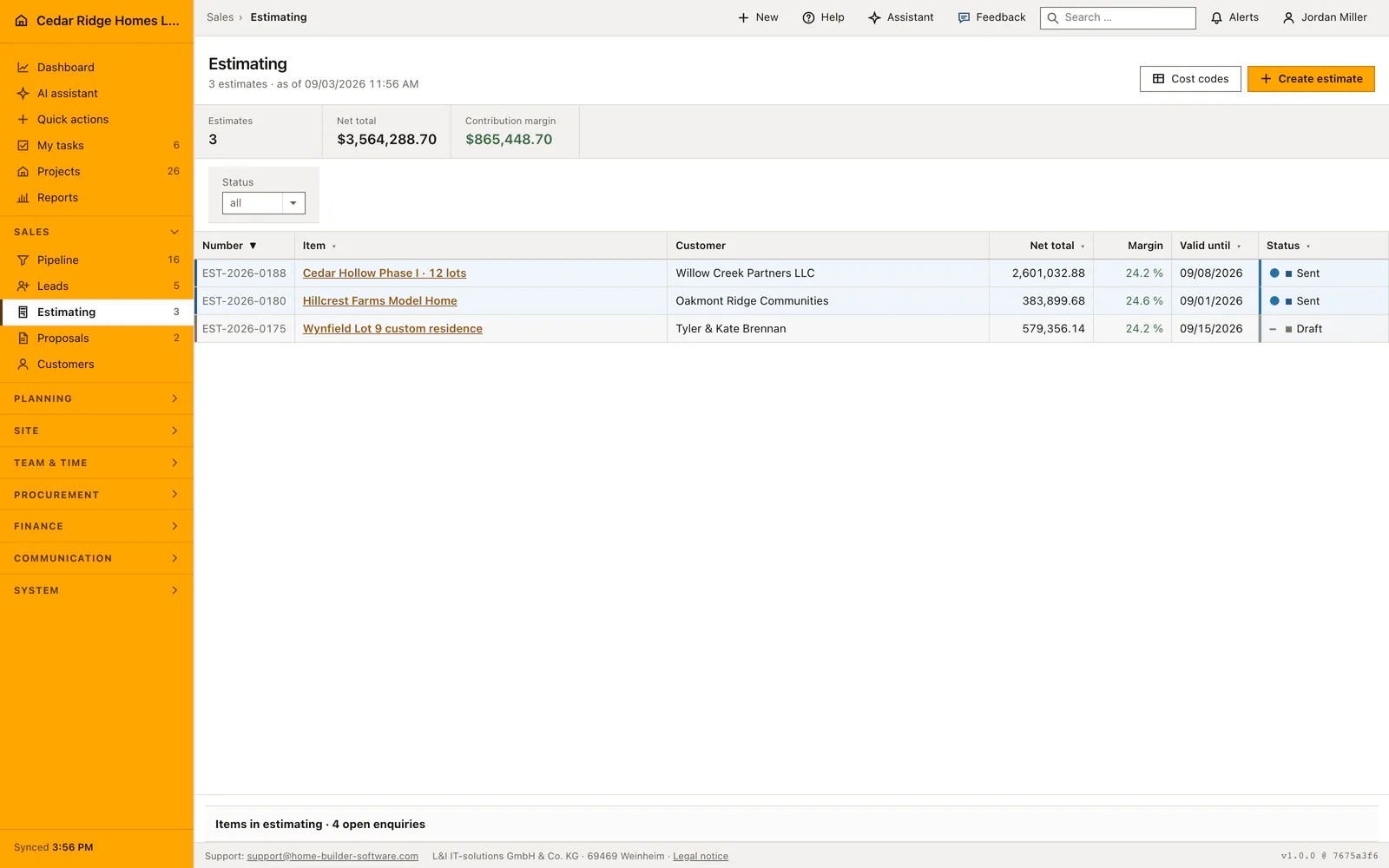
An estimate in Home Builder Software is a numbered document whose lines carry cost and price separately, so the margin is on screen while you type. You create the header first, then add positions with quantity, unit, unit cost and markup inside the document. The print view shows the customer prices only. Setting the status to Accepted moves the linked opportunity into the contract stage, and transferring the lines into the project budget needs the finance right.
Cost codes and markups before the first estimate
The catalog under Estimating and Cost codes fills itself the first time somebody opens it: Home Builder Software writes one entry per DIN 276 cost group, each with the group's real name, the unit psch and a sort step. A cost code carries a number that is unique within the company, a name, a cost group, a unit and a default unit cost and markup. A code that has fallen out of use is switched inactive rather than deleted.
The document number comes from the numbering sequences, where the estimate sequence starts with the prefix KA, takes the year and pads the counter to four places, so the first document of a year reads KA-2026-0001. Creating and editing needs the write right on records; reading is enough with the view right. Overhead, risk and profit, discount and the tax rate are entered once in the header and apply to the whole document rather than to one line.
Creating an estimate document from an open opportunity
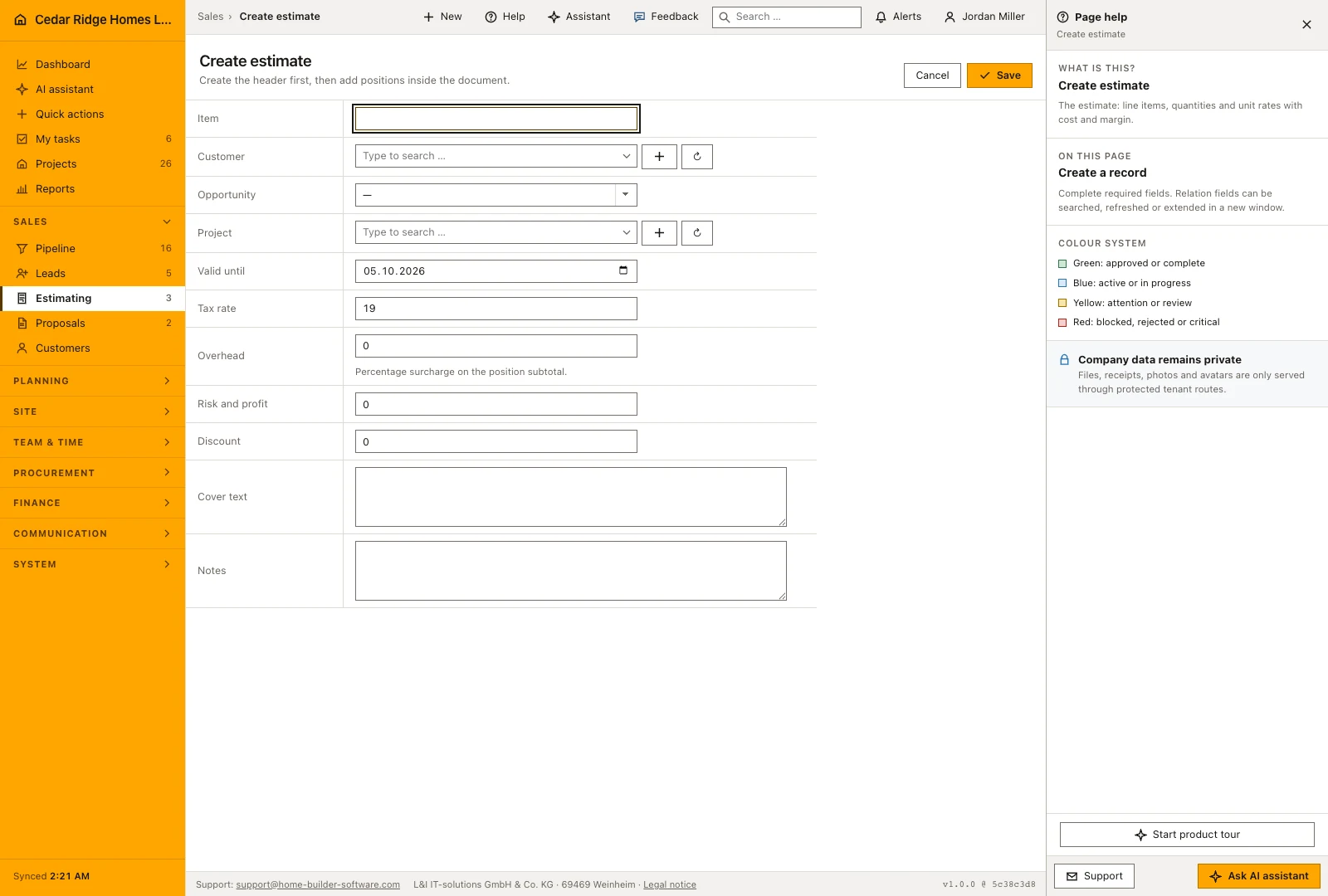
The shortest way in starts at the acquisition file: opening a case that has reached the estimating stage and starting the calculation from there carries customer, opportunity and a working title into the create form. Starting from the module overview instead leaves those selects empty and you choose them yourself. Only the title is required; customer, opportunity, project and the validity date may stay empty, and every reference is checked against the tenant before the record is written.
The create form writes the header and nothing else. Positions are entered afterwards inside the document, which opens with net total, gross total, cost and contribution margin above the position table and folds the header fields behind a summary. Assigning a project early has a concrete consequence: the budget preview preselects that project and no other. Without the assignment somebody has to pick the target explicitly later.
Entering priced positions, sections and optional items
One mask below the position table serves both adding and editing. Each row takes a row type, an optional cost code, a position label, a description, unit, quantity, unit cost and markup. Leaving the unit price empty derives the price from cost and markup; filling it in derives the markup from the price instead. The direction follows the field you filled rather than a switch, and both results are written into columns instead of being computed while the page renders.
A row type of section produces a heading that structures the specification and counts towards no sum. Optional positions are quoted and printed but stay outside cost, net total and margin, and so do section rows. Picking a cost code fills unit, unit cost and markup from the catalog as long as those fields are untouched. The cost group behind that code decides which line of the project budget will later receive the amount.
Status changes, the finance right and the freeze after a decision
The status runs through Draft, Sent, Accepted and Rejected, and only the first two remain editable. As soon as a decision is recorded the document freezes: header changes, new positions and deletions are refused. Commercial adjustments after that point belong in a change order rather than in a quiet recalculation, because otherwise nobody can say afterwards what the customer actually signed.
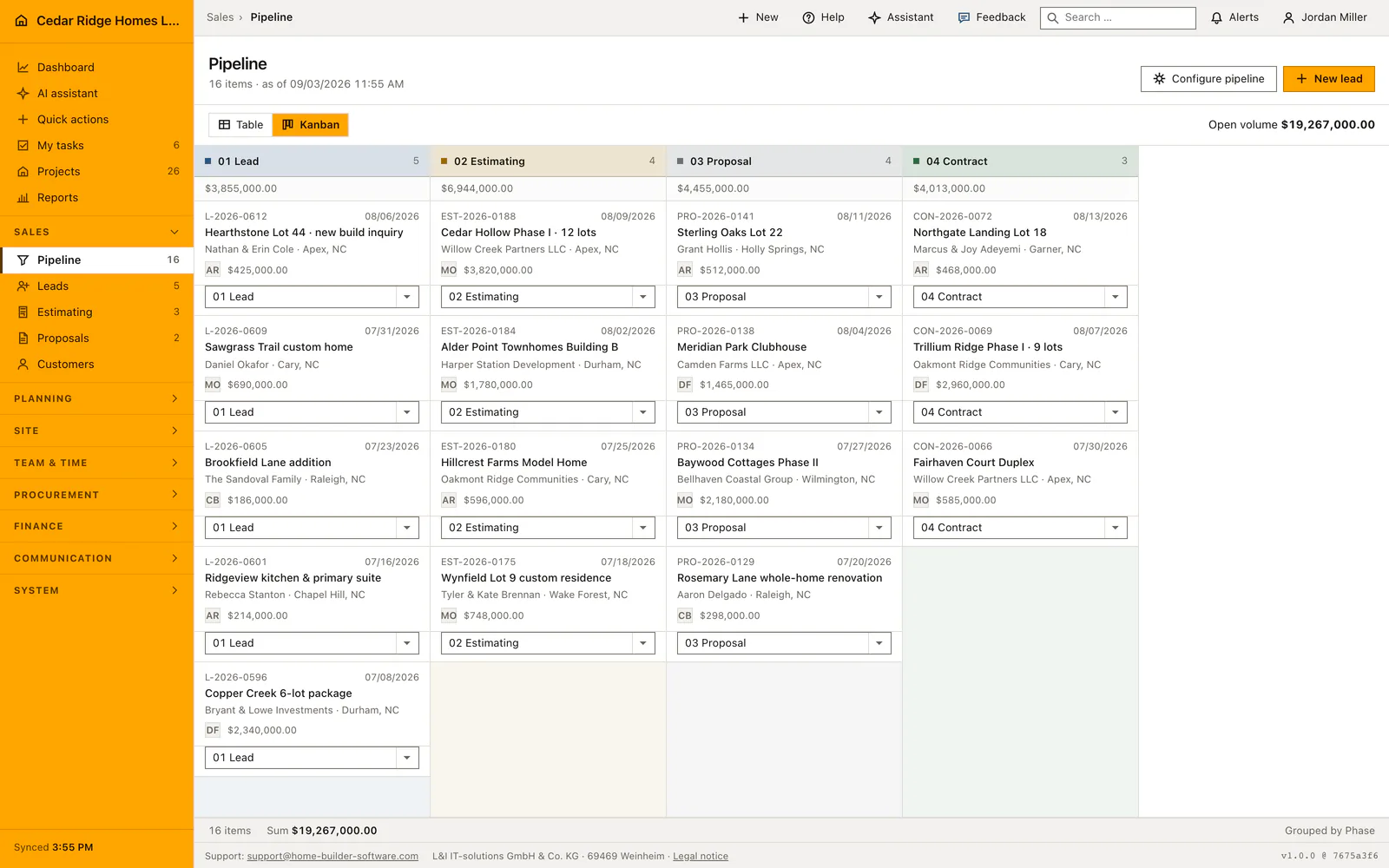
Accepting also acts on the pipeline: the linked opportunity moves into the contract stage, its time in stage restarts and the net total becomes its volume. Each of these steps writes an audit entry carrying the estimate identifier, and the budget transfer adds the project and the cost groups it touched. That transfer asks for the finance management right, which the ordinary write right on records does not grant.
From the accepted estimate to the proposal and the project budget
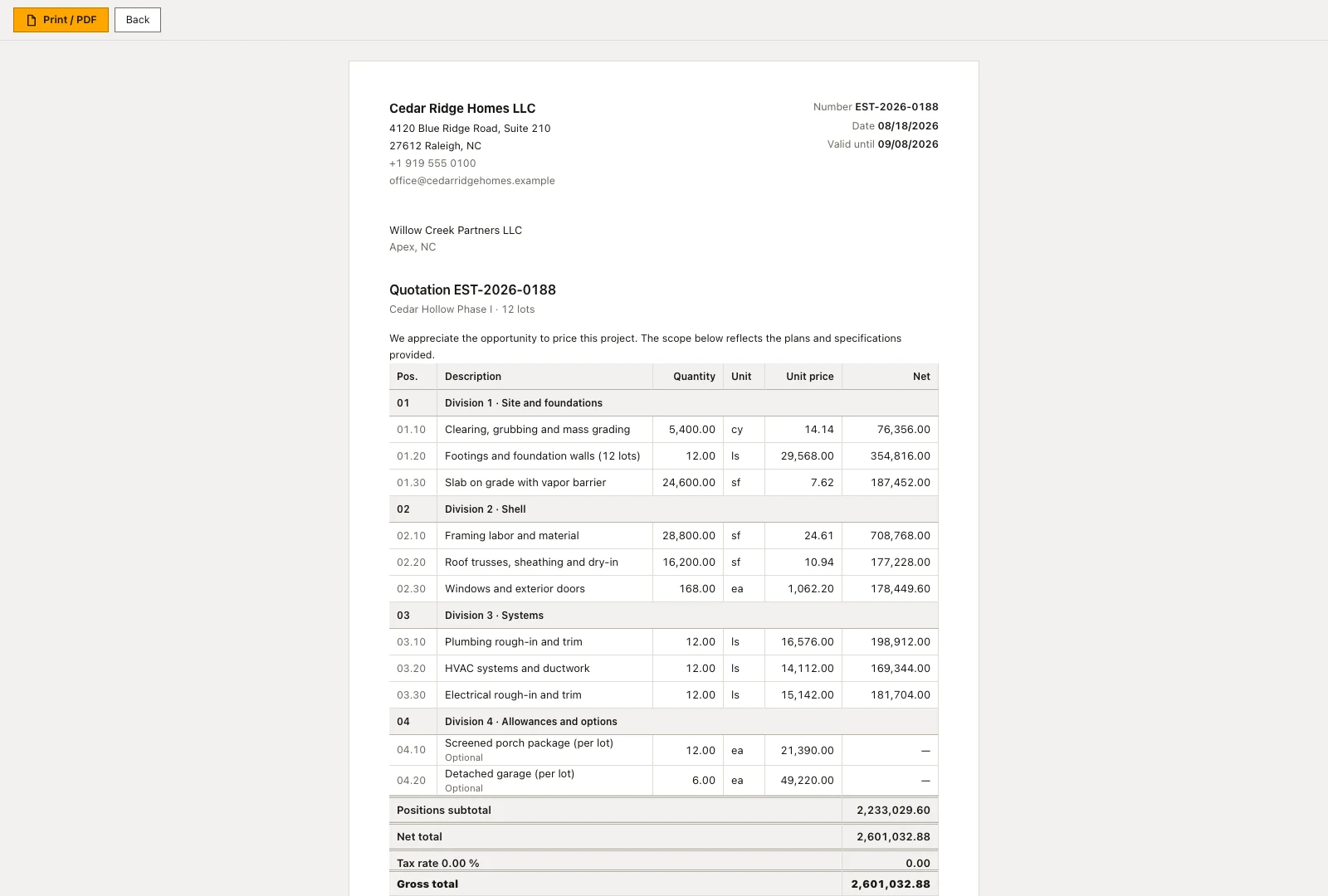
Create proposal sits on the estimate itself. It produces a frozen copy in which overhead, risk and profit and discount are folded proportionally into the printed unit prices, so the customer reads one clean price list that adds up to the cent. Where a proposal already exists the page links to it instead of offering a second one, which is how an estimator sees that the job is already out with the customer.
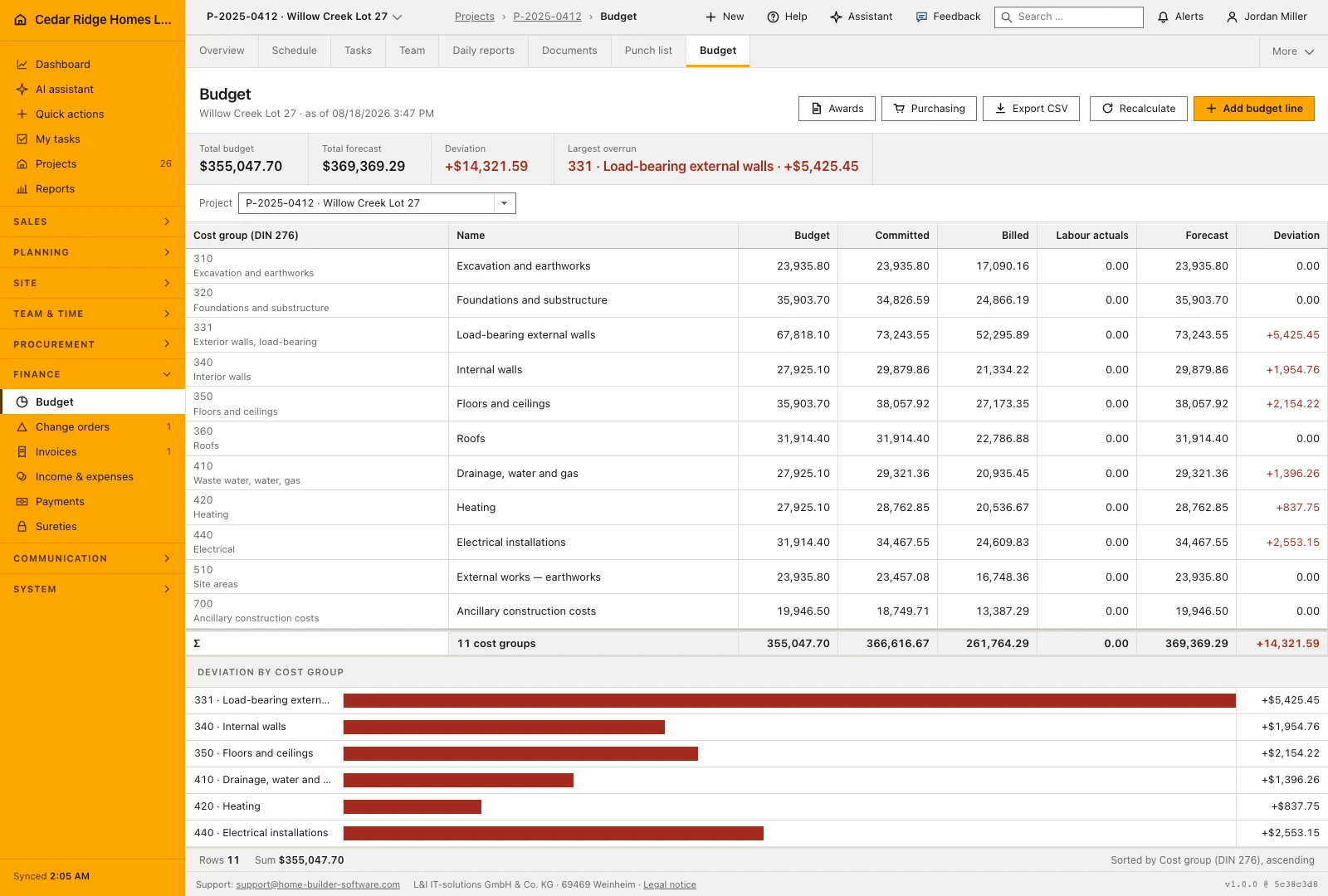
Transfer to budget opens a preview first. It shows for every cost group the figure the project currently carries, the figure the estimate would write and whether the line is added or overwritten. Only the estimate's own project or an explicitly chosen one is preselected. Writing aggregates the positions per cost group, so a repeated transfer corrects the numbers instead of doubling the rows, and the budget forecast is rolled up afterwards.
Worked example: the estimate for Willow Creek Lot 27, line by line
In September 2025, Willow Creek Lot 27 was still a case in the estimating stage, so the estimator started the document from the acquisition file and found customer and opportunity already filled. The numbering sequence, which Cedar Ridge Homes runs with the prefix EST, issued EST-2025-0141. Four positions went in below the summary band: site work and foundations at 78,400 dollars unit cost, framing and shell at 2,050 square feet times 86.00 dollars, the mechanical, electrical and plumbing package at 87,000 dollars, and interior finishes at 47,500 dollars. Every row carried a markup of 25 percent and its own cost code, and the price column filled itself from cost and markup.
The figures above the table answered at once: 389,200 dollars of cost, a net total of 486,500 dollars and a contribution margin of 97,300 dollars, exactly 20 percent of the net figure, with the framing line printing at 107.50 dollars per square foot or 220,375 dollars. When Willow Creek Partners LLC accepted, the status change moved the opportunity into the contract stage and wrote the 486,500 dollars back as its volume — the same sum the office later typed into the project wizard as the contract. The transfer preview preselected the assigned project, listed the four cost groups behind the codes and wrote one aggregated budget line for each.
Construction estimating software: checks before saving
Accepted and rejected estimates are frozen: header edits, new positions and line deletions are refused rather than silently ignored.
The budget transfer needs the finance management right; the write right on records opens the estimate but not the transfer.
Section rows and optional positions are excluded from the cost total, the net total and the contribution margin.
A cost code number is unique within the company, and a code from another tenant is rejected on a position.
The printed customer document carries prices only; unit cost, markup and margin never appear on it.
Construction estimating software: common mistakes
Entering a unit price and a markup on the same line keeps only the price: the markup is recalculated from it and overwritten. Fill in one of the two fields and read the other off the row.
Without a project on the header the budget preview opens empty and somebody has to hunt for the target by hand. Set the assignment while the estimate is still a draft.
Waiting until the signature before setting the status leaves the opportunity standing in the estimating stage, so pipeline volume and document contradict each other until somebody notices.
The product page describes the same module from the business side, with the decisions it supports and the modules it connects to.
See the product pageFrequently asked questions
Can an estimate contain optional items?
Yes. Optional lines appear in the document but are excluded from the total.
Can an accepted estimate be changed?
Accepted or rejected documents are locked; later commercial changes are handled as change orders.
Configuring this part for your own company?
Describe the sequence you follow today and the result you need at the end of it. We can walk through the settings that produce it.