
Construction roles and permissions: setup and daily use
The Roles and permissions tab opens for settings.manage alone and sits in the People and permissions group of the settings area. A role is a name, a hex color and any combination of the 17 permission keys, and those keys are split into viewing and writing. Six system roles are seeded per company as starting points. Assignment happens per person, and the server rechecks the result on every page and every write.
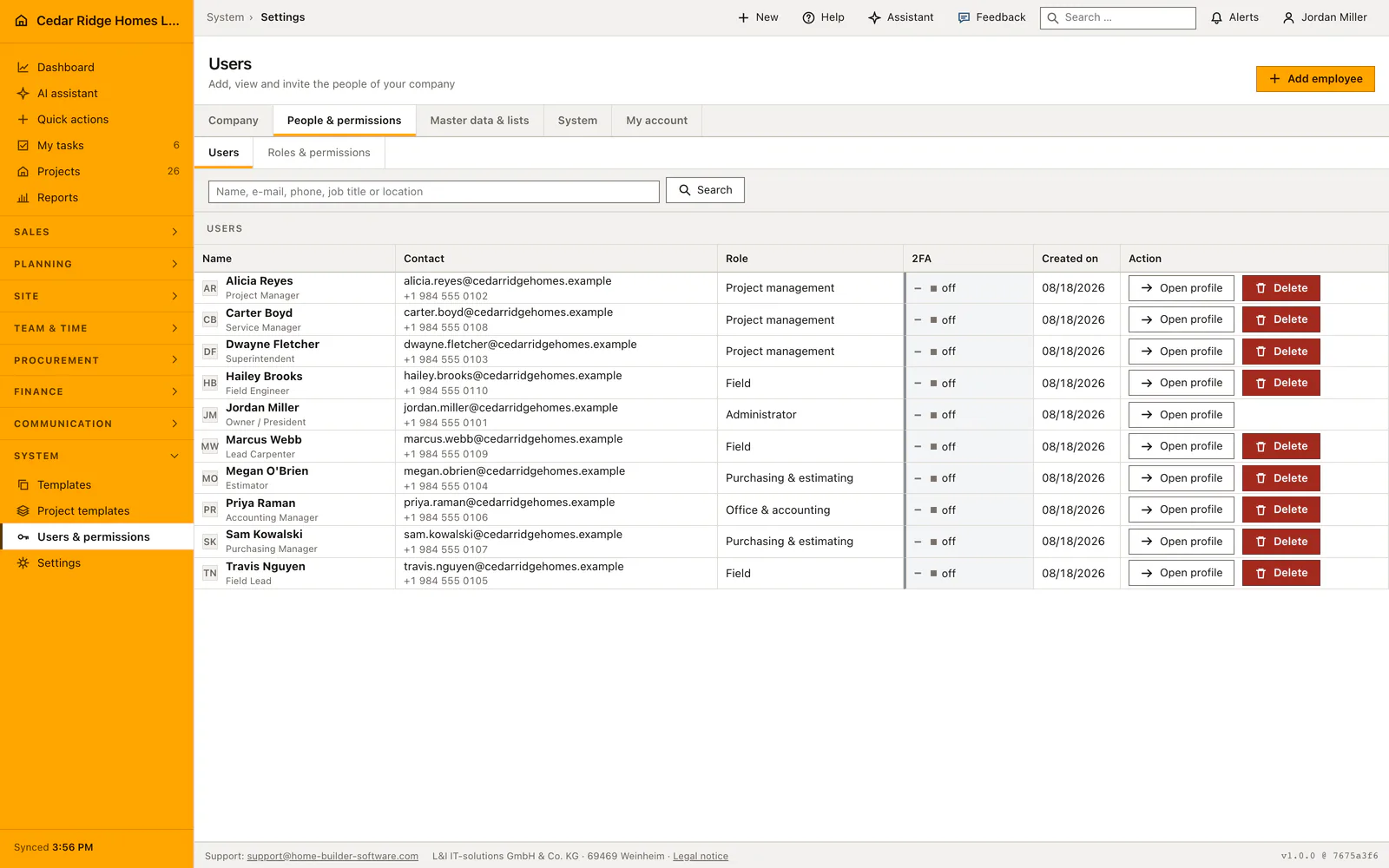
System roles as starting values and what they already open
The first time the tab is opened, Home Builder Software writes the shipped roles for that company: Administrator, Bauleitung, Büro und Rechnungswesen, Einkauf und Vergabe, Lohnbuchhaltung and Baustelle, each with its own color. They exist so that nobody has to design an access model before inviting the second colleague. Bauleitung can manage projects and buy; the office role writes invoices; Einkauf und Vergabe awards and orders and reads the finance figures, outgoing invoices included, without being able to write one; payroll approves hours; the site role captures on the building site.
System roles can be renamed, recoloured and re-cut, but they cannot be deleted, and the administrator role keeps the full permission list no matter which boxes an edit form submits. That is deliberate: a company that empties its own administrator role would lock itself out of the settings area with no way back in. Every card shows the role name, its technical key and how many permissions it currently carries.
Building a company role from name, color and permission keys
Create role wants three things: a role name no longer than 120 characters, a color written as a six-digit hex value, and the ticked permission boxes. The technical key is derived from the name and made unique automatically, so two roles called Polier do not collide. Only the 17 known keys are accepted; anything else is rejected by validation rather than stored.
The pairs are worth knowing while ticking. A management right always implies its viewing right, so records.write covers records.view, finance.manage covers finance.view, workforce.manage covers workforce.view, and both projects.manage and site.write cover projects.view. Ticking only the write half is therefore enough and keeps the cards readable. Purchasing and payroll are separate keys precisely because ordering material is not the same job as writing an outgoing invoice, and settling wages is not the same job as deciding who works where.
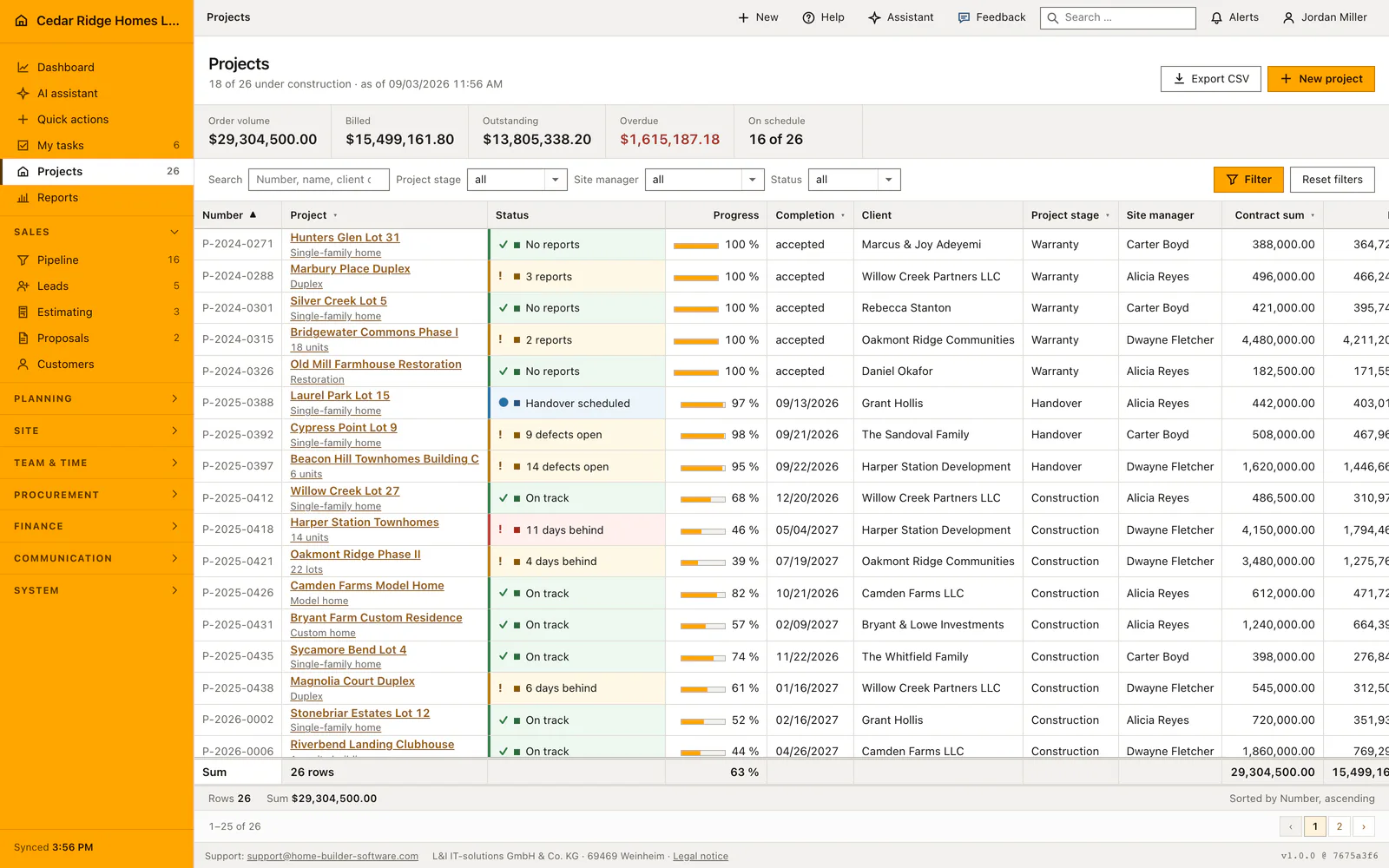
Assigning a role and limiting a person to certain projects
Assignment is a dialog per person, reachable from the role assignment grid on this tab or from Change role in the user list. That is the whole daily operation: one colleague, one role, one save. Nobody changes their own role, and only an administrator may grant or withdraw the administrator role, so the settings permission cannot quietly turn into ownership of the company. Moving the only remaining administrator to another role is refused while no second administrator is active.
On top of the role sits the project restriction, edited from the contact card of a person under Edit project access. Switching it on and picking jobs limits that account to exactly those; switching it on and picking nothing leaves the person without a single project-bound record, which is a useful state for an external bookkeeper and a surprising one for a foreman. Company-wide records that carry no project stay visible wherever the role allows them.
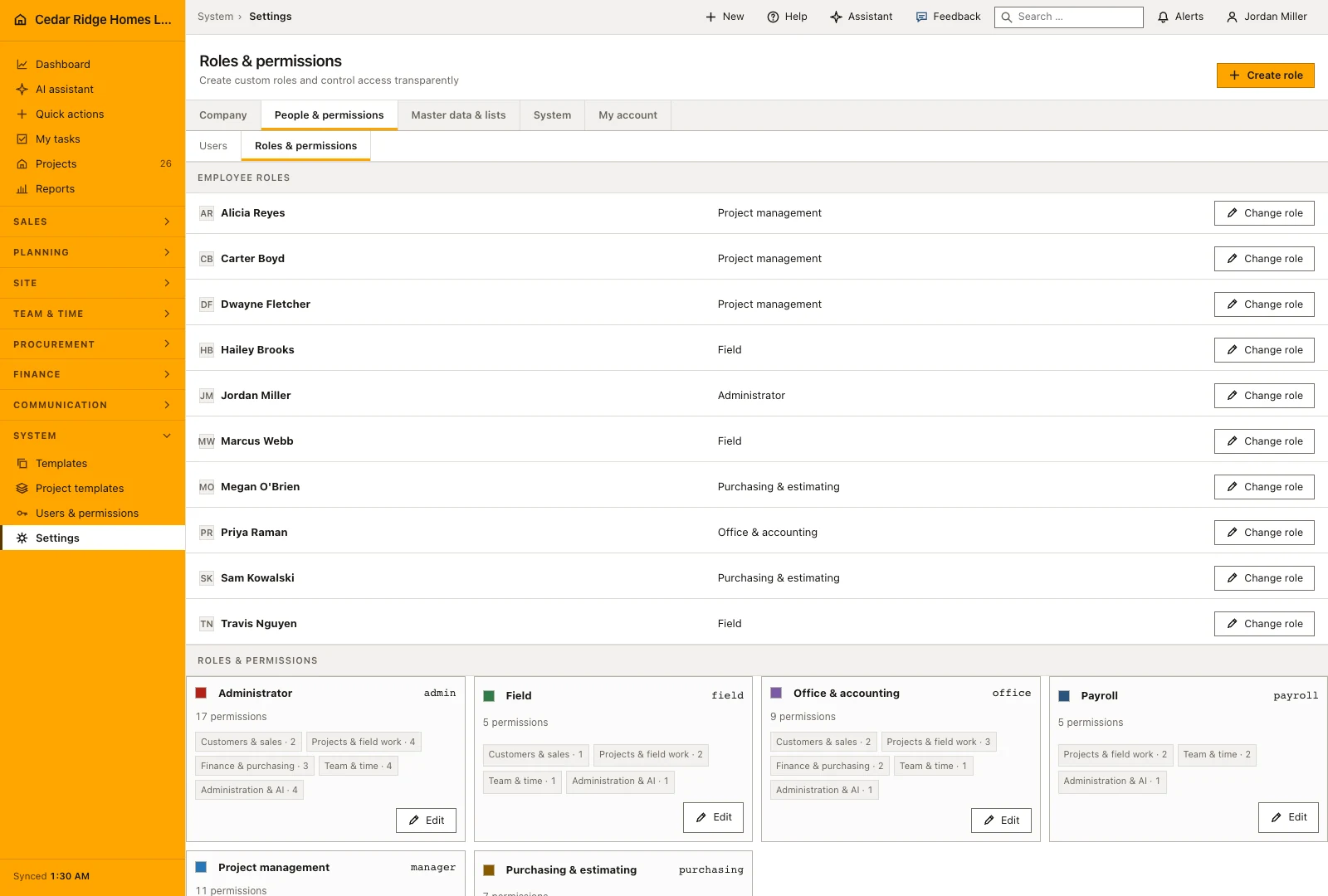
Server-side enforcement behind the hidden buttons
Three layers do the work. Module routes and the JSON API are guarded by a permission requirement per route; a central gate then maps every named write route of the authenticated application to the key it needs; and controllers still test ownership, company, status transitions and, where the case demands it, a stricter right. Above all three, the screen only offers what the role allows, which is convenience rather than the security boundary.
Project access is enforced by a global query scope on projects and everything hanging off them, so a job that was not released answers as not found in lists, detail addresses, search, relations and the API alike. That is chosen on purpose over an explicit refusal, because a refusal would confirm that the project exists and reveal its number. Role changes are recorded as role.created, role.updated, role.deleted and user.role.updated with the acting person.
Which permission opens which module in site, purchasing, finance and payroll
Site capture runs on site.write: daily reports, defects, RFIs, document uploads and inspection findings. Sales and master data run on records.write: leads, customers, estimates, proposals, selections, service requests, equipment, templates, protocols, the mail send and assign actions and the contact import. Project work runs on projects.manage: projects, project templates, the schedule, the working calendar, subcontractors and change orders. A foreman therefore gets site.write without any access to the sales file.
Money is split in two directions. Invoices, dunning, incoming payments, bonds, finance entries and the number ranges need finance.manage; awarding, ordering, goods receipt and supplier invoices need purchasing.manage. Workforce viewing already allows booking, correcting and deleting your own time and reporting your own sick leave, while approving and exporting everyone else s hours needs workforce.payroll. Assistant use needs ai.use, the AI tab needs ai.manage, and the settings area itself needs settings.manage.
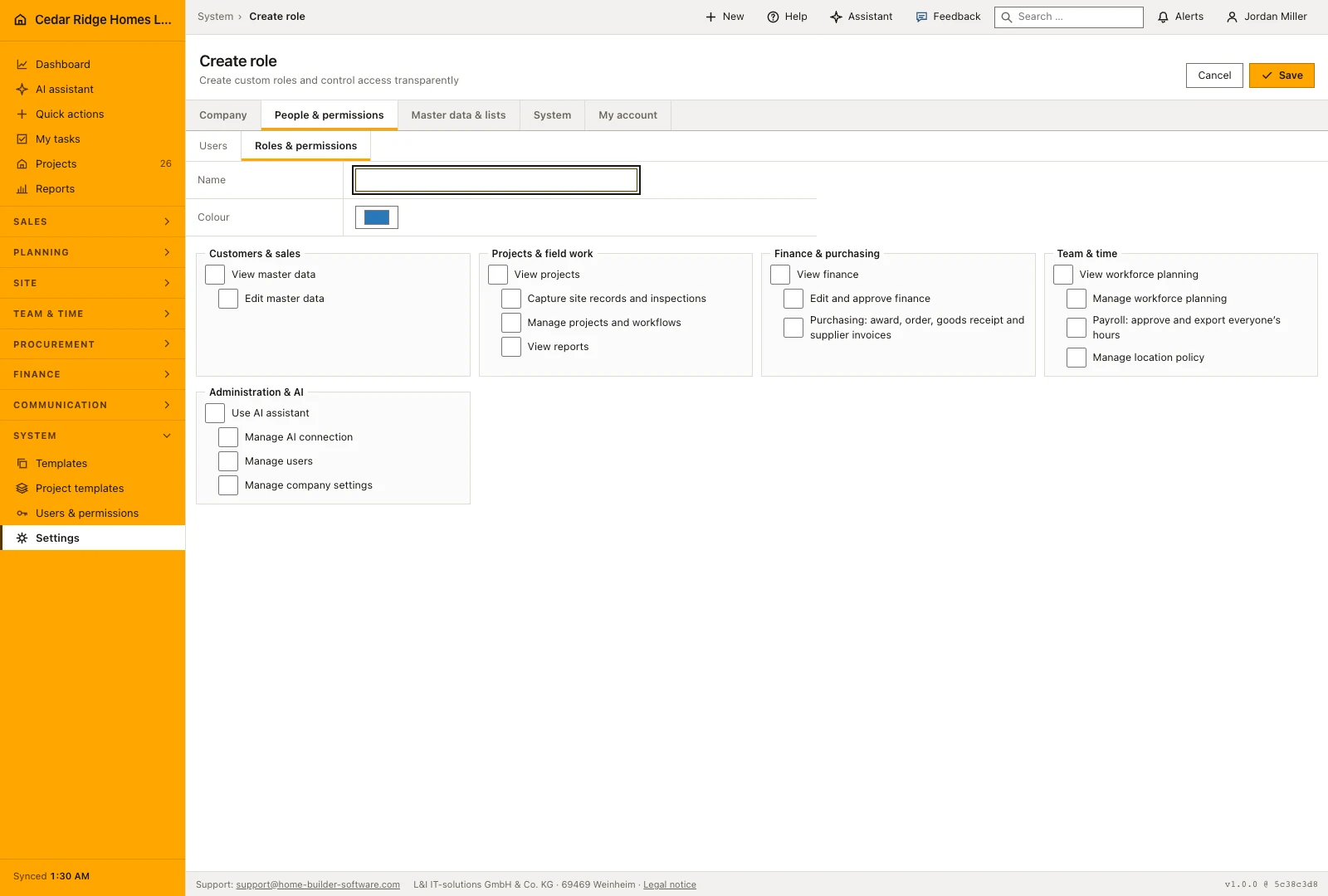
Example: a field lead role with site permissions and narrowed project access
Cedar Ridge Homes wants Travis Nguyen to run his crews without wandering through the sales file. An administrator creates the role Field lead with the color #B45309 and ticks exactly site.write and workforce.view; the technical key field-lead is derived on its own, and because site.write already covers projects.view, no further viewing box is needed. The assignment dialog moves Travis onto the new role with a single save. Handing him the administrator role instead would have been refused to anybody but an administrator, and Travis could never make that change on his own account, however the buttons look on his screen.
Under Edit project access the office releases Willow Creek Lot 27 and Harper Station Townhomes for him. Signed in the next morning, Travis sees a project list of two rows whose contract sums add up to $4,636,500.00, while the company-wide list keeps carrying twenty-six jobs and $29,304,500.00; a search for Oakmont Ridge Phase II returns nothing at all instead of admitting the job exists. He writes daily reports and defects on his pair of sites and books his own hours, but approving the crew’s hours stays closed because that step would need workforce.payroll. The audit log records role.created and user.role.updated along the way.
Construction roles and permissions: checks before saving
A management permission implies its viewing permission, so ticking records.write, finance.manage, projects.manage or workforce.manage alone is already enough.
A company role can only be deleted once no user holds it any more, and system roles cannot be deleted at all.
The administrator role keeps all 17 permissions regardless of which boxes its edit form submits.
A person restricted by project access with an empty project list sees no project-bound record anywhere, including in the JSON API.
Nobody changes their own role, and granting or withdrawing the administrator role stays with administrators.
Construction roles and permissions: common mistakes
Giving a foreman records.write so that he can file a daily report: site capture sits on site.write, while records.write opens the sales file instead. Grant site.write and leave the master data closed.
Withdrawing a permission and expecting the person to notice immediately: the change applies from their next request, not in the page they already have open. Ask them to reload before judging it.
Deleting a role that people still hold is refused. Move every holder to another role from the user list first, then remove the role that is now empty.
The product page describes the same module from the business side, with the decisions it supports and the modules it connects to.
See the product pageFrequently asked questions
Is hiding a button the only permission control?
No. Home Builder Software also checks page access and every write request on the server.
Can a custom role be deleted while assigned?
No. It must first be removed from all users.
Configuring this part for your own company?
Describe the sequence you follow today and the result you need at the end of it. We can walk through the settings that produce it.