
Construction quantity measurements: setup and daily use
Measurements live inside one project. Open the project file, choose the Measurements register in the register bar, and the page at /projects/{id}/measurements lists every line already recorded. Reading needs projects.view, recording needs projects.manage. Each line carries a DIN 276 cost group, an item name, a quantity, a unit, an optional unit price and note, a date, and the account that entered it.
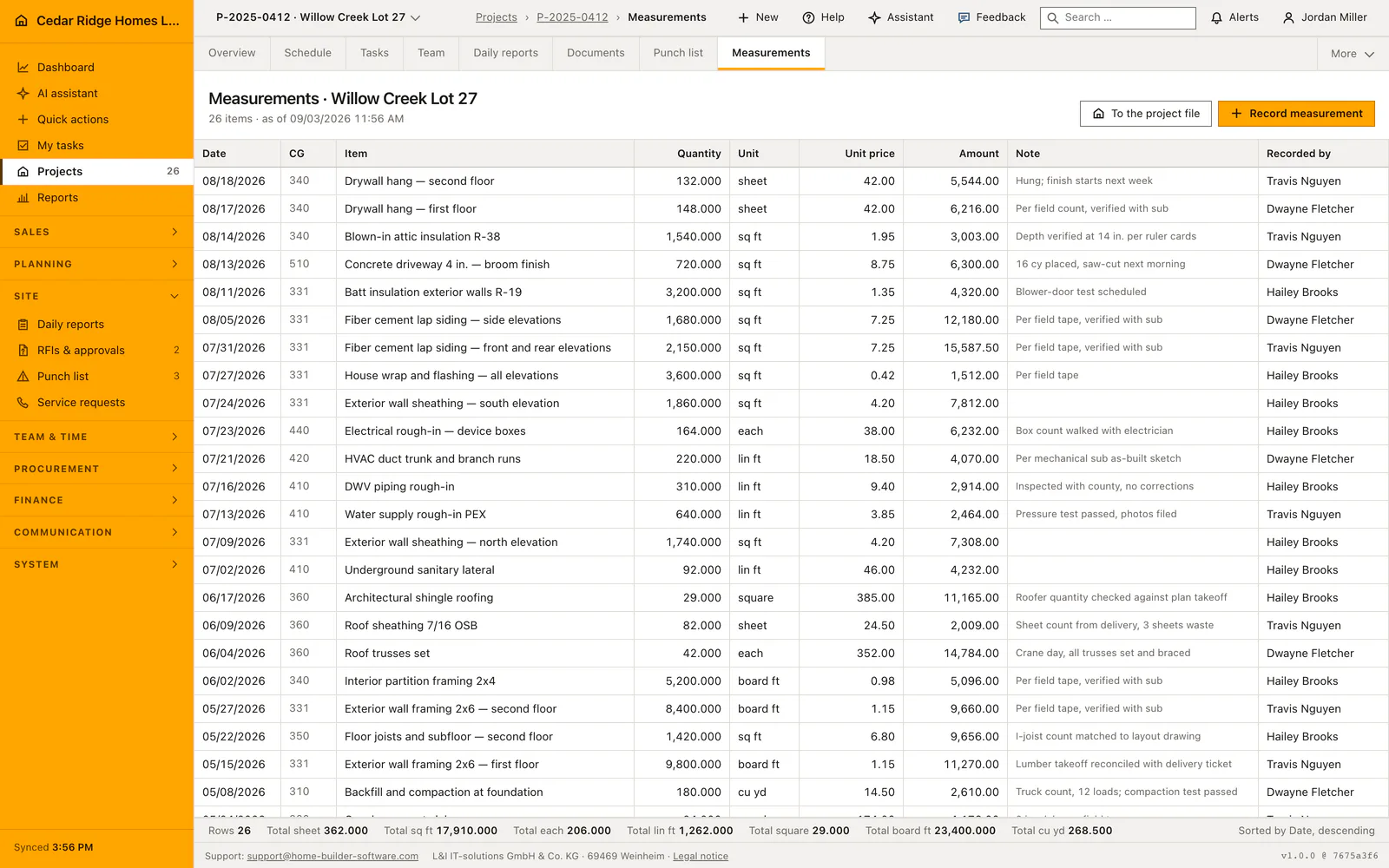
Opening the measurement register from the project file
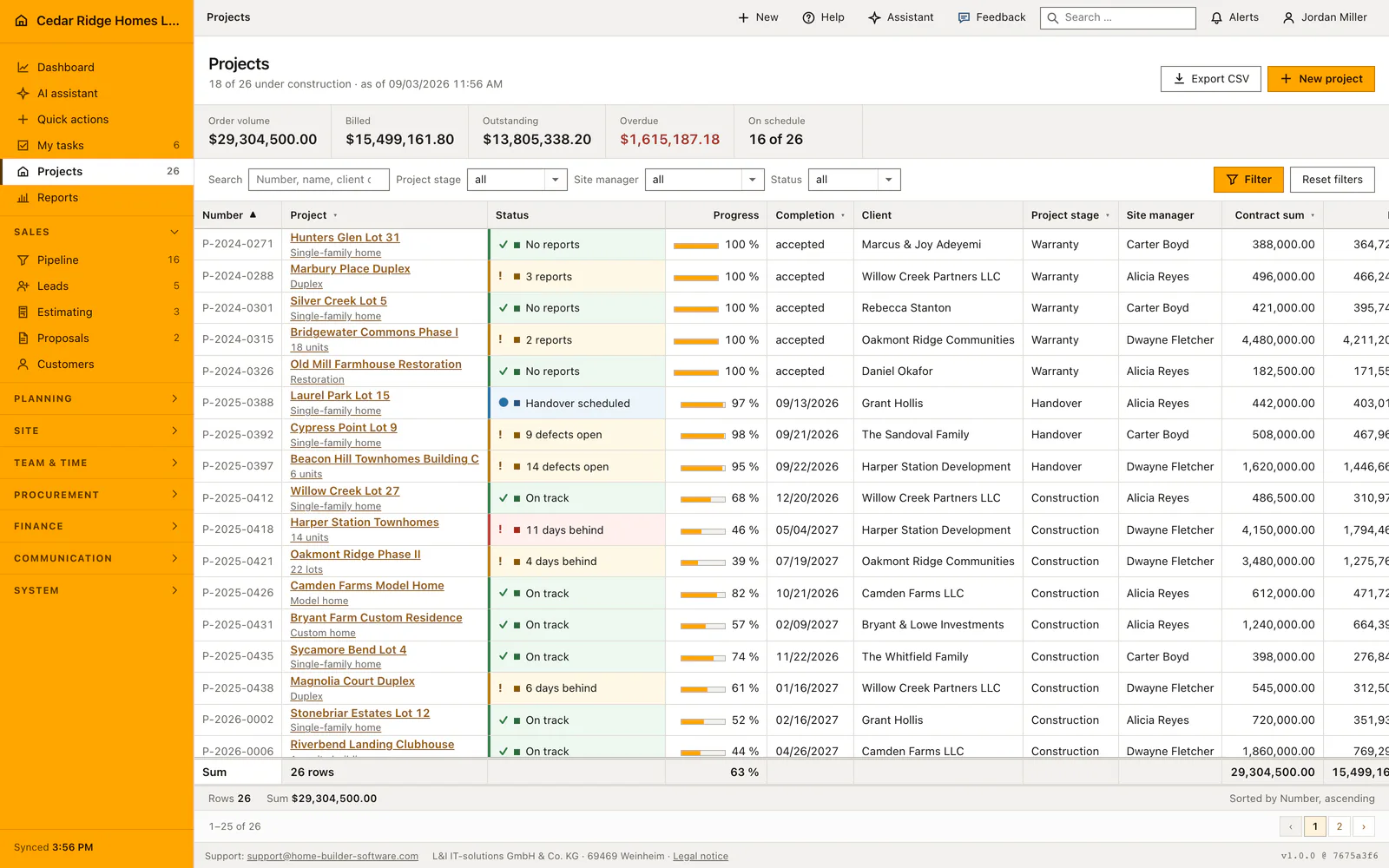
The register belongs to the job rather than to a company-wide list, so it is reached through the project. Open Projects, pick the site, then take the Measurements entry from the register bar, where it sits behind the menu holding the secondary registers. The address lives in the routes file of the projects module, and that module gate asks for projects.view before the controller is ever reached.
Two things have to be in place first. The project has to belong to the signed-in company, otherwise the page answers 404 instead of showing another builder's quantities. And the DIN 276 cost group list has to be the one your firm works with, because the capture form offers exactly those keys and refuses anything else. It is the same list the budget rows and the invoice line items use, which is what lets a measured quantity meet its budget later.
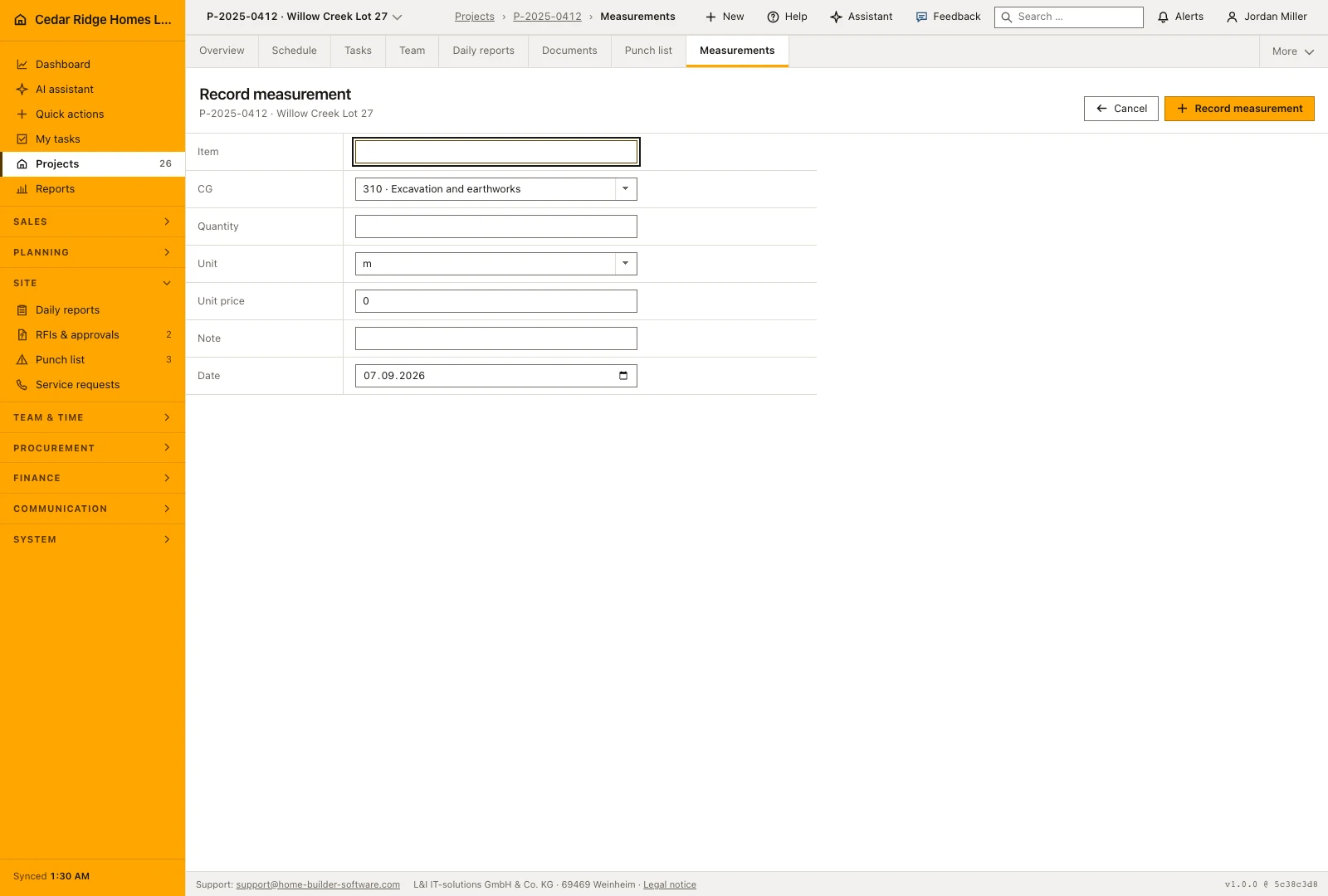
Recording a measurement line with cost group, quantity and unit
Record measurement opens the capture form as a dialog over the register. Item takes up to 200 characters and is the text that later appears on the invoice line. Cost group is a select of the DIN 276 keys. Quantity accepts up to three decimals, has to be greater than zero, and the field steps in thousandths. Unit comes from a closed list: meters, square meters, cubic meters, pieces, kilograms and lump sum, stored as m, m2, m3, Stk, kg and psch.
Unit price is optional and starts at zero. Leave it there for a pure quantity take-off; fill it when the line should carry its own price into an interim invoice, because the register multiplies quantity by unit price into an amount column. Note holds 200 characters as well, enough for something like a joint measurement with the plasterer. The date field opens on today and can be moved back to the day the tape was actually held.
The person entering the line is written by the server from the signed-in account and never from the form, so a hand-edited hidden field cannot credit the work to somebody else. This register has no edit and no delete action: only the list, the form and the save exist. A line that turns out wrong stays visible and is corrected by a second line whose note names what it puts right.
Reading the register and the totals per unit
The table shows date, cost group, item, quantity, unit, unit price, amount, note and who recorded it. Sorting is fixed to date descending and then id descending, so the newest line always occupies the first row, and the status bar repeats that the register is sorted by date, descending. There is neither a filter nor pagination here; a project's measurements are loaded in full, which is what keeps the figures under the table trustworthy.
The status bar counts the rows first and then gives one total per unit, each to three decimals. Square meters and running meters never end up inside the same number: for one site they are two answers, not one. When the interim invoice falls due, those totals are the basis the office bills against, and every line behind them still names a date and a person.
Who may record a measurement and who only reads it
Reading needs projects.view, which the site, office, buying and payroll roles all carry. Writing is narrower: the save route sits in the namespace of the projects module, and the central write gate maps every projects.* mutation to projects.manage. Of the delivered roles only the administrator and the Bauleitung role hold it, so a site account can open the register and read the totals while the save answers 403.
That gate is middleware in front of the controller, so a hidden button is not the only defense. The controller then checks the project's company again and answers 404 on any mismatch. Traceability comes from the row itself rather than from a separate log: the measurement date, the recorder and the note stay attached to the item for as long as the project exists.
From a measured quantity to an interim invoice line
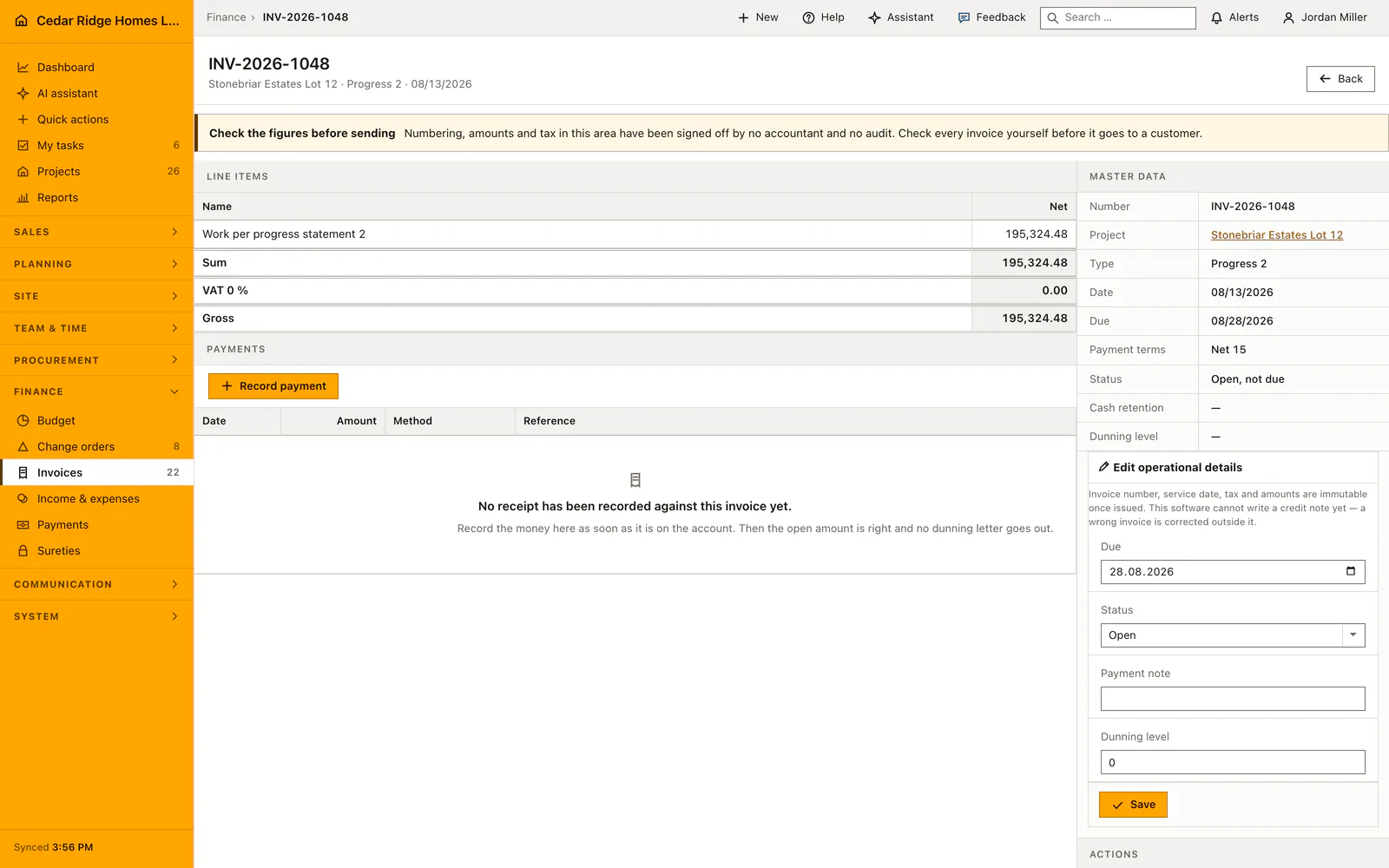
An outgoing invoice can carry up to 100 line items, and each of them may point at a measurement of the same project. Picking a measurement in the invoice form fills the description, the cost group, the quantity, the unit and the unit price from that line. A measurement belonging to a different project is refused on the server with a message that says exactly that.
The invoice then computes each net position on the server as quantity times unit price times the progress percentage divided by 100, and the header follows from the sum of the rounded positions. The cost group on the line is the same DIN 276 key the budget carries, so a billed quantity lands in the right budget row. The XRechnung export writes one UBL invoice line per position.
A worked measurement example on Willow Creek Lot 27
On Willow Creek Lot 27, project P-2025-0412 of Cedar Ridge Homes LLC, Alicia Reyes counts window units together with the framing crew and opens the register through the project file. Her first line carries cost group 334, the item Window units set on ground and upper floor, a quantity of 18, the unit pcs and a unit price of 410.00 dollars; the note names the joint count, and the date stays on August 14. A second line records 6 exterior doors hung at 520.00 dollars each. The register multiplies every line into its amount column, 7,380.00 and 3,120.00 dollars, and the status bar totals 24.000 pcs.
Two weeks later the office turns those lines into a progress invoice for the same project. Picking the window line in the invoice form fills description, cost group, quantity, unit and price; because only half of the units have passed their final check, the position is billed at a progress of 50 percent, and the server computes 18 times 410.00 times 50 divided by 100, which is 3,690.00 dollars. The door line goes in at 100 percent and contributes 3,120.00 dollars. The header adds the rounded positions to 6,810.00 dollars net, and with a tax rate of 0 percent that is also the gross amount due in 14 days.
Construction quantity measurements: checks before saving
Quantity has to be a number greater than zero with at most three decimals; a zero or negative measurement is refused before anything is stored.
Only the units m, m2, m3, Stk, kg and psch pass validation, and the cost group has to come from the configured DIN 276 list.
The recorder is taken from the signed-in account on the server, so a hand-edited form cannot credit the line to anybody else.
Saving a measurement requires projects.manage; the register itself opens with projects.view, and a project of another company answers 404.
An invoice line may reference a measurement of the invoice's own project only; any other selection fails the server check.
Construction quantity measurements: common mistakes
Recording plaster in square meters one week and in running meters the next splits the same work across two totals that are never added together. Agree the unit per item before the first line is entered.
The register knows neither editing nor deleting. A wrong quantity stays in place, so correct it with a second line carrying the difference and a note that names the line it puts right.
A unit price of zero is right for a pure take-off, but the invoice form then adopts that zero, and somebody has to type the price again on every invoice.
The product page describes the same module from the business side, with the decisions it supports and the modules it connects to.
See the product pageFrequently asked questions
Which units can be recorded?
Available units include length, area, volume, pieces, kilograms and lump sums.
Are different units added together?
No. The status summary keeps totals separate by unit.
Configuring this part for your own company?
Describe the sequence you follow today and the result you need at the end of it. We can walk through the settings that produce it.