
Construction daily reports: setup and daily use
Open Daily reports, press New report, and Home Builder Software stores one dated entry per project and day: weather, crew, hours, a written summary, photos and links to the work the day touched. The register opens on Still open, the view that names running sites nobody has written for yet. What follows covers the capture form, the list views, the permissions behind every save and where these figures travel afterwards.
Sites, working calendar and time entries behind the daily report
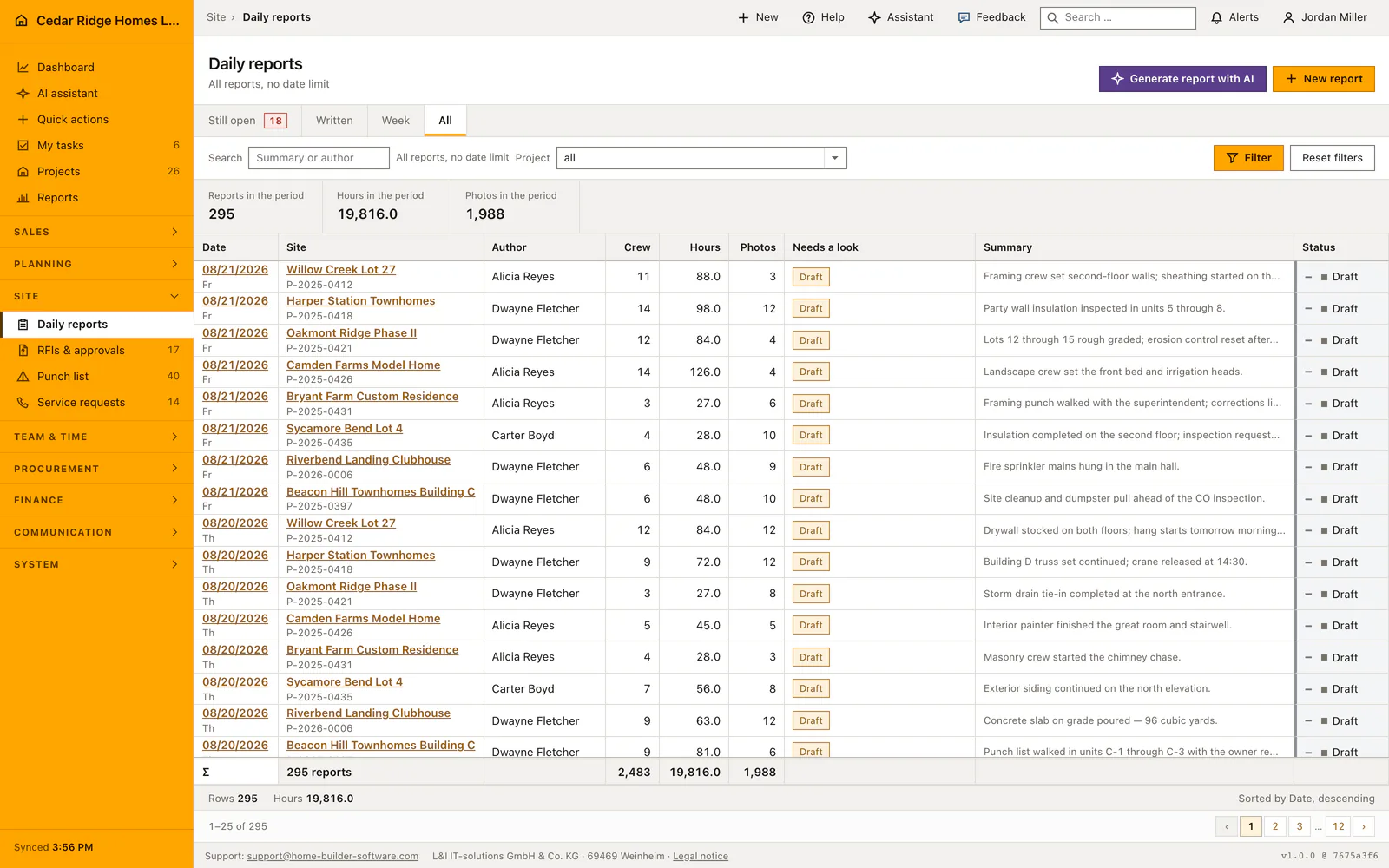
A daily report needs a project, and the Still open view needs more: it lists sites in the construction phase that are not yet accepted and whose start and end dates cover the day being checked. A job in warranty, or one starting in October, owes nothing today. The default working calendar decides which days count, so a Sunday or a company holiday produces a written sentence instead of red rows.
Hours and crew size are proposed from the time entries clocked on that project and that day, so the time module has to be in use for the block to fill itself. Weather is fetched from the site coordinates, and only after an administrator has enabled the service in the company privacy settings. Without coordinates or without that switch the field stays empty and says why. Photos land in the private company storage.
Writing a report: date, schedule item and linked records
The capture form opens on the site shown in the top bar, or on the one named in the address, and only then falls back to the first running site that still owes the day. The date starts on today. While the project select is still open, the form asks whether that day is written and offers the existing report instead of a second one. Weather, crew count, hours and the summary are the fields that save.
Below them the form offers the schedule activity the day belongs to, grouped into the ones running on that date and the rest, plus checkbox groups for the service requests, work tasks and defects of the same project. Up to twenty photos in jpg, jpeg, png or webp, each at most 15 MB, can be attached. Correcting a report uses the same form, and new pictures are added to the ones already on it.
The evening round: Still open, the day picker and the summary search
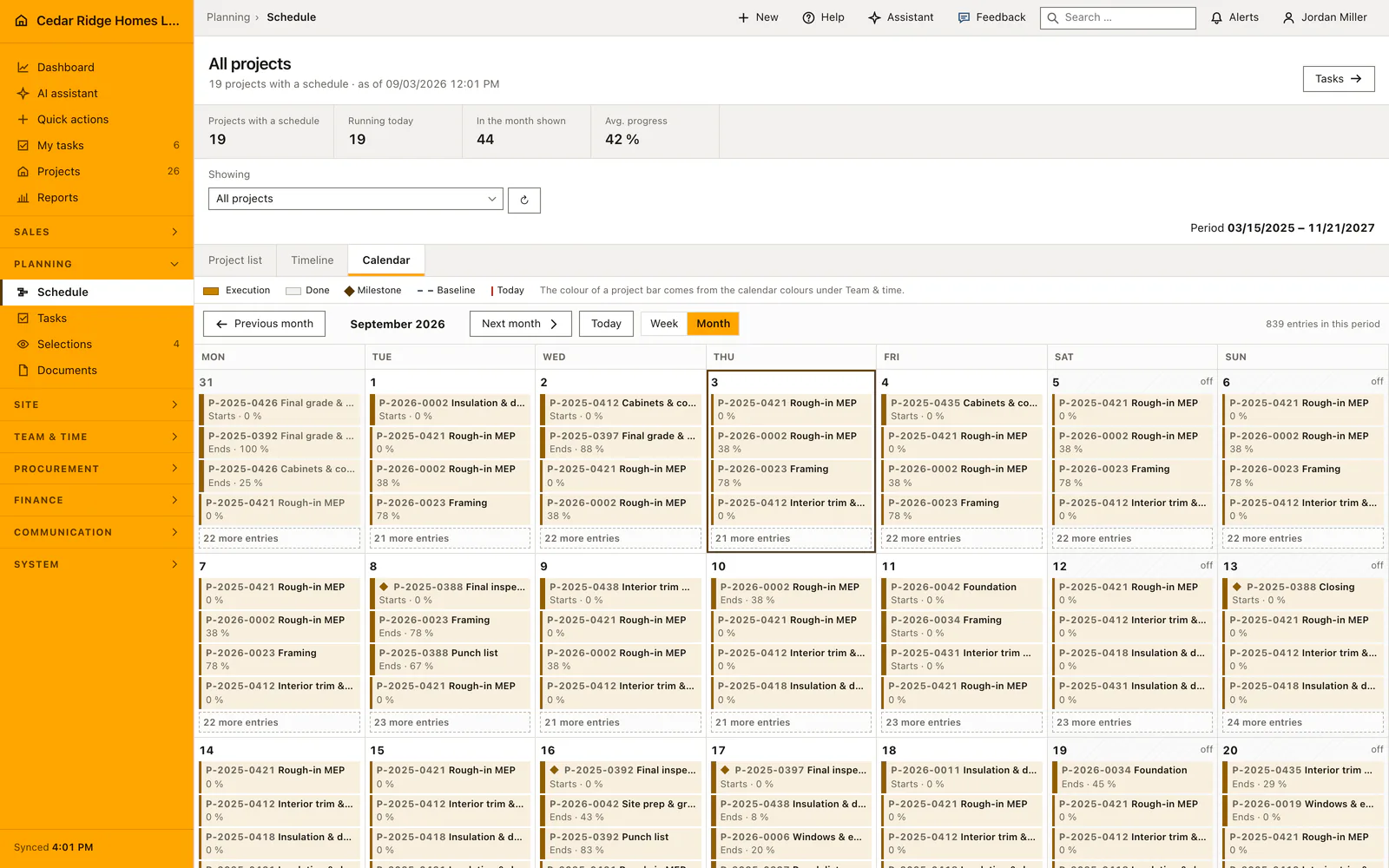
Still open is the view the register opens on outside a project, because a report nobody wrote cannot appear in a list of reports that exist. It names each site, its site manager, the date of its last report and how long ago that was, with a link straight into the form. Written, Week and All switch the same page to the reports that do exist, inside the day or week the picker shows.
The figures above the table count sites without a report, then reports, hours and photos in the period on screen. The search box matches the summary text and the author name, deliberately not the missing sites, and it searches only the selected period. Each row can carry short written marks: draft, no text, no hours, the number of defects linked to it, and AI-assisted where the summary began as a generated draft.
Author, site.write and the provenance stored with every figure
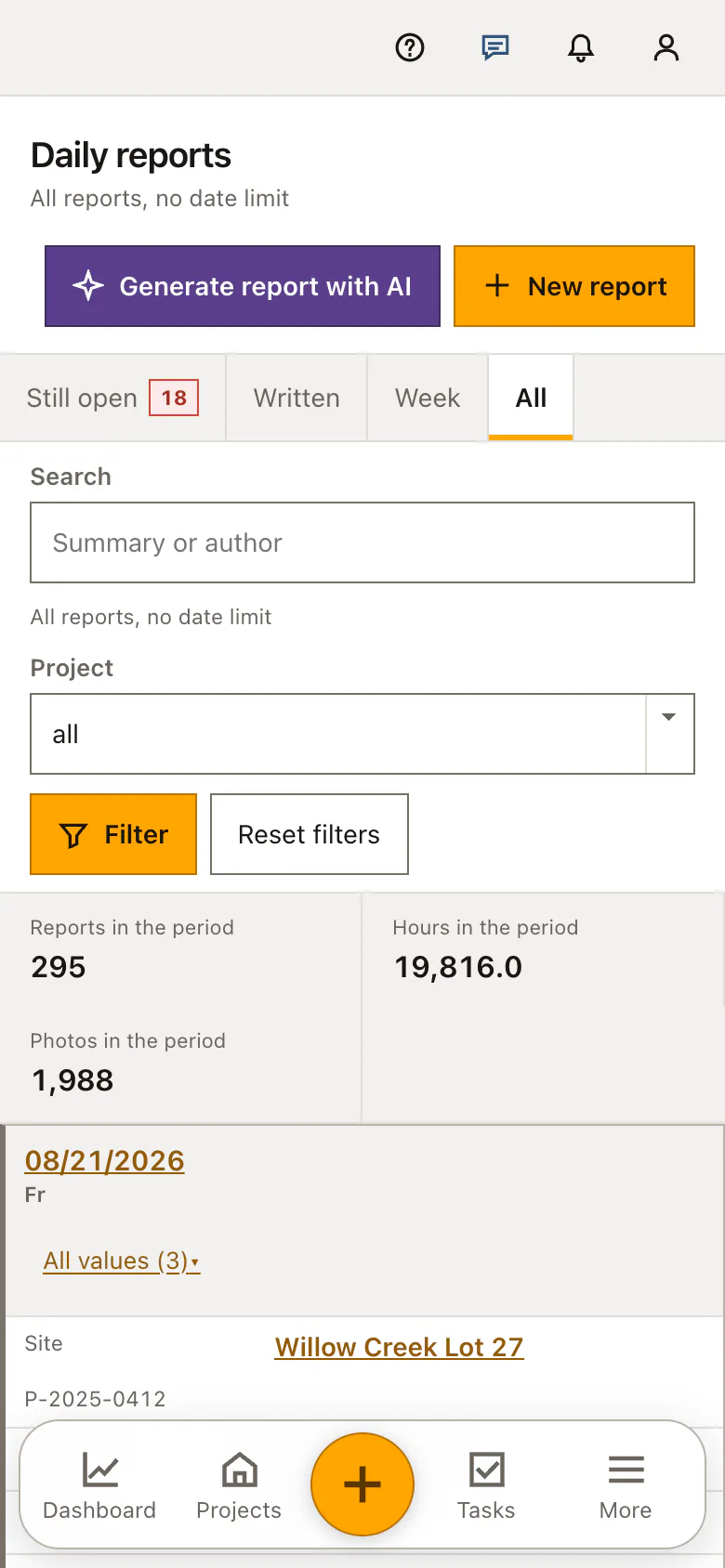
Reading the register needs projects.view. Every save, correction and photo upload under /daily-reports needs site.write, asked for by middleware on the route itself rather than by hiding a button. The author is taken from the signed-in account and can never be sent by the form. A report of another company answers 404, and an account restricted to a project list reaches only the reports of those jobs.
When the block fills itself in, the report keeps a record of that: which fields were typed over by hand, how many time entries the proposed hours came from, how many people were clocked in, and whether the weather host answered. The crew is stored as named user accounts, so five names stay checkable where a bare figure would not. Pictures are streamed through a permission-checked route, never from a public storage address.
Where the daily report reaches the schedule, the punch list and the bank
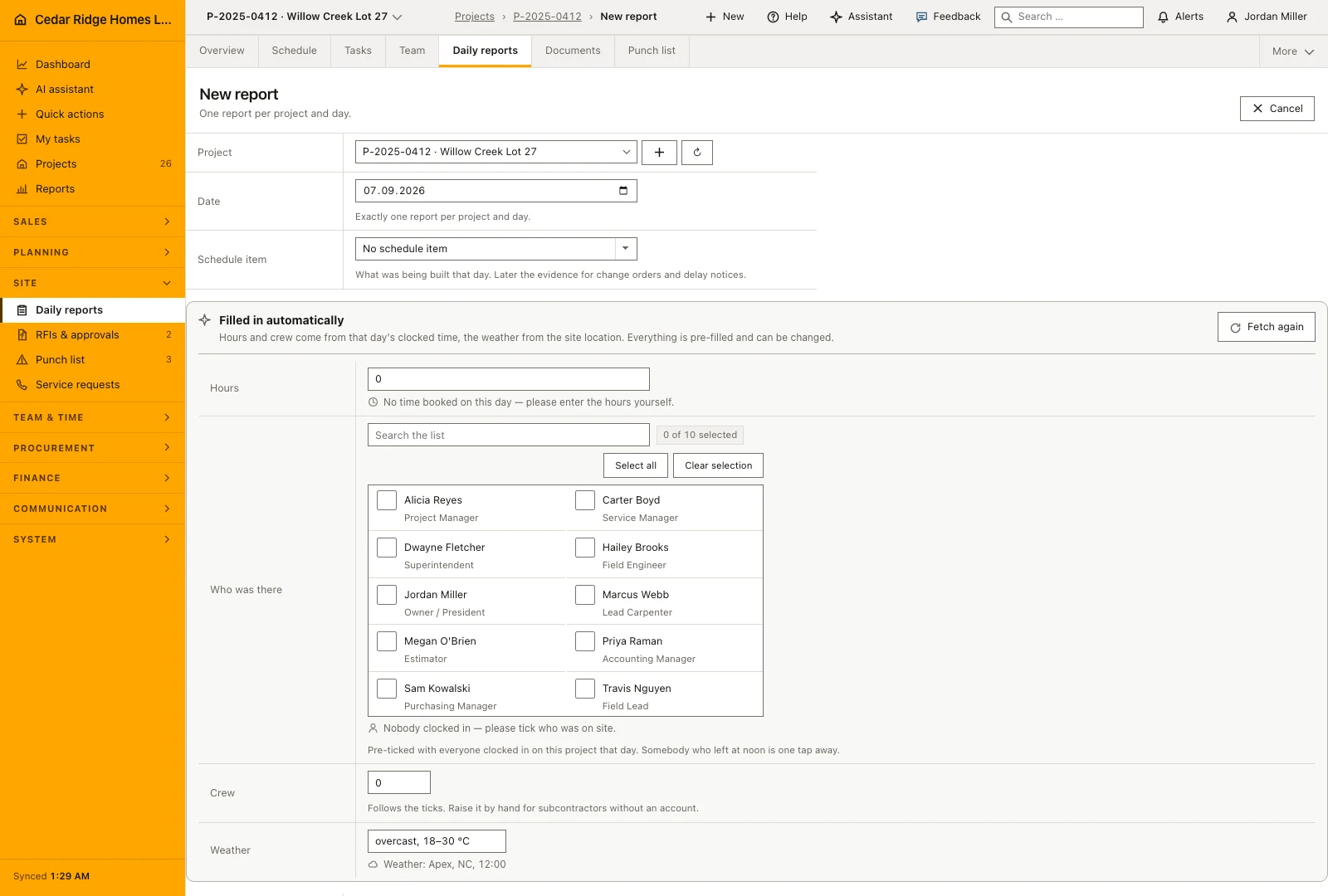
A report hung on a schedule activity says what was being built that day, which is exactly what a change order or a delay notice needs months later. The linked defects, work tasks and service requests have to belong to the same project. The number of linked defects also shows as a red mark on the row, because those are the entries where somebody still has to act.
Inside a project the register appears as the Daily reports tab and opens on that job's own reports rather than on the company-wide evening question. The count of reports and photos feeds the documentation section of the site progress report, the sheet a construction lender reads before the next installment. The AI draft summarizes reports, activities, tasks, service requests and defects of one project over at most 31 days, and you save it yourself.
One evening in practice: a daily report for Willow Creek Lot 27
On Wednesday, 08/19/2026, the register lists Willow Creek Lot 27 among 18 sites without a report, so site manager Alicia Reyes follows its Write it now link. The form proposes 42.5 hours out of the five time entries clocked on the lot that day, five workers at 8.5 hours each, and fetches 88 degrees Fahrenheit and dry from the site coordinates. Because one carpenter left two hours early, she types 40.5 over the proposal, and Home Builder Software records both the hand correction and the five entries behind the original figure.
She hangs the day on the Rough-in MEP activity, ticks the two Willow Creek defects PL-1020 and PL-1021, writes four sentences of summary and attaches six photos of the second-floor bathroom walls. After the save, Still open falls from 18 sites to 17, the new row carries a red mark for its two linked defects, and the six pictures raise the documentation count the construction lender later reads. A second report for this lot and this day cannot exist; whoever tries lands in the one Reyes wrote.
Construction daily reports: checks before saving
A unique index on project and date allows one report per site and day; a second attempt opens the existing report and carries what you typed into it.
Ticked service requests, work tasks and defects must belong to the selected project, otherwise the save returns a field error instead of discarding the evening.
The chosen schedule activity is verified against the report's own project, and every named crew member against the company, before the record is written.
Photo uploads accept at most twenty files in jpg, jpeg, png or webp, each up to 15 MB, and a failed save removes the files it had already stored.
Nothing can be missing on a day still ahead or on a day the default calendar counts as free, and the page names which of the two cases applies.
Construction daily reports: common mistakes
Changing the project select after ticking work items makes every tick foreign to the new site. The save answers with an error on the link fields, so choose the site first and tick afterwards.
An empty Still open list on a Saturday is not a discipline problem. Reports are expected only on working days of the default calendar, and only from sites that are actually under construction.
Correcting a report and moving its date onto a day that is already written creates no second entry. Home Builder Software opens the report that already covers that day, and the correction belongs there.
The product page describes the same module from the business side, with the decisions it supports and the modules it connects to.
See the product pageFrequently asked questions
Can two reports be saved for the same project and day?
No. Home Builder Software rejects the duplicate and asks for another project or date.
What does a daily report capture?
It records the project, date, author, weather, crew size, hours, work summary, photos and status.
Configuring this part for your own company?
Describe the sequence you follow today and the result you need at the end of it. We can walk through the settings that produce it.